AI TOOL PROFILE
ClickLearn | Digital Adoption & User Training

- HR and Recruiting
- Learning Management System
- Mid-market companies
- Enterprise companies
- Training managers
- CIOs and CTOs
- ERP/CRM specialists
Pricing
Pricing is tailored based on the application. Subscription licenses are available for Microsoft 365, Dynamics 365, Salesforce, and others, while perpetual licenses are available for IFS and SAP.
At a glance
- Best for
- Mid-market companies, Enterprise companies, Training managers, CIOs and CTOs, ERP/CRM specialists
- Key use cases
- ERP and CRM Implementation, Automated Process Documentation, Software Change Management, Global Team Onboarding
- Integrations
- Microsoft Dynamics 365, Microsoft 365, Microsoft Power Platform, Salesforce, SAP
- Official website
- Visit click learn official website
How AI is used
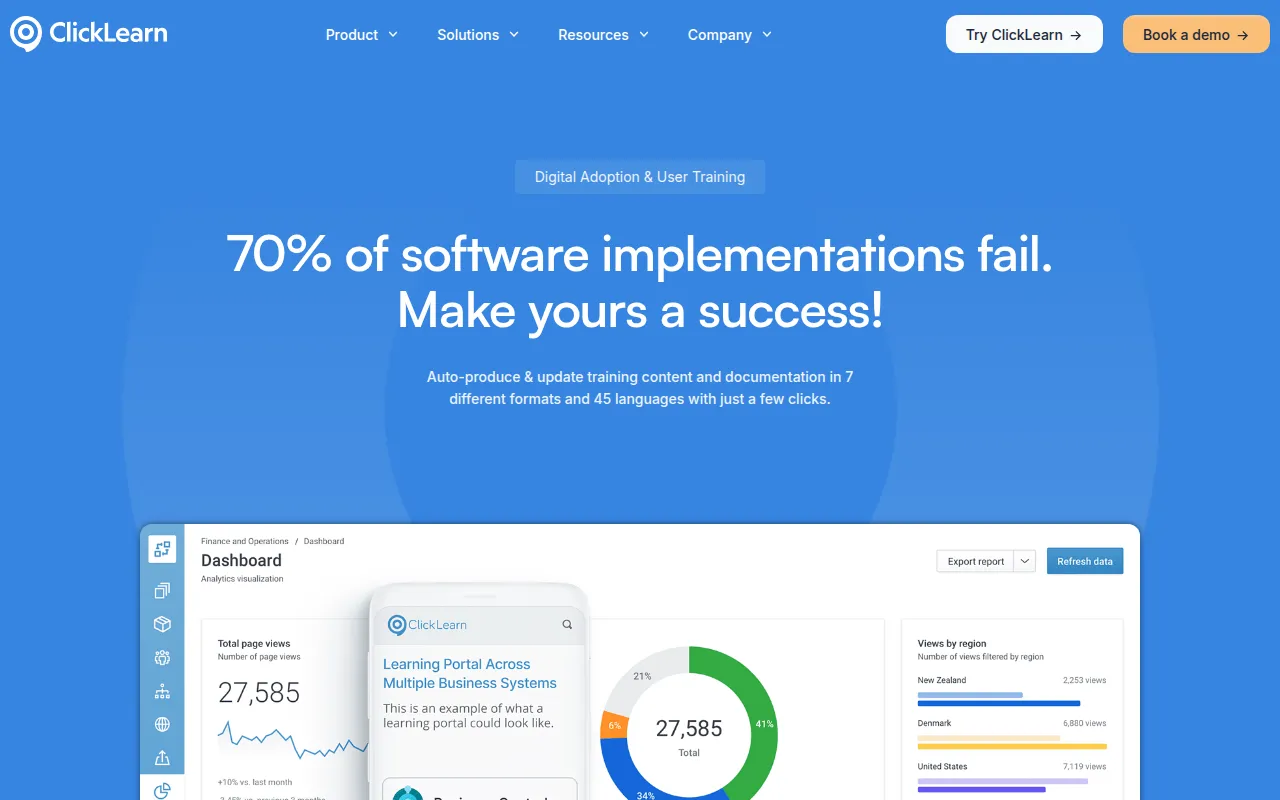
ClickLearn is a digital adoption tool designed to help organizations onboard employees and manage software training. Users record their workflows within their business applications, which the software then converts into various instructional formats.
It is aimed at CIOs, product managers, and training specialists who manage enterprise software deployments. The tool generates documentation in several formats and provides an in-app guidance panel to assist users while they work.
Buyers should note that the platform supports various enterprise systems and web-based apps. The pricing model depends on the software being supported, with some options including subscriptions and others perpetual licenses.
Through its "Replay" technology, the software can update screenshots and steps when the underlying business process or software version changes.
Key Features
Process Capture
Records work processes in enterprise software by tracking user actions.
Multi-Format Output
Generates training content in seven formats, including Word, PDF, PowerPoint, and interactive videos.
User eXperience Panel
Provides an in-app guidance panel that offers help to employees directly within their software interface.
Automatic Documentation Updates
Uses Replay technology to update screenshots and written steps when software processes change.
Multilingual Support
Supports the translation of learning materials into more than 45 languages.
eLearning Portal
Includes a customizable portal to house and organize recorded training materials.
Use Cases
ERP and CRM Implementation
Supporting the onboarding of users during a new system rollout to help them adopt the technology.
Automated Process Documentation
Creating step-by-step work instructions by recording live processes.
Software Change Management
Updating training materials following software upgrades or process changes.
Global Team Onboarding
Deploying training materials across different regions using multilingual translation capabilities.
Integrations
- Microsoft Dynamics 365
- Microsoft 365
- Microsoft Power Platform
- Salesforce
- SAP
- Oracle
- IFS
- Acumatica
FAQ
What does ClickLearn do?
- ClickLearn records work processes in business software and automatically turns them into step-by-step instructions in formats like Word, PDF, and video, and provides in-app guidance.
Which software does ClickLearn support?
- It integrates with Microsoft Dynamics, Salesforce, SAP, Oracle, IFS, and Acumatica, and covers approximately 90% of Windows and web-based applications.
How does ClickLearn handle software updates?
- The platform uses Replay technology to automatically update screenshots and written steps when the software or process changes.
Source category: HR & Recruiting
Source subcategory: Learning Management System
More tools in HR & Recruiting
Other published listings in the HR & Recruiting category.


More tools in the Learning Management System software type
Related listings that share the same software type for comparison and shortlisting.


