AI TOOL PROFILE
WhatFontIs: AI Font Identification Tool

- Productivity
- Design and Prototyping
- Design Teams
- Marketing Agencies
- Small Businesses
- Mid-Market Companies
Pricing
A free plan is available with ads and a 5-search daily limit. PRO membership is available for $49.99 per year or $74.90 for three years, offering unlimited searches and an ad-free experience. A free 7-day trial is available.
At a glance
- Best for
- Design Teams, Marketing Agencies, Small Businesses, Mid-Market Companies
- Key use cases
- Brand Asset Identification, Finding Free Alternatives, Competitive Visual Research, Digital Asset Management
- Integrations
- Chrome extension, JSON API
- Official website
- Visit What font is official website
How AI is used
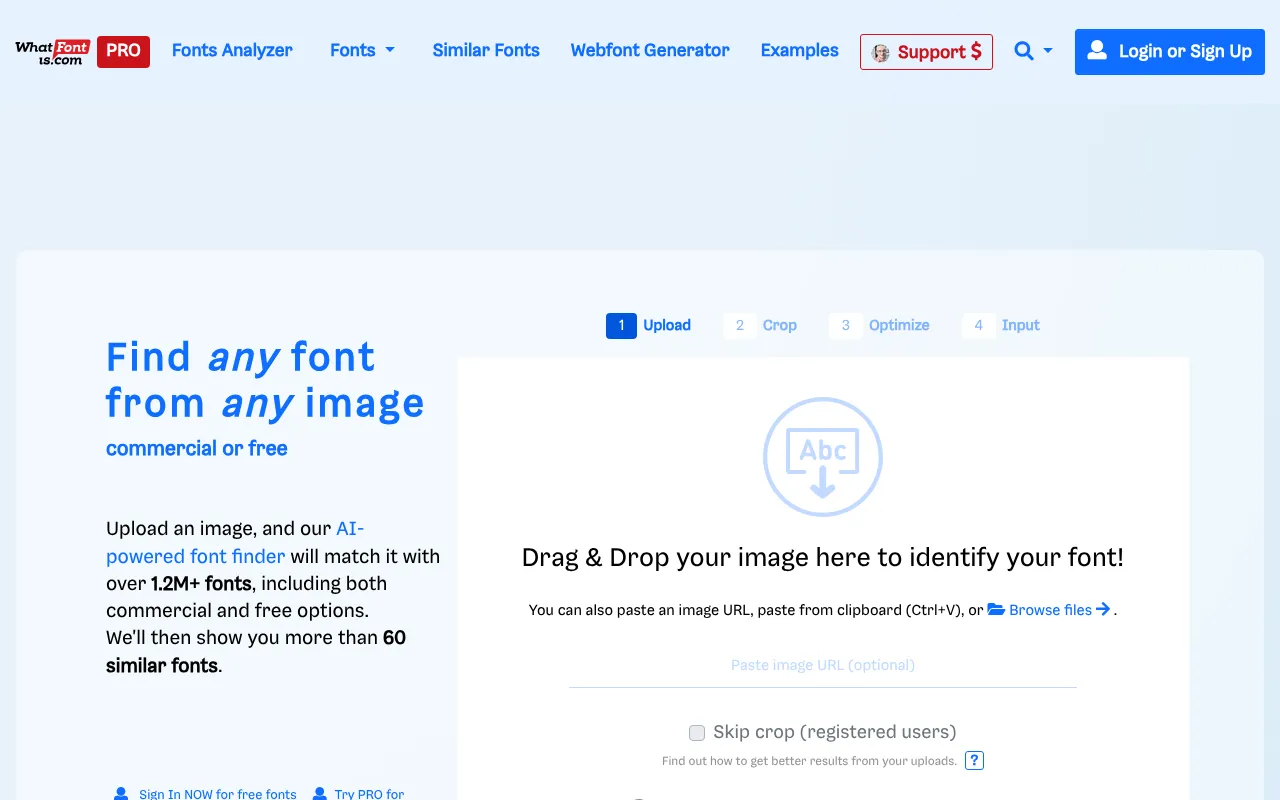
WhatFontIs is a visual font recognition tool that uses AI to match text in images against a database of over 1.2 million free and commercial fonts. Users upload an image, and the system analyzes glyph shapes to suggest likely matches.
It is designed for designers, marketing agencies, and business owners who need to identify a font without knowing its name. The tool supports various upload methods, including drag-and-drop and URLs, and provides a list of similar fonts if an exact match is not found.
Buyers should confirm that identification accuracy depends on image quality. High-contrast, sharp images of single lines of text typically yield the best results, while low-resolution or distorted images may reduce accuracy.
A free version is available for occasional use, while a PRO membership provides higher search volumes and advanced filtering options.
Key Features
AI Font Identification
Analyzes uploaded images to identify fonts from a database of over 1.2 million options.
Similar Font Suggestions
Displays up to 60 similar fonts when an exact match is not identified.
Cursive Image Editor
Includes a tool to help separate overlapping or connected letters in script and handwriting fonts.
Custom Text Previews
Allows PRO users to see their own specific text rendered in the identified fonts.
Chrome Extension
Supports submitting images for identification directly from the web browser.
Developer API
Provides a JSON-based API for integrating font identification into other applications.
Use Cases
Brand Asset Identification
Identifying a font used in a client's existing materials to help maintain visual consistency in new designs.
Finding Free Alternatives
Searching for free fonts that closely resemble commercial typefaces.
Competitive Visual Research
Identifying typefaces used in industry marketing materials for design research.
Digital Asset Management
Using the API to support font identification within a business's internal design workflow.
Integrations
- Chrome extension
- JSON API
FAQ
How does WhatFontIs identify fonts?
- The tool uses AI to analyze the shapes of characters in an uploaded image and matches them against a database of over 1.2 million fonts.
Is WhatFontIs free to use?
- Yes, there is a free plan that allows up to 5 font identifications per day, which is supported by advertisements.
What is included in the PRO membership?
- PRO membership provides unlimited searches, an ad-free experience, custom text previews, and advanced filters for price and foundry.
Can it identify handwritten or cursive fonts?
- Yes, the tool provides a specialized image editor to help users separate connected letters, which may improve accuracy for cursive fonts.
Source category: Productivity
Source subcategory: Design & Prototyping
More tools in Productivity
Other published listings in the Productivity category.


More tools in the Design and Prototyping software type
Related listings that share the same software type for comparison and shortlisting.


