AI TOOL PROFILE
Vector Magic: Bitmap to Vector Conversion Software

- Productivity
- Design and Prototyping
- Graphic designers
- Logo designers
- Pre-print professionals
- Embroidery and signage businesses
Pricing
The Online Edition is $9.95 per month. The Desktop Edition requires a one-time license fee of $295.
At a glance
- Best for
- Graphic designers, Logo designers, Pre-print professionals, Embroidery and signage businesses
- Key use cases
- Print Production Preparation, Logo Digitization, Hand-Drawn Artwork Vectorization, Artistic Photo Effects
- Official website
- Visit Vectormagic official website
How AI is used
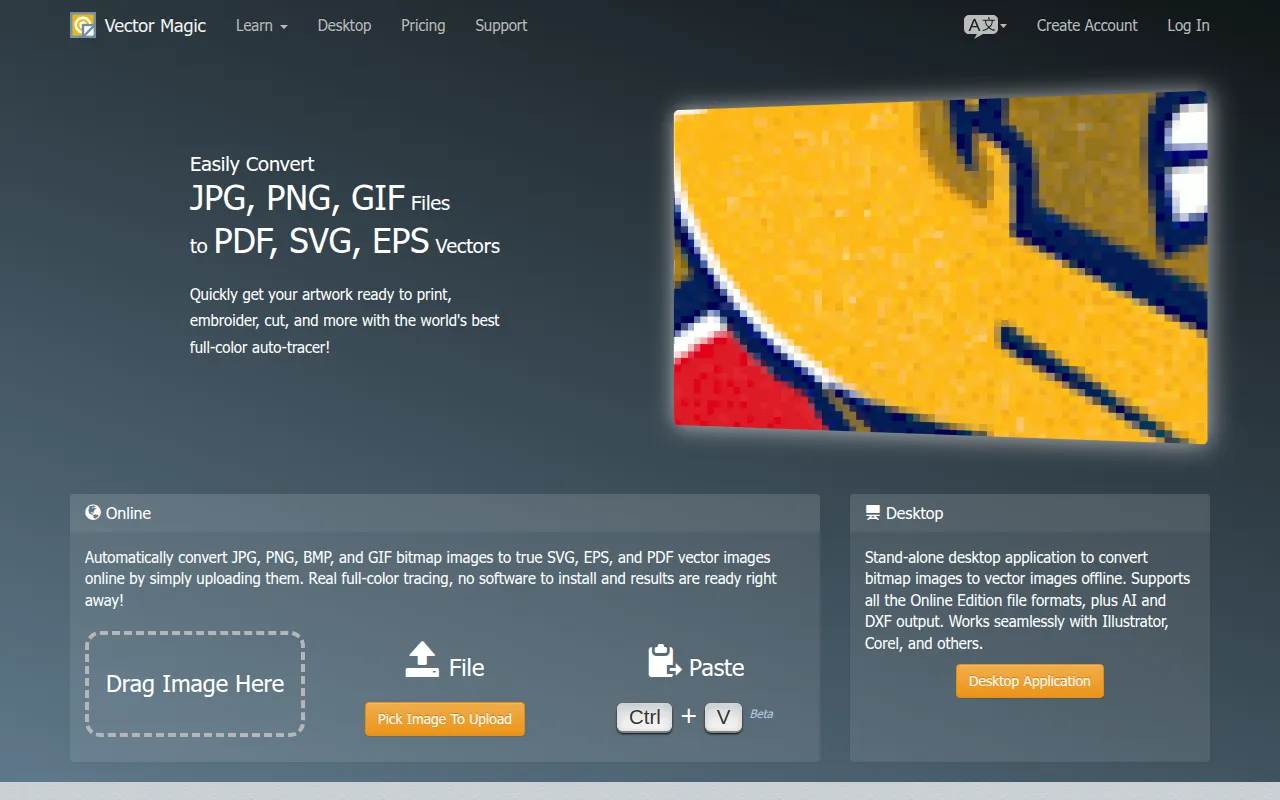
Vector Magic is software designed to convert bitmap (raster) images into vector graphics. It supports common input formats, including JPG, PNG, BMP, and GIF, and allows users to export these as SVG, EPS, PDF, AI, or DXF files depending on the version used.
The software is intended for pre-print professionals, logo designers, and graphic designers who require scalable images that maintain quality when resized. It supports workflows where low-resolution logos provided by clients need to be converted for professional production.
Buyers can choose between a browser-based Online Edition and a stand-alone Desktop Edition for offline work. The desktop version supports additional capabilities such as batch processing and larger image files.
Buyers should confirm which output formats they require, as AI and DXF exports and transparency support are available only in the Desktop Edition.
Key Features
Automatic Vectorization
Analyzes images to detect settings for tracing underlying shapes in full color.
Segmentation Editing
A pixel-style editor that allows users to manually correct tracing results, remove unwanted shapes, or fix lines.
Full-Color Tracing
Traces bitmap data into vector shapes rather than embedding pixels.
Desktop Offline Edition
A stand-alone application for Windows and Mac that supports offline conversion and batch processing.
Multi-Format Export
Supports exporting to SVG, EPS, and PDF in both versions, with AI and DXF available in the desktop version.
Use Cases
Print Production Preparation
Converting bitmap logos or artwork into vector files for use in printing, embroidery, or laser cutting.
Logo Digitization
Converting PNG or JPG logos into scalable SVG or EPS formats.
Hand-Drawn Artwork Vectorization
Scanning physical drawings and converting them into digital vector compositions.
Artistic Photo Effects
Vectorizing photographs to create stylized backgrounds or shapes for design projects.
FAQ
What is the difference between the Online and Desktop editions?
- The Online Edition is a browser-based subscription, while the Desktop Edition is a one-time purchase for offline use. The Desktop Edition supports larger images, batch processing, transparency, and additional export formats like AI and DXF.
Which file formats does Vector Magic support?
- It accepts JPG, PNG, BMP, and GIF inputs. It can export to SVG, EPS, and PDF in both versions, with AI and DXF available exclusively in the Desktop Edition.
Can I edit the result after the automatic tracing is finished?
- Yes, the software includes a segmentation editor that allows users to manually connect shapes, remove unwanted parts, and fix lines.
Source category: Productivity
Source subcategory: Design & Prototyping
More tools in Productivity
Other published listings in the Productivity category.


More tools in the Design and Prototyping software type
Related listings that share the same software type for comparison and shortlisting.


