AI TOOL PROFILE
thinkfree: Enterprise Collaboration and Office Suite

- Productivity
- Collaboration
- Enterprise Companies
- Government Agencies
- Cloud Service Providers
- SaaS Providers
- System Integrators
Pricing
A free online office option is available. Pricing for enterprise and private cloud tiers was not clearly available from the provided evidence. Buyers should confirm current pricing on the vendor website.
At a glance
- Best for
- Enterprise Companies, Government Agencies, Cloud Service Providers, SaaS Providers, System Integrators
- Key use cases
- Secure Document Collaboration, Enterprise Knowledge Management, White-Labeled Office Integration, Automating Routine Workflows
- Integrations
- Nextcloud integration, Docker, Kubernetes
- Official website
- Visit thinkfree official website
How AI is used
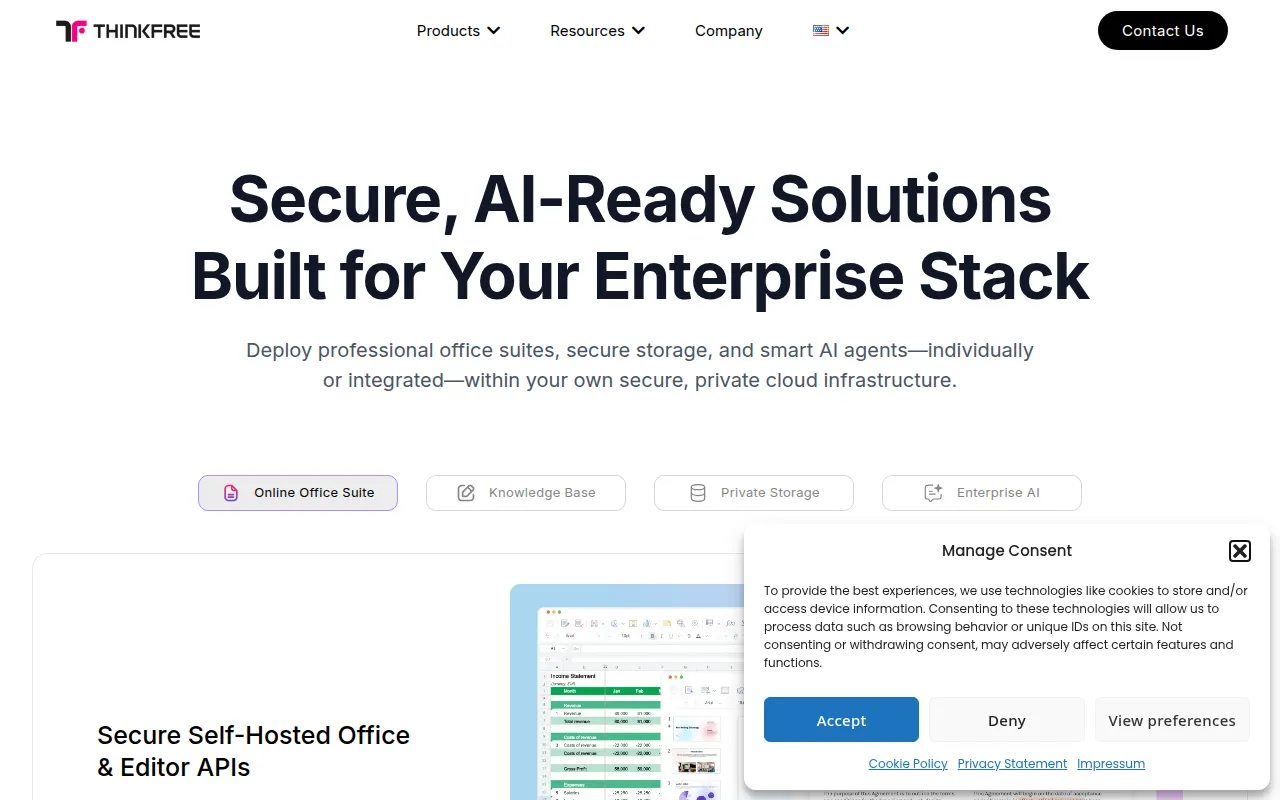
thinkfree is a collaboration platform that combines an online office suite with private cloud storage and AI-driven search capabilities. It includes tools for word processing, spreadsheets, and presentations designed to be compatible with Microsoft Office formats.
The software is geared toward larger organizations, government agencies, and service providers who need control over their data storage. It supports multiple deployment options, including on-premise, private cloud, or via a hosted API.
Beyond document editing, the platform includes a block-based rich text editor and AI agents designed to support tasks across different enterprise tools, which may help businesses unify their knowledge management.
Buyers should confirm whether they have the technical resources to manage self-hosted deployments or if the hosted API options align with their operational needs.
Key Features
Online Office Suite
A set of tools including a word processor, spreadsheet, and presentation software compatible with MS Office formats.
Private Cloud Storage
Self-hosted storage (thinkfree Drive) featuring version control, encryption, and granular access permissions.
Refinder AI
An AI work hub designed for unified search across enterprise apps and task automation.
thinkfree Intellect
A block-based WYSIWYG rich text editor that supports Markdown and HTML import.
Flexible Deployment
Supports deployment via Docker and Kubernetes for on-premise or private cloud setups.
Use Cases
Secure Document Collaboration
Using a self-hosted office suite to create and edit documents while maintaining data sovereignty.
Enterprise Knowledge Management
Connecting internal documents and databases to an AI assistant for information retrieval.
White-Labeled Office Integration
SaaS providers integrating document editing APIs into their own applications to offer collaboration tools.
Automating Routine Workflows
Using AI agents to handle tasks such as scheduling or document retrieval across connected tools.
Integrations
- Nextcloud integration
- Docker
- Kubernetes
FAQ
Is thinkfree compatible with Microsoft Office?
- Yes, the thinkfree Office suite is designed to be compatible with Word, Excel, and PowerPoint formats.
Can thinkfree be installed on a company's own servers?
- Yes, it supports on-premise and private cloud deployment using Docker and Kubernetes.
What does Refinder AI do?
- Refinder AI acts as a work hub that connects to enterprise tools to provide unified search and automate routine tasks.
Source category: Productivity
Source subcategory: Collaboration
More tools in Productivity
Other published listings in the Productivity category.


More tools in the Collaboration software type
Related listings that share the same software type for comparison and shortlisting.


