AI TOOL PROFILE
Teamwork Review: Project and Resource Management Software

- Operations
- Project Management
- Marketing agencies
- IT services providers
- Consulting firms
- Professional services businesses
- Service delivery teams
Pricing
Pricing starts at $9.99 per user/month for the Basics plan, billed yearly. A free version is available for teams up to 5 users. Additional tiers include Accelerate ($24.99/user/month) and Optimize/Enterprise (contact sales).
At a glance
- Best for
- Marketing agencies, IT services providers, Consulting firms, Professional services businesses, Service delivery teams
- Key use cases
- Client Project Delivery, Capacity Planning, Billable Hour Management, Budget Monitoring
- Integrations
- HubSpot, QuickBooks, Salesforce, NetSuite, Xero
- Official website
- Visit team work official website
How AI is used
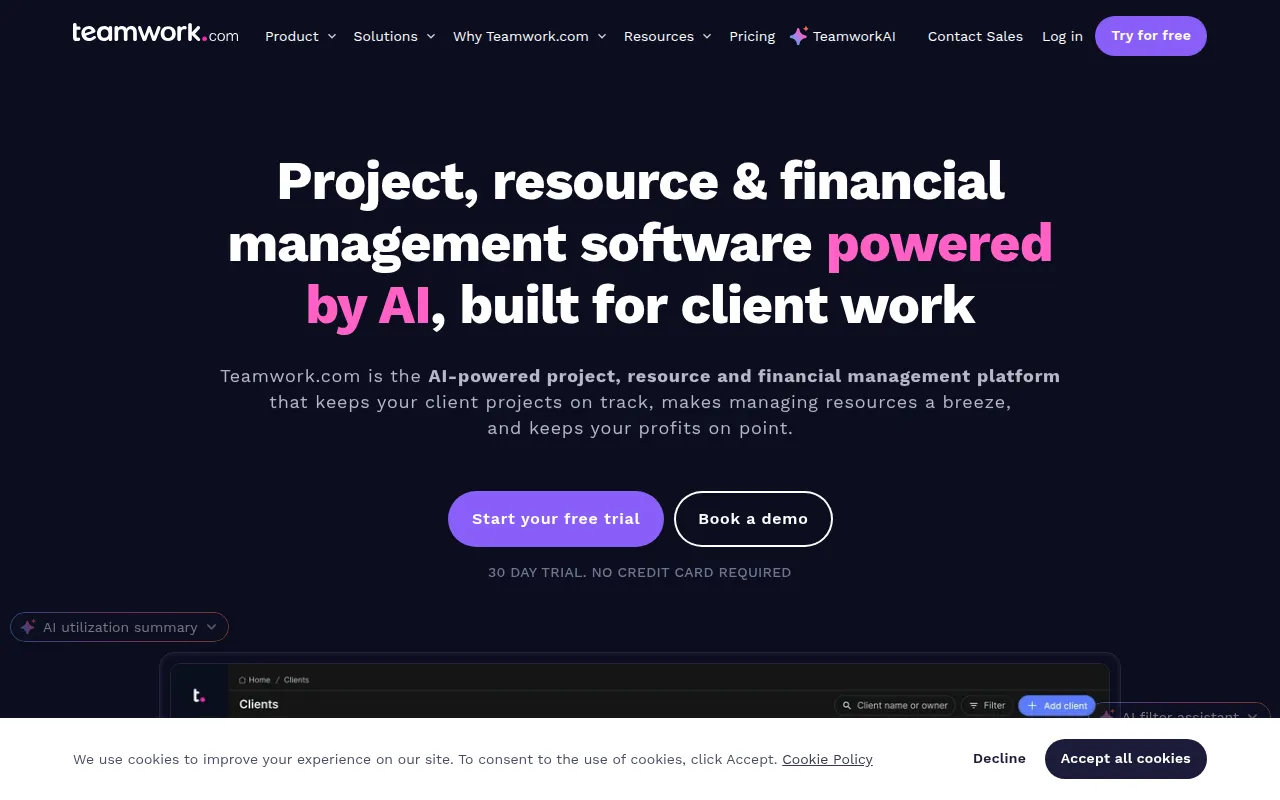
Teamwork is a management platform that combines project delivery with resource forecasting and financial tracking. It is designed for professional services businesses, such as agencies and IT firms, that coordinate team workloads across multiple client accounts.
The software supports operational tasks, from project setup using templates to monitoring project health through dashboards. It includes AI-assisted tools for scheduling and profitability forecasting to help managers make decisions about staffing and budgets.
Buyers should confirm which plan fits their needs, as financial features like profitability insights and multi-currency budgets are available on higher-tier plans. Teams should also verify that the tools for time tracking and cost control align with their accounting workflows.
Key Features
Resource Forecasting
Helps managers plan short and long-term staffing needs and view team capacity to help prevent overbooking.
Profitability Reporting
Provides insights into revenue, costs, and project margins to help identify unprofitable work.
Time Tracking
Includes a built-in timer and timesheets to track billable vs non-billable hours.
AI Project Wizard
Supports the process of turning project briefs into project plans with tasks.
AI Smart Scheduler
Supports assigning work based on team member roles and availability.
Cost Control
Allows teams to set billable and cost rates and track spending against project budgets.
Use Cases
Client Project Delivery
Managing the lifecycle of client work, including intake forms and client feedback via Proofs.
Capacity Planning
Using workload planners to check team availability and reassign tasks as projects evolve.
Billable Hour Management
Tracking time spent on specific tasks for invoicing and utilization reporting.
Budget Monitoring
Setting project budgets and using alerts to help prevent overspending.
Integrations
- HubSpot
- QuickBooks
- Salesforce
- NetSuite
- Xero
- Slack
- Google Drive
- Microsoft Teams
- Zapier
FAQ
Who is Teamwork.com designed for?
- It is designed for teams that deliver client work, such as marketing agencies, IT services, consultants, and other professional services firms.
Does Teamwork.com offer a free trial?
- Yes, it offers a 30-day free trial that does not require a credit card to start.
What are the differences between the pricing plans?
- The Free plan is for small teams; Basics supports project and time tracking; Accelerate adds capacity and utilization tools; and Optimize/Enterprise provide financial and profitability insights.
Source category: Operations
Source subcategory: Project Management
More tools in Operations
Other published listings in the Operations category.


More tools in the Project Management software type
Related listings that share the same software type for comparison and shortlisting.


