AI TOOL PROFILE
Sortd: Gmail-Based Productivity and Collaboration Tool

- Productivity
- Collaboration
- Small business owners
- Sales teams
- Customer service teams
- Gmail power users
Pricing
Paid plans start at $10 per user per month, billed annually. A 7-day free trial is available and does not require a credit card.
At a glance
- Best for
- Small business owners, Sales teams, Customer service teams, Gmail power users
- Key use cases
- Sales Pipeline Tracking, Customer Support Management, Hiring Workflows, Project Coordination
- Integrations
- Google Calendar sync, Zapier integration, Google Drive integration
- Official website
- Visit sortd official website
How AI is used
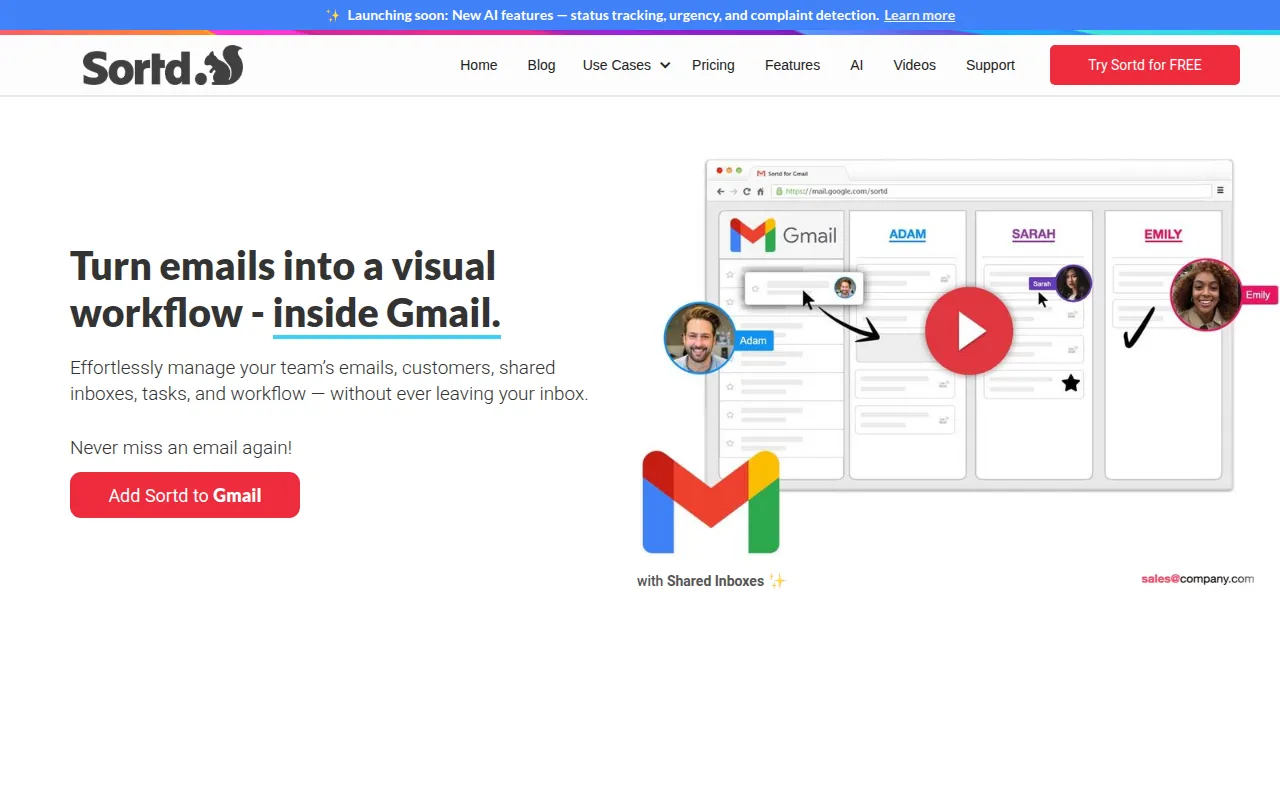
Sortd is a productivity tool that integrates with Gmail to add visual organization. It allows users to move emails and tasks into various views, such as Kanban boards or tables, to track progress and prioritize work.
Key Features
Visual Board Views
Includes Kanban, Table, Deadline, and Day Planner views for organizing emails and tasks.
Shared Inboxes
Supports team collaboration on group addresses such as sales@ or support@ to coordinate responses.
Drag-and-Drop Organization
Allows users to drag emails from the inbox onto boards for prioritization.
Email Tracking
Provides notifications to inform the user when an email has been read.
AI Smart Status
Designed to auto-tag conversations as 'To Respond' or 'Awaiting'.
Team Chat
Includes chat functionality with @mentions to discuss emails or tasks in context.
Use Cases
Sales Pipeline Tracking
Organizing leads and deals through visual stages from inquiry to close.
Customer Support Management
Managing incoming support requests via shared inboxes and assignment tracking.
Hiring Workflows
Tracking and shortlisting candidates within the email workflow.
Project Coordination
Creating project plans and task lists linked to email threads.
Integrations
- Google Calendar sync
- Zapier integration
- Google Drive integration
FAQ
What does Sortd do?
- Sortd adds a visual layer to Gmail, allowing users to organize emails and tasks into Kanban boards, tables, and planners.
Is there a free trial for Sortd?
- Yes, Sortd offers a 7-day free trial that does not require a credit card.
Can multiple people manage the same email address with Sortd?
- Yes, Sortd includes shared inbox capabilities to help teams coordinate responses to addresses like support@ or sales@.
Source category: Productivity
Source subcategory: Collaboration
More tools in Productivity
Other published listings in the Productivity category.


More tools in the Collaboration software type
Related listings that share the same software type for comparison and shortlisting.


