AI TOOL PROFILE
Slidesgo: Presentation Templates and AI Tools

- Productivity
- Design and Prototyping
- Small business owners
- Marketing agencies
- Sales teams
- Educators
Pricing
Slidesgo uses a freemium model. Registered free users can download up to 3 templates per month. The Premium subscription starts at $5.99 per month or $35.99 billed annually, providing access to 15,000+ premium templates and up to 150 downloads per month.
At a glance
- Best for
- Small business owners, Marketing agencies, Sales teams, Educators
- Key use cases
- Business Deck Preparation, Educational Material Creation, Marketing Asset Development, Document Conversion
- Integrations
- Google Slides, Microsoft PowerPoint, Canva
- Official website
- Visit slidesgo official website
How AI is used
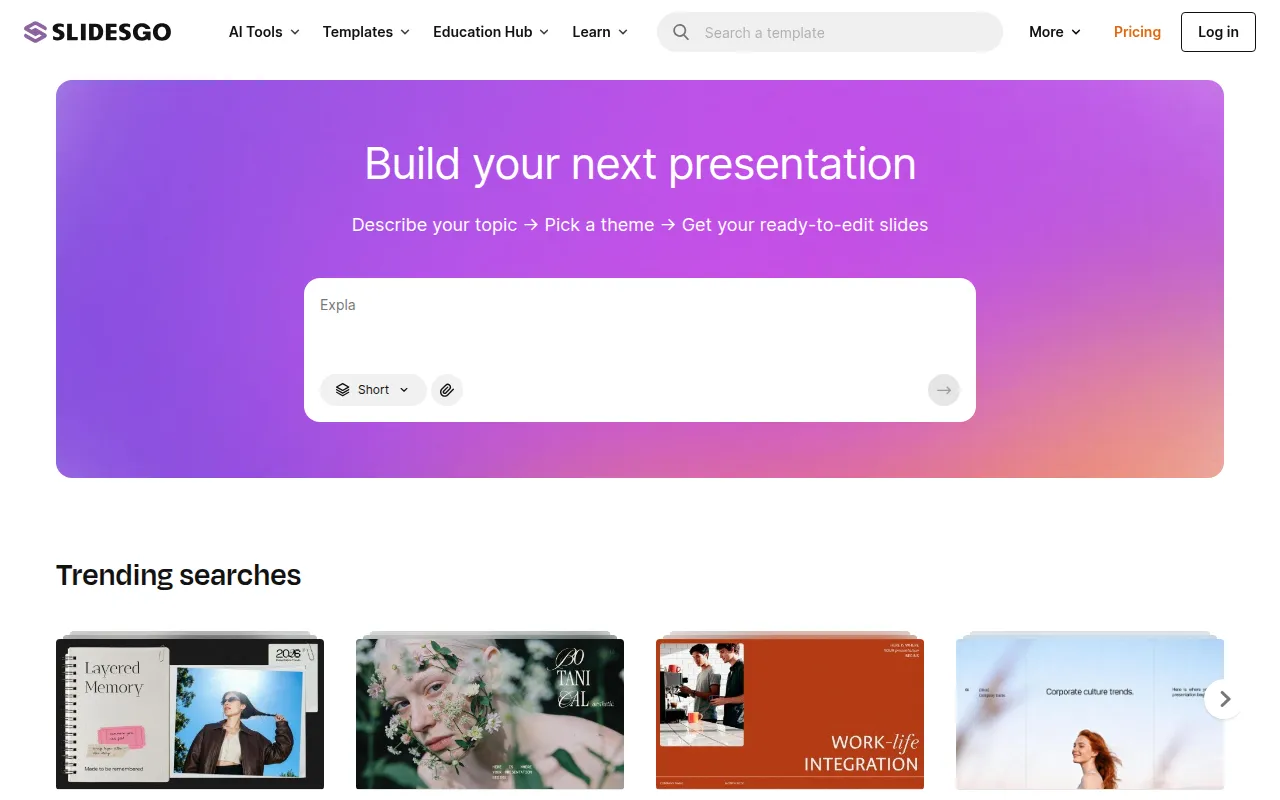
Slidesgo is a template platform that offers a library of designs for Google Slides and PowerPoint. Users can browse templates organized by industry, style, and color to find a layout for specific topics, such as business reports or educational lessons.
The tool is designed for various users, including small business owners, marketing agencies, sales teams, and educators. In addition to templates, it includes AI tools that may help generate presentation content and convert documents.
Buyers should note that while there is a free tier, it has limits on monthly downloads and requires attribution. The Premium plan provides access to more templates and removes the attribution requirement.
Businesses should confirm if the available styles align with their corporate branding and whether they require the download limits offered in the paid subscription.
Key Features
Template Library
Access to over 30,000 templates for Google Slides and PowerPoint, categorized by industry and style.
AI Presentation Maker
A tool designed to help users generate presentation slides based on a specific topic.
AI PDF to PPT Converter
A tool that helps convert PDF documents into PowerPoint slides.
Infographic Resources
Includes editable icons, maps, and diagrams to help visualize data within presentations.
Online Editor
Supports customizing templates through a browser-based editing interface.
Use Cases
Business Deck Preparation
Using business templates to support the creation of company profiles or project proposals.
Educational Material Creation
Creating lesson plans and classroom activities using AI tools and teacher-verified templates.
Marketing Asset Development
Developing social media strategies or campaign presentations using marketing themes.
Document Conversion
Turning PDF reports into presentation formats using the AI PDF to PPT converter.
Integrations
- Google Slides
- Microsoft PowerPoint
- Canva
FAQ
Can I use Slidesgo templates for commercial purposes?
- Yes, templates can be used for both personal and commercial purposes, though free users must provide attribution.
What is the difference between the Free and Premium plans?
- Free users can download 3 templates per month and must include attribution. Premium users get access to 15,000+ premium templates and can download up to 150 per month without attribution.
Does Slidesgo work with software other than Google Slides?
- Yes, it provides templates compatible with Microsoft PowerPoint and those that can be opened in Canva.
Source category: Productivity
Source subcategory: Design & Prototyping
More tools in Productivity
Other published listings in the Productivity category.


More tools in the Design and Prototyping software type
Related listings that share the same software type for comparison and shortlisting.


