AI TOOL PROFILE
ScanOrderPay: AI-Powered Restaurant Ordering & Payments

- Operations
- Payment Processing
- Restaurants
- Cafes
- Beach Bars
- Hotels
- Restaurant Chains
Pricing
Pricing includes a free Starter plan for basic QR ordering and a Pro plan at €49/month per venue, which includes the AI assistant and Kitchen Display System. A 14-day free trial is available.
At a glance
- Best for
- Restaurants, Cafes, Beach Bars, Hotels, Restaurant Chains
- Key use cases
- Contactless Dining, Beach Bar and Poolside Service, Hotel F&B Management, Multi-Location Oversight, Digital Kitchen Coordination
- Integrations
- Stripe, Apple Pay, Google Pay, Telegram, Anthropic Claude AI
- Official website
- Visit ScanOrderPay official website
How AI is used
ScanOrderPay is a digital operating system for hospitality venues that combines QR-based ordering with a management suite. Guests can browse menus, order, and pay via their smartphones without downloading an app, while staff manage the flow through a digital kitchen display and admin dashboard.
The tool is designed for a variety of hospitality settings, including full-service restaurants, cafes, beach bars, and hotels. It includes an AI assistant named Sofia, which is designed to help guests with dish recommendations and allergen queries in multiple languages.
Buyers should consider that while the system can work alongside an existing POS, payment processing is handled via Stripe. The platform is structured to support different venue types, from single-location cafes to larger chains with centralized management needs.
Prospective users should confirm whether the tiered feature set, particularly the difference between the Starter and Pro plans, aligns with their specific kitchen and staffing requirements.
Key Features
QR Code Ordering
Allows guests to access digital menus and place orders directly from their smartphones without an app download.
Sofia AI Assistant
An AI-powered digital waitress that suggests dishes, manages dietary restrictions, and supports five languages.
Digital Payments
Supports Apple Pay, Google Pay, and credit/debit cards via Stripe, including an option for split bill payments.
Kitchen Display System (KDS)
Replaces paper tickets with a digital queue featuring audio alerts and priority tracking.
Operations Dashboard
Provides analytics on revenue, peak hours, and staff performance.
Multi-Language Menus
Supports menus and AI interactions in English, Greek, German, Turkish, and Arabic.
Use Cases
Contactless Dining
Supporting guests in scanning a table QR code to browse and order.
Beach Bar and Poolside Service
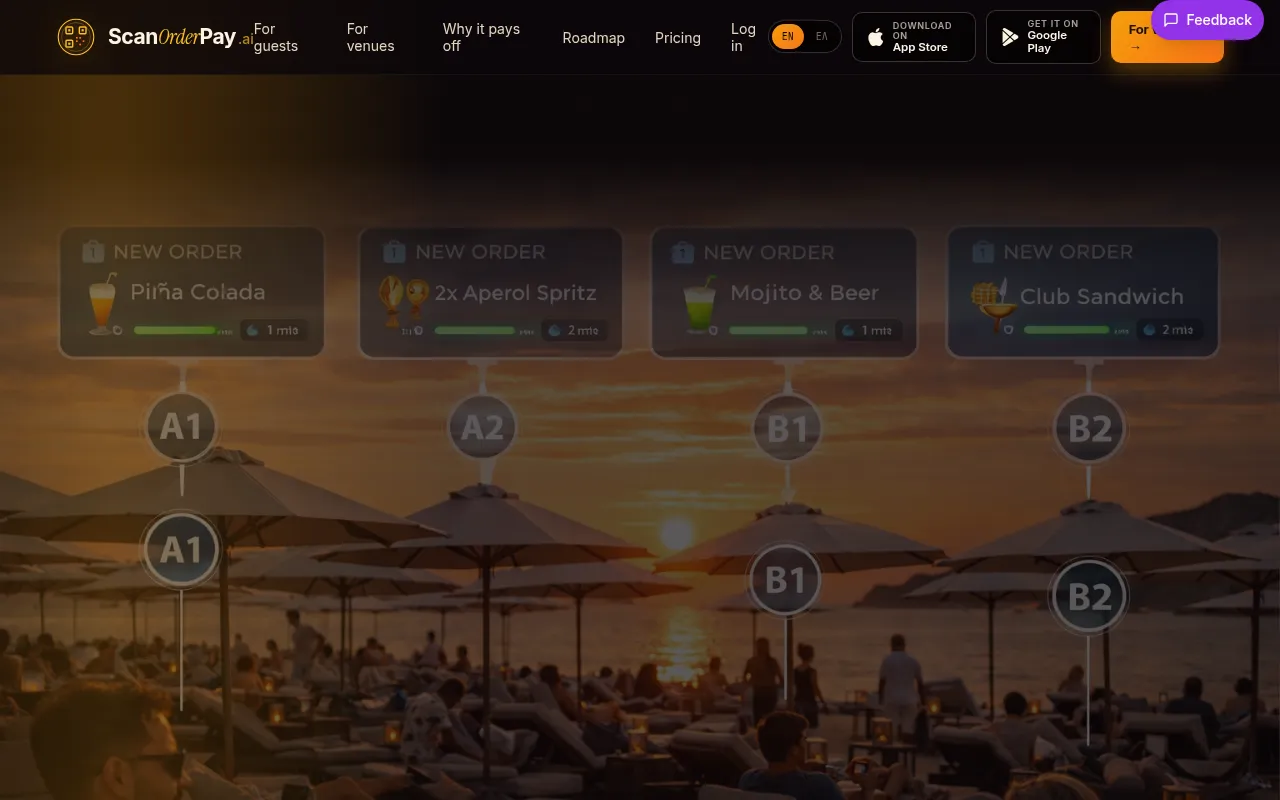
Allowing guests to order from sunbeds or umbrellas via QR codes.
Hotel F&B Management
Coordinating room service and poolside ordering through a unified dashboard.
Multi-Location Oversight
Using centralized menu management and analytics for restaurant chains.
Digital Kitchen Coordination
Moving from paper-based tickets to a digital display for order tracking.
Integrations
- Stripe
- Apple Pay
- Google Pay
- Telegram
- Anthropic Claude AI
FAQ
Do customers need to download an app to use ScanOrderPay?
- No, guests scan a QR code with their phone camera, and the menu opens directly in their mobile browser.
How long does it take to set up ScanOrderPay?
- Most restaurants are typically live within 24 hours after uploading their menu and printing QR codes.
Does ScanOrderPay take a commission on orders?
- No, the company does not take a commission on orders; it uses a flat monthly subscription model, though standard Stripe processing fees apply.
What is the difference between the Starter and Pro plans?
- The Starter plan is free and covers basic QR ordering and payments for one venue, while the Pro plan (€49/month) adds the AI assistant, Kitchen Display System, and multi-language menus.
Source category: Operations
Source subcategory: Payment Processing
More tools in Operations
Other published listings in the Operations category.


More tools in the Payment Processing software type
Related listings that share the same software type for comparison and shortlisting.


