AI TOOL PROFILE
Prezi Business: AI Presentation Software

- Productivity
- Design and Prototyping
- Marketing teams
- Sales professionals
- Corporate trainers
- Consultants
- HR departments
Pricing
Prezi Business offers a freemium model with a free tier available and paid features for business users.
At a glance
- Best for
- Marketing teams, Sales professionals, Corporate trainers, Consultants, HR departments
- Key use cases
- Pitch Decks, Sales Presentations, Training Sessions, Business Reviews, Marketing Strategies
- Integrations
- PPTX import, PDF import, DOCX import
- Official website
- Visit prezi business official website
How AI is used
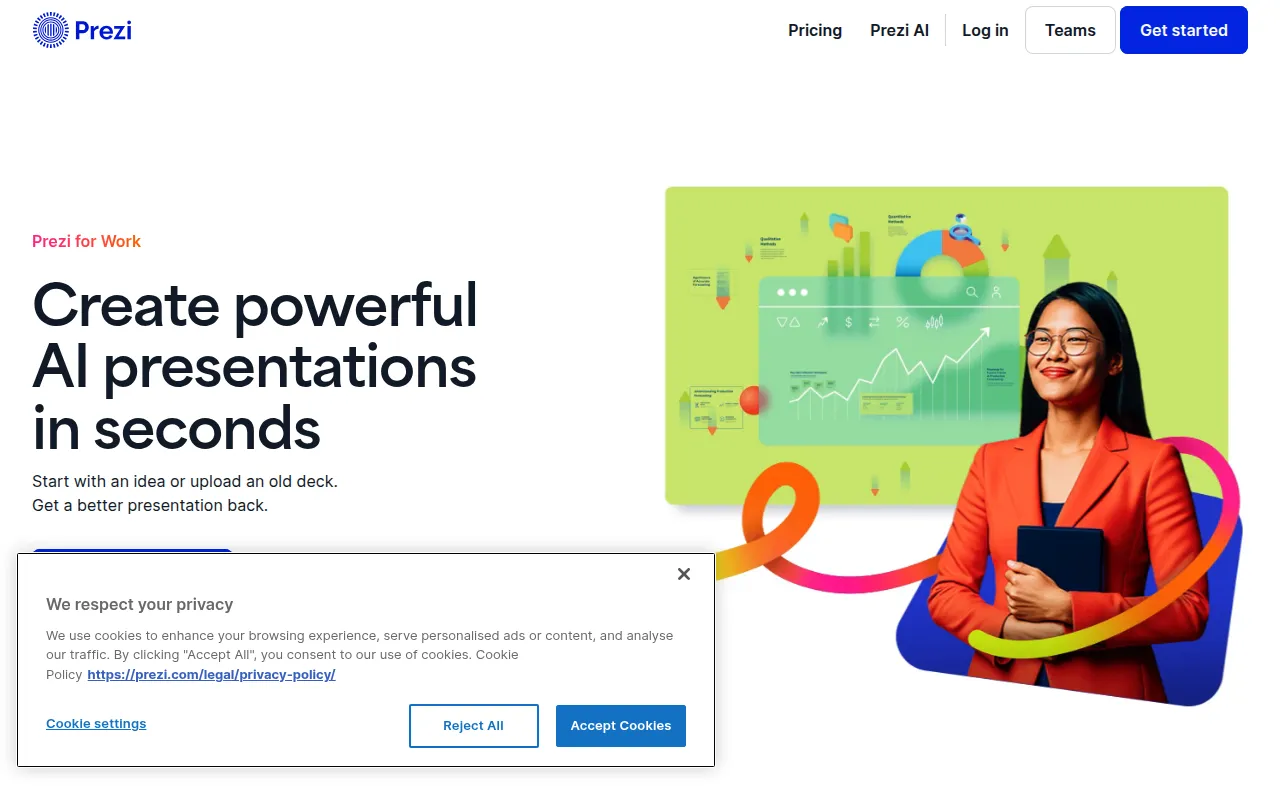
Prezi Business is a presentation tool designed as an alternative to traditional slide-based formats. It uses generative AI to help users create outlines, design layouts, and generate content based on text prompts or uploaded documents.
The platform is intended for business teams in sectors such as consulting, sales, and training. It supports various delivery methods, including virtual presentations via Prezi Video and offline presenting through a desktop app.
Buyers should note that while the tool offers AI automation for design and text, users can refine the outline and final content. Teams should verify if the collaborative workspace and brand kit features meet their specific administrative needs.
Key Features
Prezi AI
Helps generate presentation outlines, layouts, and content from text prompts or uploaded files.
File Import
Supports importing existing PPTX, PDF, and DOCX files to convert them into Prezi presentations.
Brand Consistency Tools
Supports uploading logos to automatically generate matching color palettes for team use.
Prezi Video
Supports presenting alongside content during video conferencing or recording presentations as video files.
Viewer Engagement Analytics
Provides data on how viewers interact with presentations and the time spent on specific slides.
Presenter View
Includes a view for notes, a timer, and cues to help the speaker stay on track.
Desktop App
Allows users to edit and present their work offline.
Use Cases
Pitch Decks
Using AI to create a starting point for business proposals and investor pitches.
Sales Presentations
Creating sales decks that can be shared via trackable links.
Training Sessions
Building training modules for remote teams with actionable tips and visuals.
Business Reviews
Analyzing performance metrics and forecasting strategies using visuals and charts.
Marketing Strategies
Designing layouts to highlight KPIs and market trends for stakeholders.
Integrations
- PPTX import
- PDF import
- DOCX import
FAQ
How does Prezi AI create presentations?
- Users can provide a text prompt describing the topic or upload an existing file (such as a Word doc or PDF), and the AI generates a customized outline and design.
Can I use my own company branding in Prezi?
- Users can upload a logo, and the AI will automatically suggest color palettes that match the brand identity.
Does Prezi Business support offline work?
- The Prezi for Desktop app allows users to edit and present their work without an internet connection.
Is there a free version of Prezi for business?
- Prezi uses a freemium model with a free tier available, while advanced features require a paid plan.
Source category: Productivity
Source subcategory: Design & Prototyping
More tools in Productivity
Other published listings in the Productivity category.


More tools in the Design and Prototyping software type
Related listings that share the same software type for comparison and shortlisting.


