AI TOOL PROFILE
pixteller Review: Online Image Editor and Animation Maker

- Productivity
- Design and Prototyping
- Small business owners
- Content creators
- Online marketers
- Bloggers
- Social media managers
Pricing
Offers a free plan and paid tiers including a Pro Graphic Tool starting at $7/month (billed annually) and a Diamond Graphic + Animation Tool starting at $12/month (billed annually).
At a glance
- Best for
- Small business owners, Content creators, Online marketers, Bloggers, Social media managers
- Key use cases
- Social Media Content, Marketing Materials, Branding Assets, Website Visuals
- Official website
- Visit pixteller official website
How AI is used
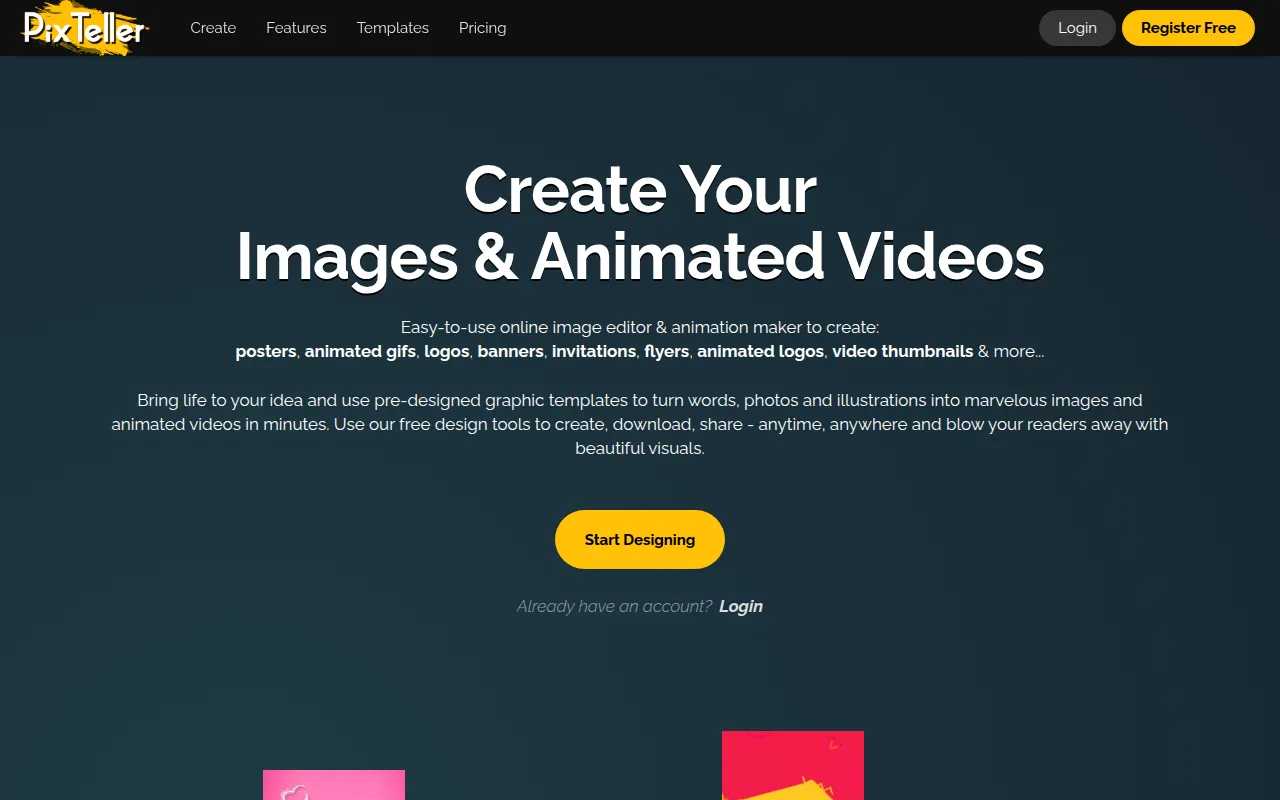
pixteller is a web-based design tool that combines a photo editor with an animation maker. It is designed for users who need to produce visual content without extensive design or technical knowledge, offering a library of templates, photos, and shapes to support the creation process.
The platform supports small business owners, bloggers, and social media managers in creating items such as banners, logos, and short animated videos. It includes an animation timeline that automatically creates motion between instances, which may help in producing GIFs and MP4s.
Buyers should note that while there is a free plan, access to advanced animation tools and priority support is tied to the paid plans. Buyers should confirm if the template library aligns with their specific brand style.
Key Features
Template Library
Access to over 100,000 graphic image templates and 5,000+ animation templates for customization.
Animation Timeline
An editor that automatically creates video motion between two instances to produce animated GIFs and videos.
Asset Library
Includes over 1.5 million photos and 100,000 shapes to use within designs.
AI Video Generator
A tool designed to help automate the creation of video content.
Smart Resize and Layout Tools
Includes smart resize, clipping, cropping, and support for custom fonts.
Commercial Licensing
Elements are provided under the Creative Commons Zero license for commercial use.
Use Cases
Social Media Content
Creating animated GIFs, video thumbnails, and image posts for social media channels.
Marketing Materials
Designing digital posters, flyers, invitations, and banners for business promotions.
Branding Assets
Supporting the creation of logos and animated logos for business identities.
Website Visuals
Developing graphics for landing pages, product pages, and blog assets.
FAQ
Can I use pixteller designs for my business?
- Yes, elements available in the editor and templates are under the Creative Commons Zero license, which supports commercial use.
What is the difference between the Pro and Diamond plans?
- The Pro plan focuses on unlimited graphic images, while the Diamond plan adds access to the animation editor and unlimited animated video/GIF exports.
Do I need design skills to use pixteller?
- The tool is designed for users with no prior design skills or technical knowledge, utilizing pre-designed templates for customization.
Source category: Productivity
Source subcategory: Design & Prototyping
More tools in Productivity
Other published listings in the Productivity category.


More tools in the Design and Prototyping software type
Related listings that share the same software type for comparison and shortlisting.


