AI TOOL PROFILE
Photopea | Online Photo Editor

- Productivity
- Design and Prototyping
- Small Business Owners
- Freelance Graphic Designers
- Social Media Managers
- Students and Educators
Pricing
Photopea follows a freemium model. While many features are free, premium accounts are available to support unlimited AI feature usage.
At a glance
- Best for
- Small Business Owners, Freelance Graphic Designers, Social Media Managers, Students and Educators
- Key use cases
- Product Photo Editing, Promotional Material Design, PSD File Management, Social Media Content Creation
- Official website
- Visit Photopea official website
How AI is used
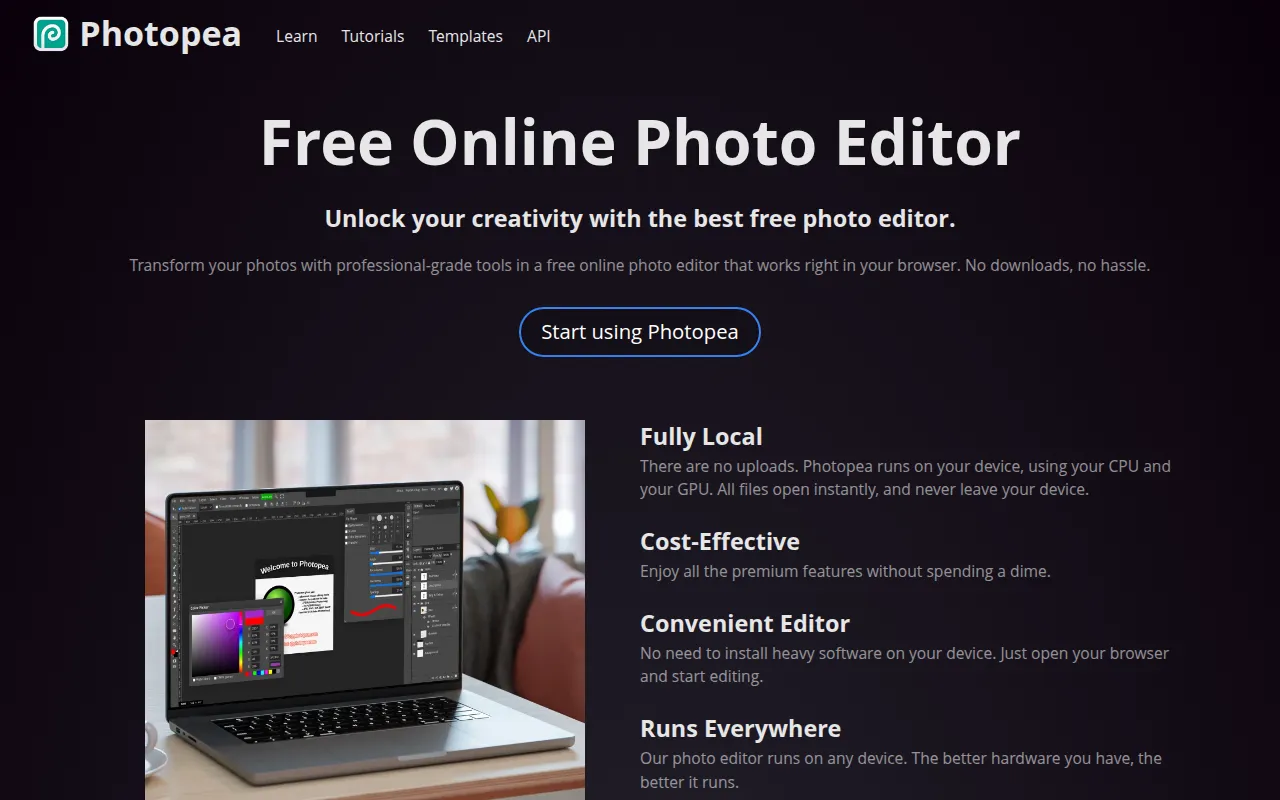
Photopea is a web-based image editor that operates within the browser, which means no software downloads are required. It processes files locally on the user's device, which helps keep files from being uploaded to a remote server during the editing process.
The tool is designed for a range of users, from small business owners creating promotional materials to graphic designers who need a browser-based editor. It supports various formats, including PSD, RAW, and some video formats.
Key capabilities include layering, masking, and AI tools for removing backgrounds or replacing image content via text descriptions. It also includes tools for vector graphics, which may be used for creating logos or icons.
Buyers should note that because it runs in the browser, performance is dependent on the user's local hardware, specifically the CPU and GPU. Those needing unlimited use of AI features should confirm premium account options.
Key Features
Browser-Based Editing
Runs in the web browser without requiring software installation or downloads.
Wide Format Support
Supports opening and saving PSD files, as well as over 40 other formats including RAW, SVG, PDF, and MP4.
AI Background Removal
Provides a one-click tool designed to remove backgrounds from images.
Text-Based Content Replacement
Supports replacing parts of an image based on a text description.
Layering and Masking
Includes tools for layers, masks, smart objects, and adjustment layers.
Vector Graphics Tools
Supports the creation and editing of vector-based graphics for logos and illustrations.
Use Cases
Product Photo Editing
Editing product images and removing backgrounds for online store listings.
Promotional Material Design
Creating marketing graphics and promotional content for websites or social media.
PSD File Management
Opening and editing PSD files when desktop software is unavailable.
Social Media Content Creation
Applying filters, cropping, and adding text to images before posting to social platforms.
FAQ
Does Photopea require a download?
- No, Photopea runs entirely in the web browser and does not require software installation.
Can Photopea open PSD files?
- Yes, Photopea supports both opening and saving files in the PSD format.
Is Photopea free to use?
- It uses a freemium model where basic editing is free, but premium accounts are available for unlimited AI feature usage.
How does Photopea handle file privacy?
- Photopea processes files locally on the user's device using the CPU and GPU, so files are not uploaded to the internet.
Source category: Productivity
Source subcategory: Design & Prototyping
More tools in Productivity
Other published listings in the Productivity category.


More tools in the Design and Prototyping software type
Related listings that share the same software type for comparison and shortlisting.


