AI TOOL PROFILE
Peerbie Review: AI-Powered Work Management and Collaboration

- Productivity
- Collaboration
- Startups
- Mid-market companies
- Non-profit organizations
- IT and Operations teams
- HR and Marketing departments
Pricing
Peerbie offers a free Starter plan. Paid options include a Basic plan at $10 per user and a Pro plan at $15 per user. Enterprise pricing is available upon request.
At a glance
- Best for
- Startups, Mid-market companies, Non-profit organizations, IT and Operations teams, HR and Marketing departments
- Key use cases
- Rapid Project Setup, IT Ticket Routing, HR Onboarding, Marketing Campaign Coordination, Remote Team Communication
- Integrations
- Mailchimp, HubSpot, Calendly, MS Active Directory, Gmail
- Official website
- Visit Peerbie official website
How AI is used
Peerbie is a collaboration platform designed to centralize task management, real-time communication, and workflow automation. It supports individuals, startups, and larger organizations, specifically offering solutions for teams in IT, HR, Marketing, and Operations.
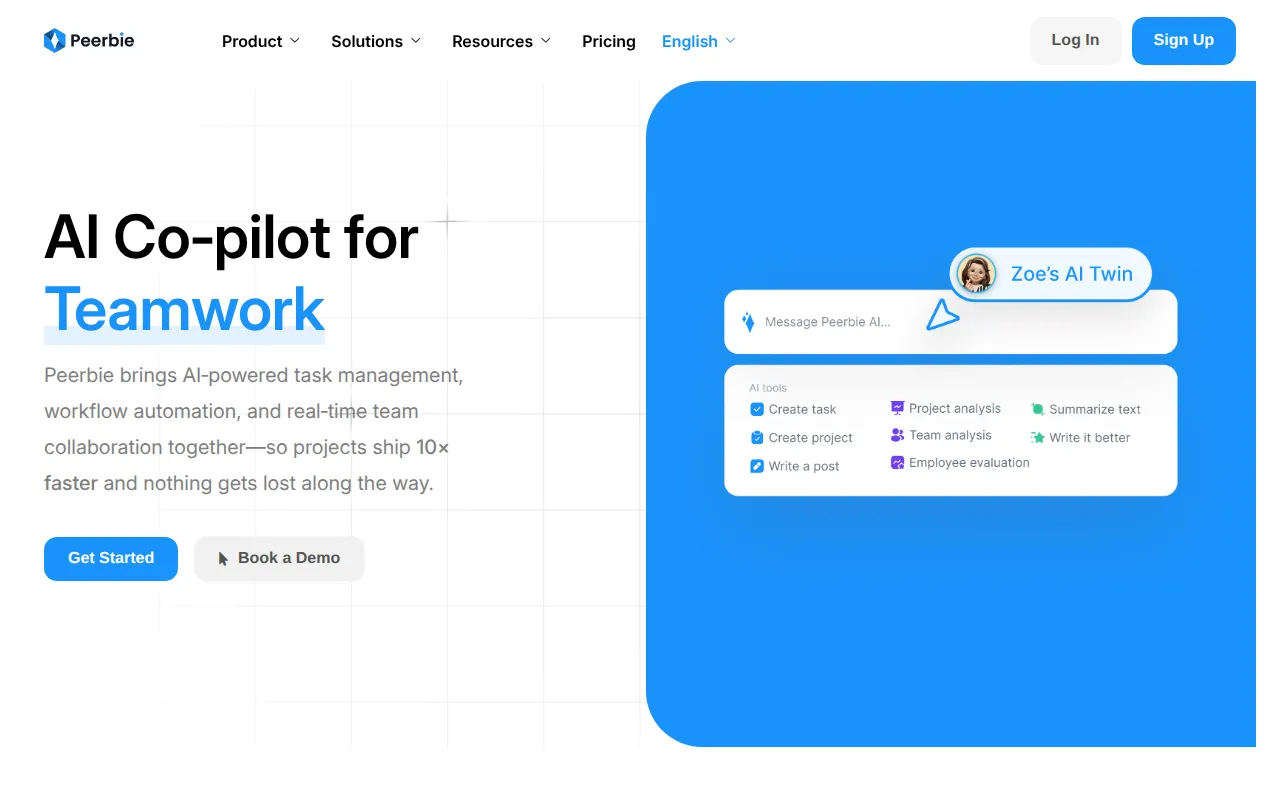
The platform includes an AI copilot that can generate project boards from short text inputs and provide daily progress summaries. It also includes a "Digital Twin" feature designed to handle common queries and updates when a team member is away.
Beyond AI, the platform provides standard project management tools such as Kanban, calendar, and list views, along with a company feed for announcements and direct chat channels for team communication.
Buyers should confirm if the task and storage limits of the free and basic plans align with their project volume before choosing a tier.
Key Features
Brief-to-Board Generator
Creates project boards including phases, deadlines, and owners based on a short text input.
Auto-Assign Work
Routes tasks to team members based on skills and current workload.
AI Progress Briefs
Provides daily summaries of project wins, blockers, and next steps.
Digital Twin
An AI tool that can answer common questions and provide updates while a user is away.
Custom Workflows
Supports the creation of automated processes for forms and approvals without requiring code.
Company Feed and Chat
Combines a social-style feed for general announcements with private and group chat channels.
Project Views
Includes Kanban boards, calendar views, and list views for tracking work.
Use Cases
Rapid Project Setup
Using the Brief-to-Board generator to move from a project idea to a structured board with deadlines.
IT Ticket Routing
Applying custom workflows to manage the lifecycle of IT requests from submission to closing.
HR Onboarding
Managing recruitment pipelines and starting onboarding plans for new employees.
Marketing Campaign Coordination
Organizing campaign calendars and routing content for approvals within a central hub.
Remote Team Communication
Using real-time chat and company feeds to keep distributed team members aligned on updates.
Integrations
- Mailchimp
- HubSpot
- Calendly
- MS Active Directory
- Gmail
- Zoom
- G Suite
- Slack
- Google Meet
- Monday.com
- ClickUp
- Asana
- Google Calendar
- Foursquare
- Google Docs
- Google Sheets
- Google Forms
FAQ
What is the Brief-to-Board Generator in Peerbie?
- It is an AI tool that helps users create a project board, including phases and deadlines, from a short text description.
How does Peerbie's pricing work for small teams?
- There is a free Starter plan. For growing teams, there is a Basic plan at $10 per user and a Pro plan at $15 per user.
What does the Digital Twin feature do?
- The Digital Twin is an AI assistant designed to manage tasks and answer common questions on behalf of a team member when they are away.
Can Peerbie integrate with other project tools?
- Yes, it supports integrations with tools including Slack, Gmail, Google Calendar, Asana, and Monday.com.
Source category: Productivity
Source subcategory: Collaboration
More tools in Productivity
Other published listings in the Productivity category.


More tools in the Collaboration software type
Related listings that share the same software type for comparison and shortlisting.


