AI TOOL PROFILE
pdf noodle: PDF Automation Software

- Productivity
- Document Automation
- Small business owners
- SaaS development teams
- Operations managers
- No-code automation users
Pricing
Plans start at $35/month for the Starter tier (up to 1,000 PDFs) and $89/month for Business (unlimited PDFs). A 7-day free trial is available.
At a glance
- Best for
- Small business owners, SaaS development teams, Operations managers, No-code automation users
- Key use cases
- Automated Invoicing, Business Reports, Contract Generation, SaaS Document Embedding
- Integrations
- Zapier, Make, n8n, Bubble, AWS S3
- Official website
- Visit pdf noodle official website
How AI is used
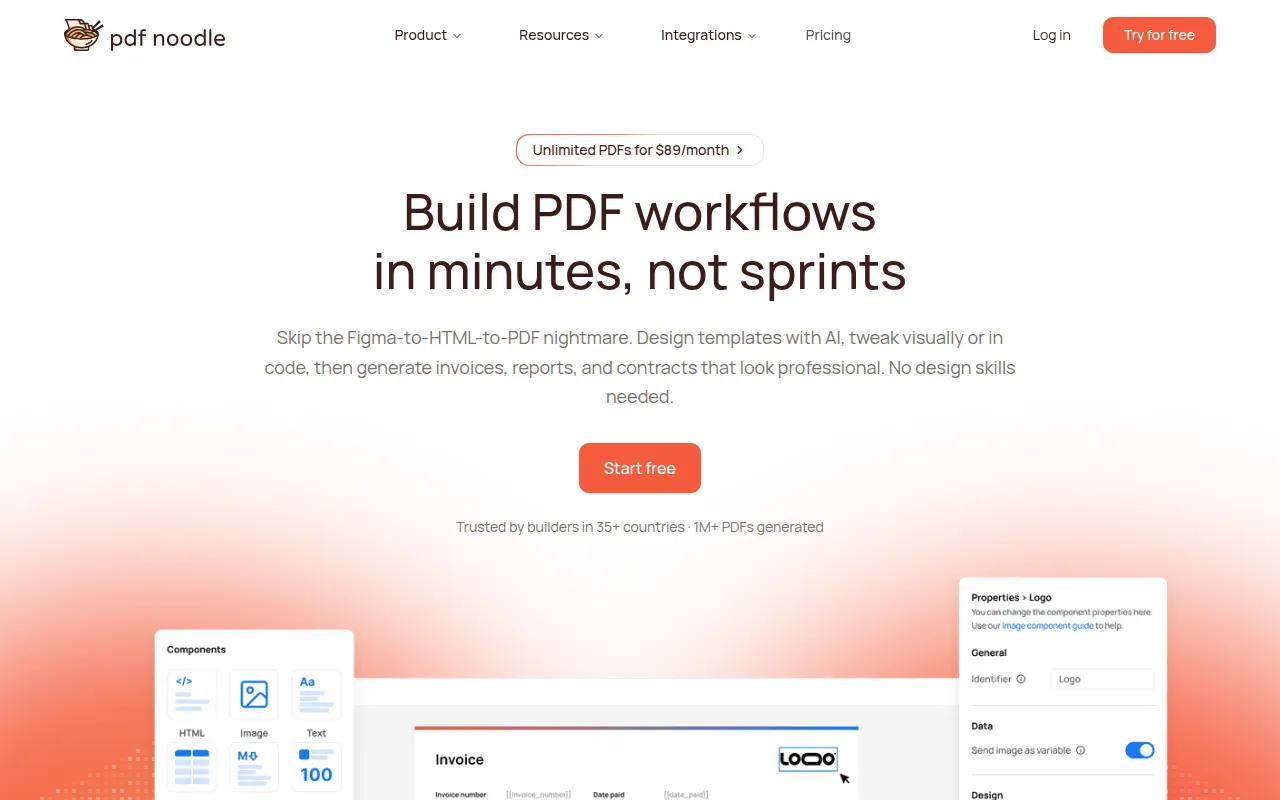
pdf noodle is a document automation tool that converts HTML and dynamic data into PDF files. It provides AI-assisted template creation and a visual drag-and-drop builder, which helps users design documents without extensive design skills.
The platform supports various user types, from non-technical operators using no-code integrations to developers using APIs and SDKs. It supports the management of page breaks and dynamic tables, which are common challenges in HTML-to-PDF conversions.
Business buyers should consider their monthly volume and template requirements, as the Starter tier has limits on the number of PDFs and templates. Options for custom SLAs and white-labeling are available in higher-tier plans.
Key Features
AI Template Generation
Supports creating templates based on text descriptions or by uploading a reference PDF for AI reconstruction.
No-Code Visual Builder
A drag-and-drop editor for creating templates with support for dynamic tables, page breaks, and conditional sections.
HTML to PDF Conversion
Converts HTML and CSS3 into PDFs via API, supporting Flexbox, Grid, and custom fonts.
Handlebars Templating
Includes Handlebars support for implementing conditional logic and dynamic data merging.
Developer SDKs
Provides native libraries for Node.js, Python, and PHP to integrate PDF generation into applications.
S3 Direct Upload
Available on Business plans and above, allowing generated PDFs to be stored in the user's own AWS S3 bucket.
Use Cases
Automated Invoicing
Generating invoices by merging client data with HTML templates.
Business Reports
Creating data-driven reports that include dynamic tables and charts.
Contract Generation
Automating the production of contracts using conditional sections to show or hide specific clauses.
SaaS Document Embedding
Adding PDF customization as a feature within a software product via an embedded editor.
Integrations
- Zapier
- Make
- n8n
- Bubble
- AWS S3
FAQ
Does pdf noodle have a free trial?
- Yes, pdf noodle offers a 7-day free trial for its plans.
Which plan allows for unlimited PDF generation?
- The Business plan ($89/month), Scale, and Enterprise plans offer unlimited PDF generation.
Can non-technical users create templates?
- Yes, the platform includes a no-code visual drag-and-drop builder and AI tools to generate templates from text.
Is the software compliant with data privacy standards?
- The vendor states it is GDPR and HIPAA compliant and allows Business plan users to use their own S3 bucket for storage.
Source category: Productivity
Source subcategory: Document Automation
More tools in Productivity
Other published listings in the Productivity category.


More tools in the Document Automation software type
Related listings that share the same software type for comparison and shortlisting.





