AI TOOL PROFILE
PDF Modo: PDF Table Extraction and Conversion

- Productivity
- Document Automation
- Financial analysts
- Researchers
- Small business owners
- Operations managers
Pricing
PDF Modo offers a free tier and paid monthly plans: Starter at $19/month (50 credits), Pro at $49/month (300 credits), Premium at $99/month (1,000 credits), and Ultra at $199/month (3,000 credits).
At a glance
- Best for
- Financial analysts, Researchers, Small business owners, Operations managers
- Key use cases
- Financial Data Migration, Invoice Processing, Image-to-Data Capture, Legacy Document Updating
- Official website
- Visit PDF Modo official website
How AI is used
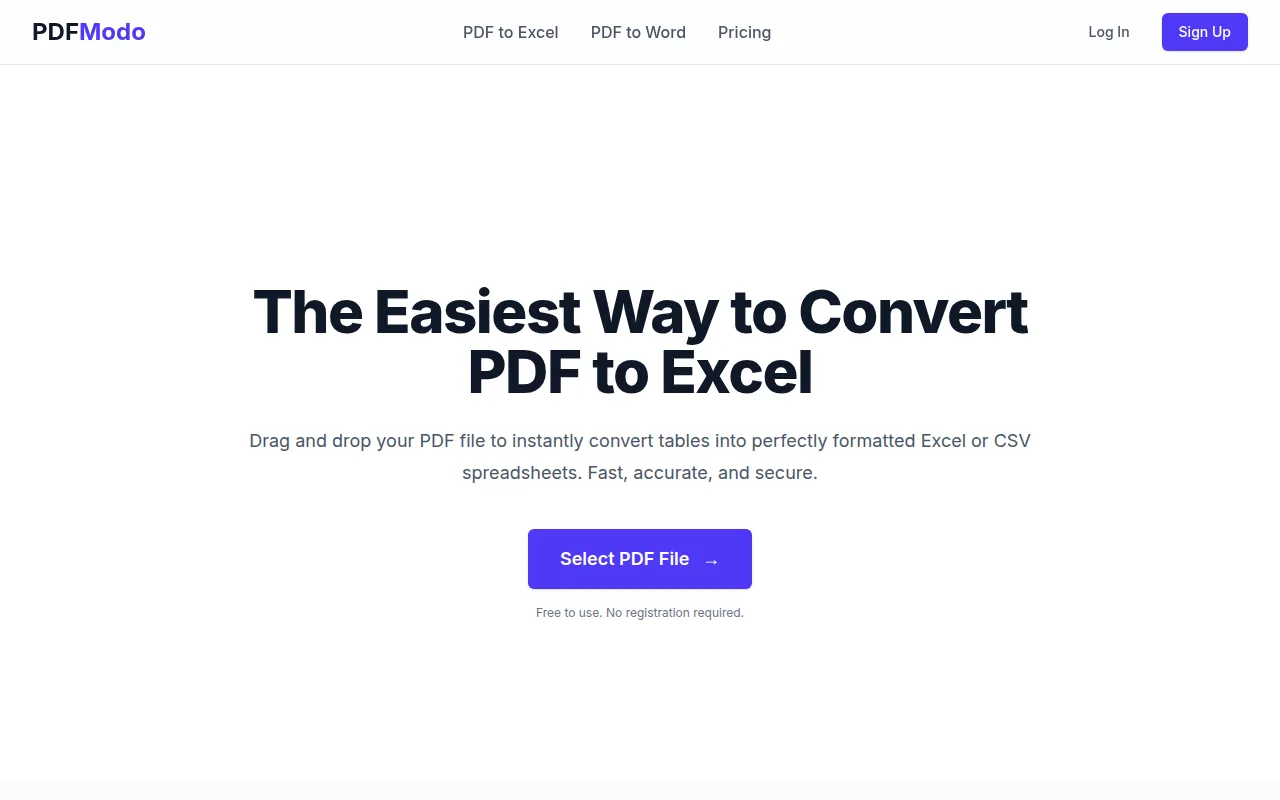
PDF Modo is a web-based utility designed for the conversion of PDF documents into editable formats. It focuses on data extraction, specifically targeting tables within PDFs to convert them into structured Excel or CSV files.
The tool supports users who handle financial documents, such as bank statements and receipts. It supports both text-based PDFs and scanned images through Optical Character Recognition (OCR) technology.
Additional capabilities include batch processing for multiple pages and conversion of files into Word (DOC and DOCX) formats. The service operates on a credit-based system for its paid tiers.
Buyers should confirm if the conversion accuracy for their specific complex table layouts meets their needs, as some highly complex structures may require manual adjustments after conversion.
Key Features
Table Extraction
Identifies and extracts tables from PDFs into Excel or CSV spreadsheets.
OCR Support
Uses Optical Character Recognition to recognize text and tables in scanned PDF documents.
Photo to Spreadsheet
Supports converting photos or images of tables into spreadsheet formats.
Batch Processing
Supports processing multiple pages or documents simultaneously.
Document Conversion
Converts PDF files into editable Word documents in DOC and DOCX formats.
AI-Powered Recognition
Includes AI-powered recognition in higher-tier paid plans.
Use Cases
Financial Data Migration
Converting bank statements and financial reports into Excel for analysis.
Invoice Processing
Extracting tabular data from digital or scanned invoices into CSV format.
Image-to-Data Capture
Converting photographs of printed tables into editable spreadsheets.
Legacy Document Updating
Converting PDF files into DOC format for use in older versions of Microsoft Word.
FAQ
How does PDF Modo handle scanned PDFs?
- It uses Optical Character Recognition (OCR) technology to recognize text and tables within scanned images and convert them into editable formats.
Which pricing plan is right for my business?
- Plans are based on conversion credits. The Starter plan ($19/mo) provides 50 credits, while the Ultra plan ($199/mo) provides 3,000 credits.
Can it convert images to spreadsheets?
- Yes, the tool includes a photo-to-spreadsheet feature that allows users to upload images of tables and convert them to Excel or CSV.
Source category: Productivity
Source subcategory: Document Automation
More tools in Productivity
Other published listings in the Productivity category.


More tools in the Document Automation software type
Related listings that share the same software type for comparison and shortlisting.





