AI TOOL PROFILE
PDF Butler: Salesforce Document Automation
- Sales
- Document Automation
- Sales Teams
- Healthcare Organizations
- Financial Services
- Education Institutions
- Salesforce Admins
Pricing
Pricing was not clearly available from the provided evidence. Buyers should confirm current pricing on the vendor website, though a free trial is offered.
At a glance
- Best for
- Sales Teams, Healthcare Organizations, Financial Services, Education Institutions, Salesforce Admins
- Key use cases
- Bid and Proposal Preparation, Bulk Document Distribution, Contract Management, Healthcare Document Automation, Educational Record Generation
- Integrations
- Google Drive, SharePoint
- Official website
- Visit pdf butler official website
How AI is used
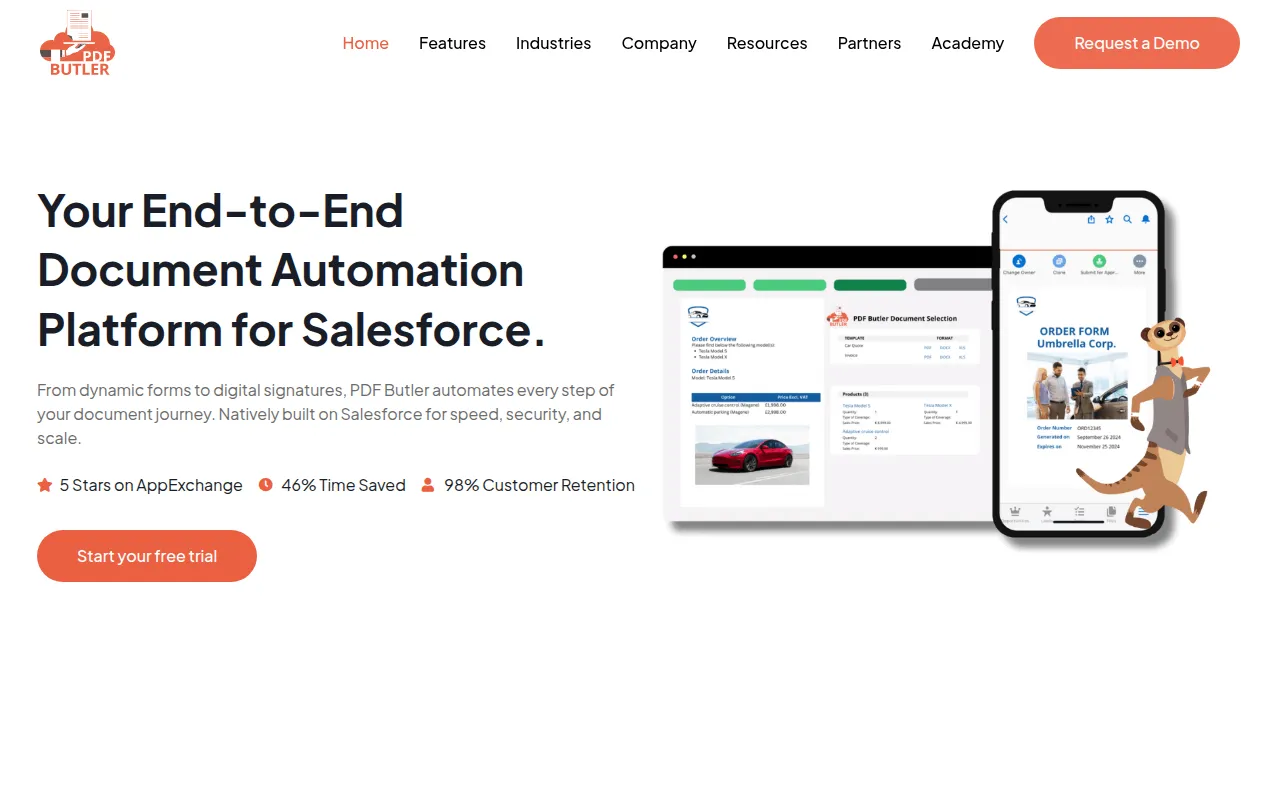
PDF Butler is a document automation tool built natively on the Salesforce platform. It supports the creation of personalized documents like proposals and contracts by pulling data from standard and custom Salesforce objects, which may help reduce manual data entry errors.
The software is designed for teams in sectors such as healthcare, financial services, and education. It supports the document lifecycle, from data collection via dynamic forms to delivery with native e-signatures.
Users can manage templates using MS Word, which provides a familiar design process for non-technical users. The platform also supports batch processing for generating high volumes of documents, such as monthly statements or invoices.
Buyers should confirm if a native Salesforce solution meets their specific needs and whether their required document types are supported by the Word-based template system.
Key Features
Native Salesforce Architecture
Built directly on Salesforce, ensuring data is not stored outside the CRM environment.
Document Generation
Creates personalized PDF, Word, and XLS documents using data from Salesforce objects.
Batch Generation
Supports the creation of bulk documents, such as reports or invoices, in a single process.
Native e-Signatures
Provides digital signature capabilities to manage approvals within Salesforce.
Dynamic Forms
Provides forms for real time data collection that syncs to Salesforce records.
Document Agent (AI)
Uses artificial intelligence to help auto-fill and optimize the document creation process.
MS Word Templating
Allows users to design document layouts using Microsoft Word.
Use Cases
Bid and Proposal Preparation
Generating branded quotes and proposals using CRM data.
Bulk Document Distribution
Creating and sending statements or invoices via batch processing.
Contract Management
Drafting, negotiating, and signing contracts within Salesforce.
Healthcare Document Automation
Generating medical requests and patient consent forms while maintaining HIPAA compliance.
Educational Record Generation
Producing student transcripts and certificates directly from student records.
Integrations
- Google Drive
- SharePoint
FAQ
Is PDF Butler native to Salesforce?
- Yes, PDF Butler is built natively on Salesforce, and it is designed so that no data is stored outside of the CRM environment.
Which document formats does PDF Butler support?
- The platform can generate documents in PDF, Word, and XLS formats.
Does PDF Butler offer a free trial?
- Yes, the provided evidence indicates that PDF Butler offers a free trial.
Is the software compliant with healthcare data regulations?
- Yes, PDF Butler is HIPAA, GDPR, and ISO compliant.
Source category: Sales
Source subcategory: Document Automation
More tools in Sales
Other published listings in the Sales category.


More tools in the Document Automation software type
Related listings that share the same software type for comparison and shortlisting.





