AI TOOL PROFILE
Pacdora Review: 3D Packaging Mockup and Dieline Software

- Productivity
- Design and Prototyping
- Ecommerce Store Owners
- Product Companies
- Design Agencies
- Graphic Designers
- Packaging Developers
Pricing
Pacdora uses a freemium model. It is free to use for basic design and browsing, with paid premium features available for advanced exports and business needs.
At a glance
- Best for
- Ecommerce Store Owners, Product Companies, Design Agencies, Graphic Designers, Packaging Developers
- Key use cases
- Packaging Concept Visualization, Dieline Preparation, E-commerce Product Imagery, Client Presentations
- Official website
- Visit pacdora 3d packaging creator official website
How AI is used
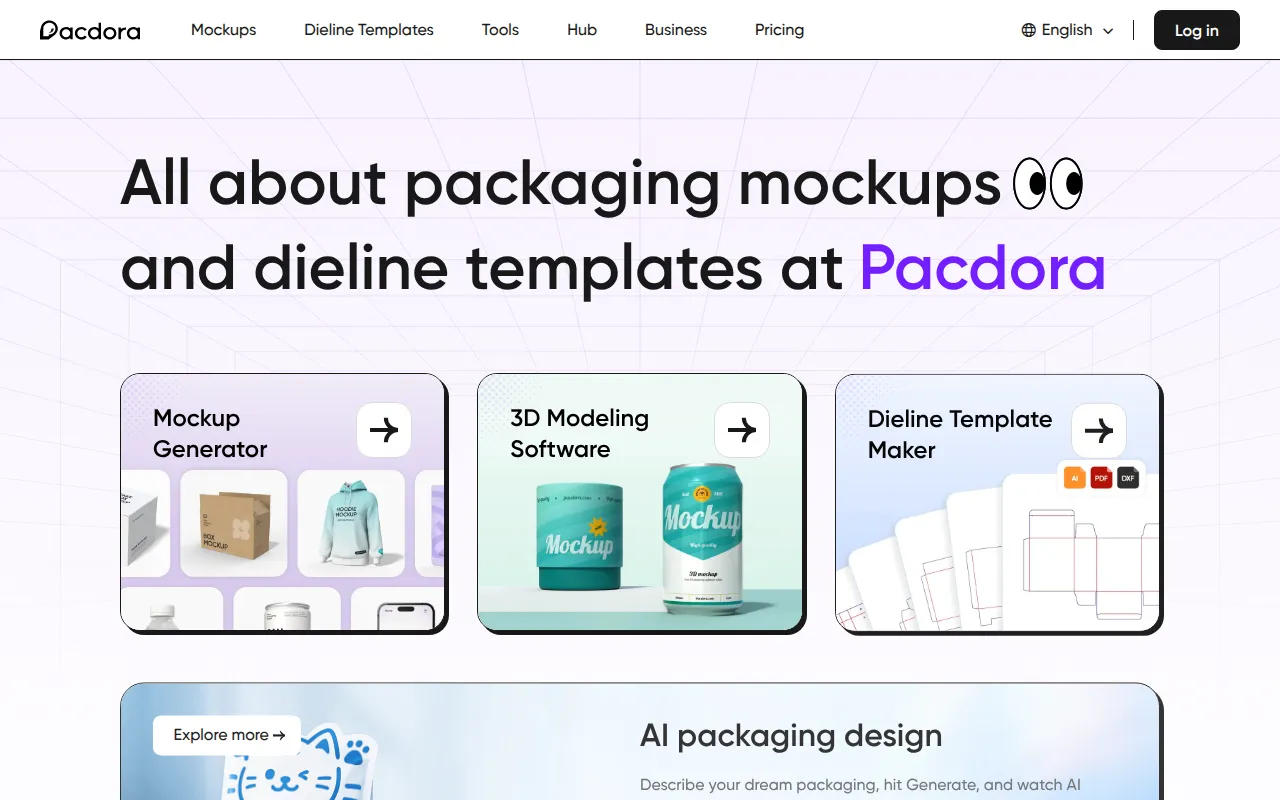
Pacdora is a cloud-based design tool for packaging and product visualization. It provides a library of 3D mockups and dieline templates for items such as boxes, bottles, and apparel, allowing users to upload their artwork and preview it in a 3D environment.
The software is designed for professional designers, packaging developers, and ecommerce business owners. It provides a browser-based interface where users can adjust lighting, materials, and dimensions.
Beyond basic mockups, the platform includes AI tools for generating design ideas and backgrounds. Buyers should note that some high-resolution or premium features may require a paid subscription.
Users can generate dielines based on specific dimensions and material thickness, which can then be exported for use in professional printing workflows.
Key Features
3D Mockup Generator
Provides a library of over 5,000 customizable models for packaging and products with 3D previews in real time.
Dieline Template Maker
Generates print-ready dieline templates with customizable dimensions, materials, and paper thickness.
AI Packaging Design
Supports generating packaging design ideas based on text descriptions.
AI Background Generator
Creates backgrounds for product images to support digital marketing visuals.
Cloud Rendering
Renders 3D scenes on cloud servers to support the use of the tool on devices with lower processing power.
High-Resolution Export
Supports exporting visuals in HD, 2K, 4K, and 8K formats, as well as MP4 video exports.
Use Cases
Packaging Concept Visualization
Uploading artwork to a 3D model to preview how a brand looks on a physical box or bottle.
Dieline Preparation
Creating specific dimensions for a package and exporting the dieline for production.
E-commerce Product Imagery
Generating 3D renders and AI backgrounds for use in online store listings.
Client Presentations
Building 3D scenes and MP4 videos to show a product's appearance before manufacturing.
FAQ
Can I customize the size of the packaging in Pacdora?
- Yes, many packaging mockups, particularly box-style models, support custom dimensions for width, height, and depth.
Do I need to download any software to use Pacdora?
- No, Pacdora is browser-based and uses cloud rendering, so it works on Windows, macOS, and iPads without installation.
Is Pacdora free to use?
- Pacdora is free to use for creating and designing 3D models, though premium features are available via a paid subscription.
What file formats can I export from the platform?
- The platform supports JPG and PNG images (up to 8K resolution), MP4 demo videos, and dieline files for printing.
Source category: Productivity
Source subcategory: Design & Prototyping
More tools in Productivity
Other published listings in the Productivity category.


More tools in the Design and Prototyping software type
Related listings that share the same software type for comparison and shortlisting.


