AI TOOL PROFILE
Moises: AI Music Practice and Production Toolkit

- Education and Training
- Media Processing
- Musicians
- Music Schools
- Music Studios
- Music Producers
- Music Educators
Pricing
Moises uses a freemium model. A free version allows up to 5 songs per month, while a Premium plan provides unlimited songs and additional control.
At a glance
- Best for
- Musicians, Music Schools, Music Studios, Music Producers, Music Educators
- Key use cases
- Creating Practice Backing Tracks, Rehearsal and Timing Support, Vocal Experimentation, Performance Capturing
- Integrations
- MP3 export, M4A export, WAV export
- Official website
- Visit Moises official website
How AI is used
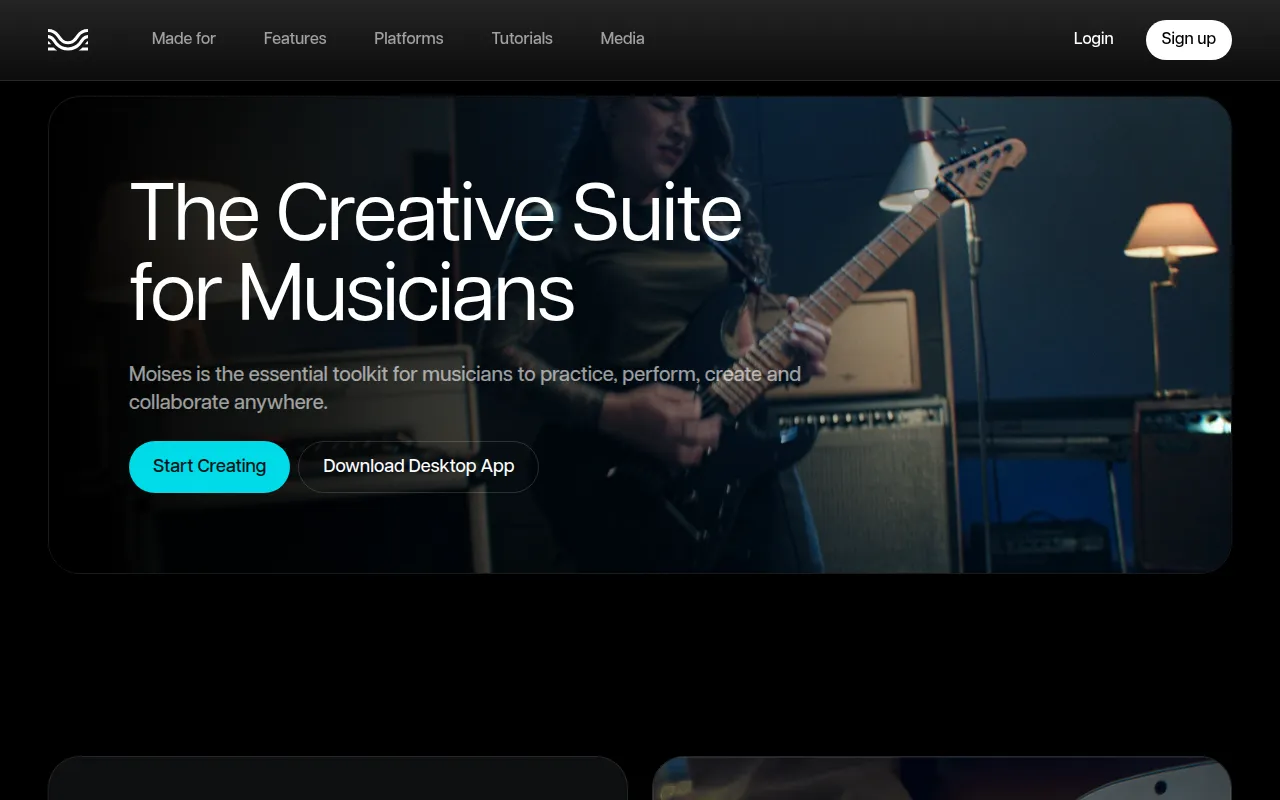
Moises is a toolkit designed for musicians and producers to manipulate audio tracks for practice and creation. Using AI-powered stem separation, the software can isolate or mute vocals, drums, bass, and other instruments from a song, which may help users create custom backing tracks for rehearsal.
The tool is designed for various roles, including drummers, vocalists, guitarists, and educators. Beyond separation, it includes practice aids such as a smart metronome, pitch and speed changers, and chord detection tools to support the learning process.
For creators, the platform includes a Voice Studio for experimenting with AI vocal models and a video recording feature for mobile users to capture performances with integrated audio. Buyers should note that video recording is limited to mobile platforms, while other features are available via web and desktop apps.
Users should consider their monthly song volume, as the free version has limits on the number of tracks that can be processed.
Key Features
AI Stem Separation
Isolates or mutes vocals, drums, bass, and other instruments from audio tracks.
Smart Metronome
Generates metronome counts designed to sync with the tempo of the uploaded song.
Audio Speed and Pitch Changer
Allows users to adjust track speed and shift the musical key to fit vocal ranges or instrument tuning.
Chord and Key Detection
Identifies the song key and detects chords within a track.
Voice Studio
Provides AI voice models from real artists for experimenting with different vocal timbres.
Video Recording
Allows mobile users to record video performances over library tracks with adjustable stem volumes.
Use Cases
Creating Practice Backing Tracks
Removing a specific instrument or vocal track so a musician can play that part along with the rest of the song.
Rehearsal and Timing Support
Using the smart metronome and BPM detection to help check timing and synchronization during rehearsals.
Vocal Experimentation
Using AI voice models in the Voice Studio to test different vocal styles.
Performance Capturing
Recording video of a performance over a modified track for sharing.
Integrations
- MP3 export
- M4A export
- WAV export
FAQ
What is Moises used for?
- Moises is used to separate songs into individual stems (vocals, drums, bass, etc.), detect keys and chords, and record musical performances.
Is there a free version of Moises?
- Yes, Moises offers a free plan that allows users to process up to 5 songs per month.
Can I use the video recording feature on my computer?
- No, the video recording feature is only available to users of the mobile app.
Does Moises work on multiple devices?
- Yes, it is available as a mobile app (iOS and Android), a web app, and a desktop app.
Source category: Education & Training
Source subcategory: Media Processing
More tools in Education & Training
Other published listings in the Education & Training category.


More tools in the Media Processing software type
Related listings that share the same software type for comparison and shortlisting.


