AI TOOL PROFILE
beey Review: AI Transcription and Subtitle Software

- Productivity
- Media Processing
- Small Businesses
- Media Companies
- Podcasters
- Journalists
- Videoproducers
Pricing
Offers a freemium model with the first 30 minutes free. Paid options include pay-as-you-go at €0.14/min, a Plus plan at €25/month for 5 hours, and a Business plan at €45/month for 10 hours.
At a glance
- Best for
- Small Businesses, Media Companies, Podcasters, Journalists, Videoproducers
- Key use cases
- Video Content Accessibility, Meeting Documentation, Media Archiving, Research and Journalism
- Integrations
- API integration
- Official website
- Visit beey official website
How AI is used
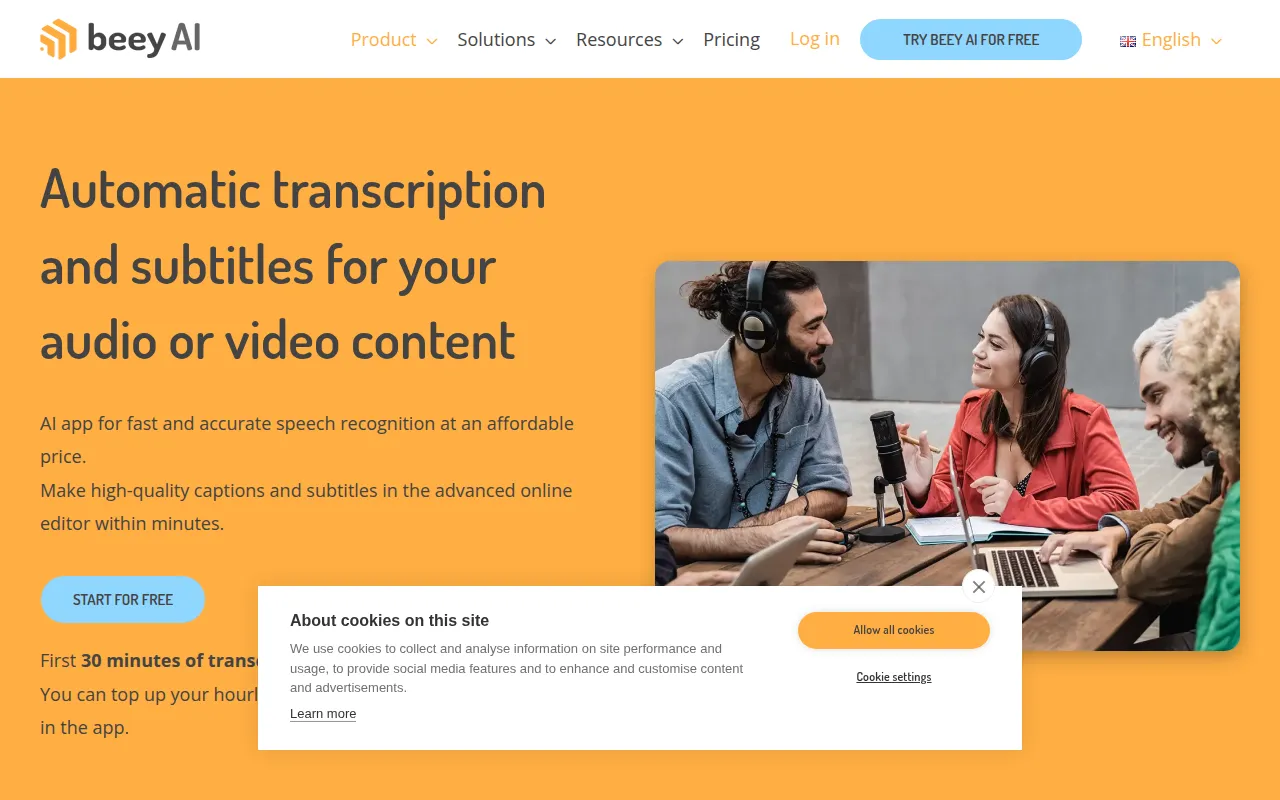
beey is an automatic transcription and subtitle platform that uses AI to turn audio and video files into text. It supports various inputs, including podcasts, meeting minutes, interviews, and recorded lectures, and is available in more than 30 languages.
The tool is intended for users such as journalists, podcasters, videoproducers, and government agencies who need to document spoken content or improve video accessibility. It includes an editor for correcting AI-generated text and a specific mode for creating subtitles with waveform previews.
Buyers should consider that AI transcripts are not 100% accurate and may require manual review or the use of professional proofreading services. Buyers should confirm if the pay-as-you-go or subscription tiers best align with their monthly transcription volume.
Key Features
AI Transcription
Converts audio and video recordings to text using speech-to-text models.
Subtitle Creation
A subtitle mode that includes an interactive waveform preview for timing and editing.
Automatic Translation
Translates transcripts into over 30 different languages while maintaining timestamps.
Speaker Identification
Supports the separation and recognition of different speakers within a recording.
Smart Editor
An online editor for correcting, formatting, and polishing transcribed text.
Live Captions
Provides transcription for streamed content in real time.
Team Collaboration
Allows users to create teams with shared projects and credit pools.
Use Cases
Video Content Accessibility
Generating captions and subtitles in multiple languages to make video content more accessible.
Meeting Documentation
Converting recorded online meetings and interviews into written text for minutes and archives.
Media Archiving
Creating a full-text searchable archive of audio and video resources.
Research and Journalism
Transcribing recorded lectures and interviews for analysis and quoting.
Integrations
- API integration
FAQ
How accurate is beey's transcription?
- The tool is designed to provide more than 90% precision for most recordings, though the company notes that AI transcripts are not 100% accurate and may need manual correction.
Which pricing plan is right for my business?
- Users with low volume may use the pay-as-you-go rate of €0.14/min, while those with consistent monthly volumes may consider the Plus (€25/month for 5 hours) or Business (€45/month for 10 hours) plans.
Does beey support languages other than English?
- Yes, beey supports more than 30 languages for both transcription and automatic translation.
Source category: Productivity
Source subcategory: Media Processing
More tools in Productivity
Other published listings in the Productivity category.


More tools in the Media Processing software type
Related listings that share the same software type for comparison and shortlisting.


