AI TOOL PROFILE
Gistra: YouTube Transcript Extractor and Study Tool

- Education and Training
- Media Processing
- Students
- Content Creators
- Researchers
- Marketers
Pricing
Free accounts receive 20 credits per month. Paid plans include Plus ($12/month for 1,500 credits) and Pro ($25/month for 4,000 credits). A pay-as-you-go option is available at $10 per 1,000 credits.
At a glance
- Best for
- Students, Content Creators, Researchers, Marketers
- Key use cases
- Educational Archiving, Market Research, Content Analysis, Language Study
- Integrations
- Text export, CSV export, SRT export, JSON export
- Official website
- Visit Gistra official website
How AI is used
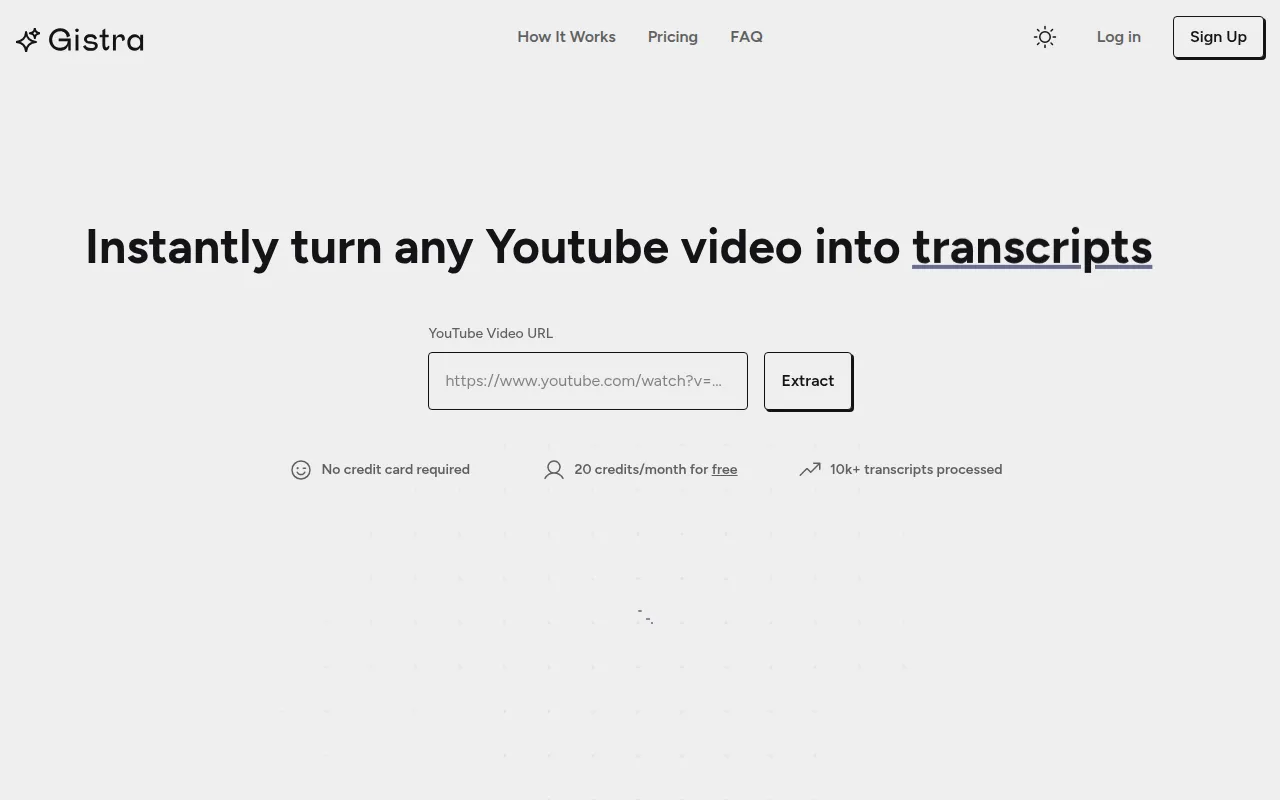
Gistra is a browser-based tool designed to extract transcripts and metadata from YouTube videos, channels, or playlists. It organizes this data into a personal library, allowing users to search through text and navigate to specific video timestamps by clicking on the transcript.
The software is built for individuals and small teams who consume a large volume of video content for educational or professional purposes. It includes AI tools to help users synthesize information into different formats.
Buyers should note that the tool relies on available video captions; if a video has no subtitles, the software cannot extract a transcript. Additionally, users should consider the credit-based system, where each new extraction or AI action consumes a credit.
Key Features
Transcript Extraction
Extracts transcripts and metadata from individual YouTube videos, channels, or playlists in available languages.
Synced Video Playback
Supports viewing transcripts alongside the video player with clickable timestamps for navigation.
AI Study Material Generation
Supports the generation of flashcards, study guides, and quizzes based on the extracted video text.
Transcript Chat
Includes a chat interface to ask questions about the video content, with responses that include clickable timestamps.
Search and Annotation
Allows users to search for phrases within transcripts and add notes.
Multi-format Export
Supports exporting transcripts in text, CSV, SRT, or JSON formats.
Use Cases
Educational Archiving
Capturing course or tutorial playlists to create a searchable text archive of lectures.
Market Research
Extracting transcripts from competitor videos to analyze content and export data for review.
Content Analysis
Reviewing transcripts of successful channels to identify content gaps.
Language Study
Using AI translation and transcript extraction to study video content in different languages.
Integrations
- Text export
- CSV export
- SRT export
- JSON export
FAQ
Do I need an account to extract a transcript with Gistra?
- No, you can extract and download a single transcript without an account, though an account is needed for AI features and saving content to a library.
How does the credit system work?
- One credit is used for each new transcript extraction or each AI action, such as generating a quiz or a chat response.
What happens if a YouTube video has no captions?
- If a video does not have subtitles available, Gistra cannot extract a transcript.
Which plan is best for high-volume researchers?
- The Pro plan is designed for researchers needing more data, providing 4,000 credits per month for $25.
Source category: Education & Training
Source subcategory: Media Processing
More tools in Education & Training
Other published listings in the Education & Training category.


More tools in the Media Processing software type
Related listings that share the same software type for comparison and shortlisting.


