AI TOOL PROFILE
Nero AI Image Upscaler

- Productivity
- Media Processing
- Photographers
- E-commerce professionals
- Graphic designers
- Real estate agents
- Architects
- Game artists
Pricing
The service uses a freemium, credit-based model. New users receive 10 free credits, and 50 free trial Business Credits are available for API testing. Buyers should confirm current subscription pricing on the vendor website.
At a glance
- Best for
- Photographers, E-commerce professionals, Graphic designers, Real estate agents, Architects
- Key use cases
- Large-scale printing, E-commerce product shots, Real estate and interior photography, Digital art and game assets
- Official website
- Visit nero ai image upscaler official website
How AI is used
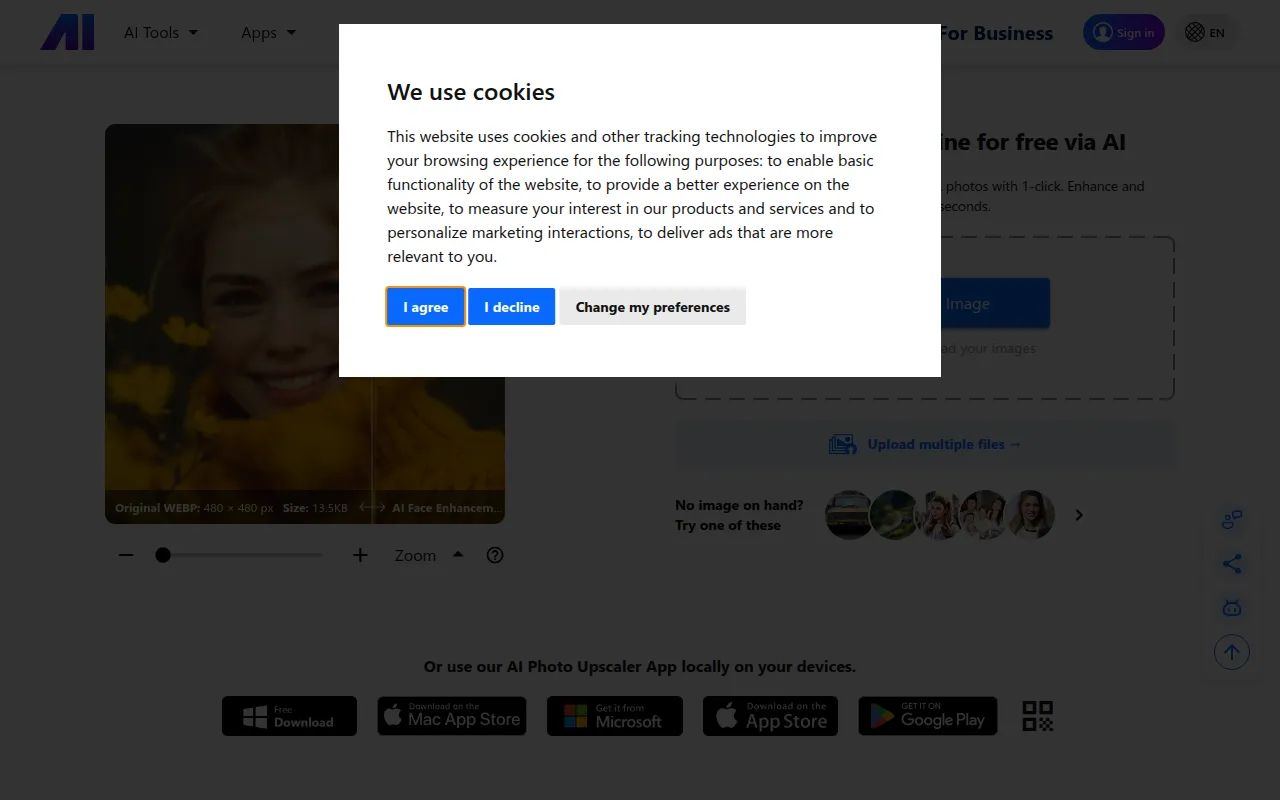
Nero AI Image Upscaler is a browser-based tool designed to enlarge images and improve clarity. It uses deep convolutional neural networks to add pixels and sharpen details, which may help when images are too small for their intended use.
Key Features
AI-powered upscaling
Enlarges images by up to 400% using neural networks trained on low-resolution and high-resolution image pairs.
Multiple upscale styles
Supports specific processing styles including Face Enhancement, Anime, Photograph, Standard, and Reconstruct.
High-resolution output
Supports output up to 268 megapixels (16000 x 16000 pixels).
Image Denoiser
Helps remove noise and JPEG compression artifacts from images.
Face Enhancer
A tool for recovering and sharpening facial details in portraits.
Batch processing
Supports uploading multiple images at once, with Business users supporting up to 200 images per batch.
Developer API
Provides API access for developers to integrate image upscaling and editing tools into applications.
Use Cases
Large-scale printing
Upscaling images to 300+ DPI for use in outdoor ads, billboards, and exhibitions.
E-commerce product shots
Enhancing low-resolution product images for online listings.
Real estate and interior photography
Improving the resolution and sharpening edges of property photos.
Digital art and game assets
Increasing the resolution of AI-generated images or digital illustrations for use as 4K wallpapers.
FAQ
Is Nero AI Image Upscaler free to use?
- The tool provides 10 free Nero Credits for new users. After these are used, users may purchase more credits or a subscription.
What is the maximum resolution the tool can achieve?
- It can upscale images up to 268 megapixels, such as a 16000 x 16000 pixel image with a 1:1 aspect ratio.
How does the Business subscription differ from standard plans?
- Business users receive priority processing and can upload up to 200 images per batch. They also have access to the API using Business Credits.
Source category: Productivity
Source subcategory: Media Processing
More tools in Productivity
Other published listings in the Productivity category.


More tools in the Media Processing software type
Related listings that share the same software type for comparison and shortlisting.


