AI TOOL PROFILE
Mermaid Chart: AI-Powered Diagramming & Text-to-Chart Tool

- Productivity
- Design and Prototyping
- Software Companies
- Project Managers
- Business Analysts
- Technical Writers
- Operations Managers
Pricing
Mermaid Chart uses a freemium model with a free tier and an Enterprise tier available.
At a glance
- Best for
- Software Companies, Project Managers, Business Analysts, Technical Writers, Operations Managers
- Key use cases
- Technical Documentation, Business Process Mapping, Project Planning, Organizational Mapping, Data Visualization
- Integrations
- VS Code, GitHub Copilot, Confluence
- Official website
- Visit mermaid chart official website
How AI is used
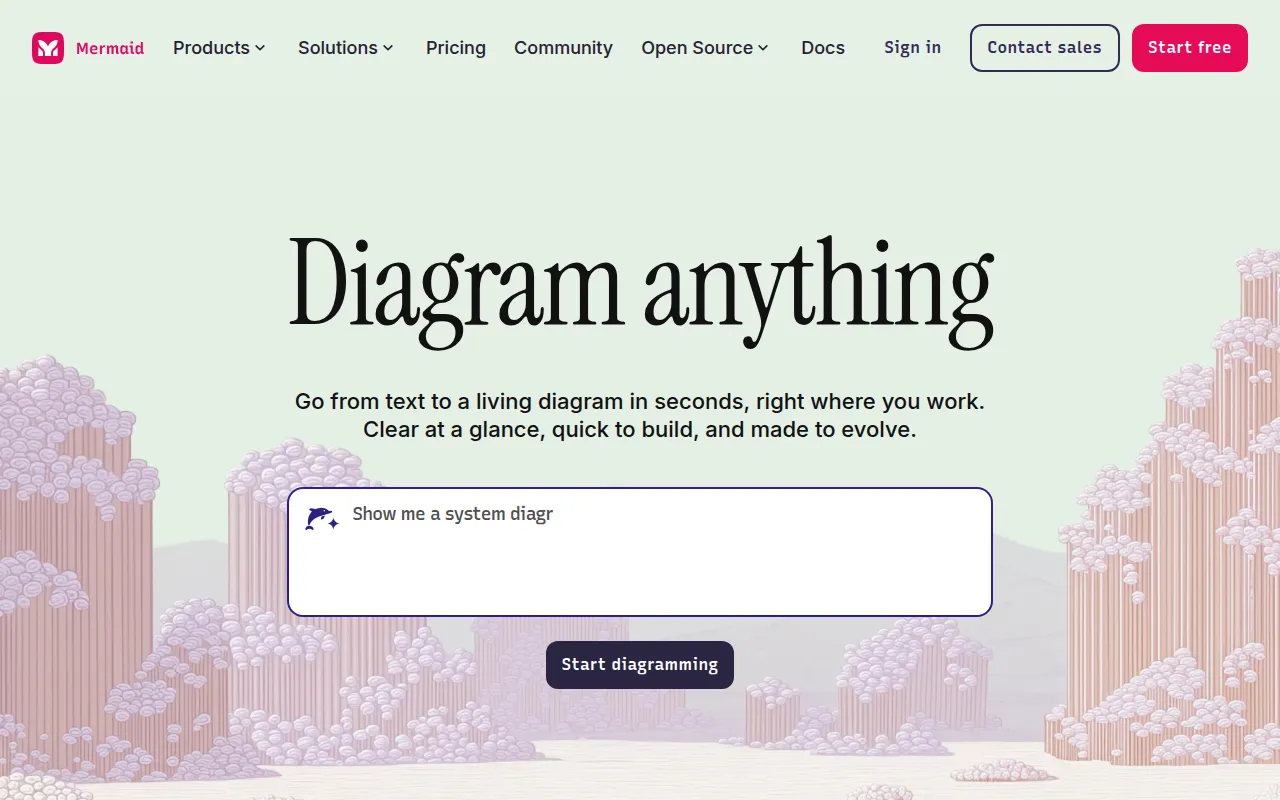
Mermaid Chart is a diagramming platform that allows users to generate visuals using natural language, Markdown-style code, or a visual editor. The platform is designed to move the process of charting toward a text-based system where the software manages the layout.
The tool supports a range of users, including developers, project managers, business analysts, and operations leads. It supports various diagram types, including flowcharts, mind maps, sequence diagrams, and entity-relationship diagrams.
For teams with security requirements, the platform includes SOC2 compliance, SSO integration, and custom encryption. Users may render diagrams within their IDE or embed them into wikis and presentations.
Buyers should confirm if a text-to-chart workflow fits their team, though the tool includes AI assistance and a visual editor for those unfamiliar with the specific syntax.
Key Features
Natural Language Input
Allows users to describe a desired diagram in plain text to generate a visual.
Code-to-Diagram Conversion
Converts Mermaid syntax and Markdown-style code into formatted charts.
Real time Collaboration
Supports co-editing diagrams and sharing feedback with team members.
Security & Compliance
Includes SOC2 compliance, SSO integration, and custom encryption.
IDE Integration
Supports rendering and managing diagrams directly within an integrated development environment.
Multiple Diagram Types
Supports the creation of Gantt charts, ER diagrams, flowcharts, sequence diagrams, and org charts.
Use Cases
Technical Documentation
Mapping software features, system architectures, and CI/CD pipelines.
Business Process Mapping
Documenting organizational processes to help identify potential bottlenecks.
Project Planning
Using Gantt charts and timelines to track project milestones and dependencies.
Organizational Mapping
Building org charts and career path visualizations for HR management.
Data Visualization
Converting datasets into shareable visuals such as ER diagrams.
Integrations
- VS Code
- GitHub Copilot
- Confluence
FAQ
Do I need to know how to code to use Mermaid Chart?
- No, while code is supported, the tool also allows natural language input via AI and a visual editor for adjustments.
What types of diagrams can be created?
- The tool supports flowcharts, sequence diagrams, Gantt charts, ER diagrams, timelines, mind maps, and org charts.
Is there a free version of Mermaid Chart?
- Yes, Mermaid Chart offers a free tier in addition to its Enterprise tier.
How does Mermaid Chart handle security for businesses?
- It provides secure access controls, custom encryption, SOC2 compliance, and SSO integration.
Source category: Productivity
Source subcategory: Design & Prototyping
More tools in Productivity
Other published listings in the Productivity category.


More tools in the Design and Prototyping software type
Related listings that share the same software type for comparison and shortlisting.


