AI TOOL PROFILE
Collabware: Records Management Software

- Operations
- Document Management
- Enterprise Companies
- Mid-Market Companies
- Government Agencies
- Records Officers
- CIOs and CDOs
Pricing
Collabware CLM is $192 per user per year and Collabmail starts at $48 per user per year, both with a 100-user minimum. Collabspace is billed via monthly compute segments based on data volume or physical object count.
At a glance
- Best for
- Enterprise Companies, Mid-Market Companies, Government Agencies, Records Officers, CIOs and CDOs
- Key use cases
- Regulatory Compliance Management, Digital Transformation of Paper Records, eDiscovery and FOI Requests, SharePoint Records Enhancement
- Integrations
- Microsoft SharePoint, Microsoft Outlook, Microsoft Teams, OneDrive for Business, SAP
- Official website
- Visit collabware clm official website
How AI is used
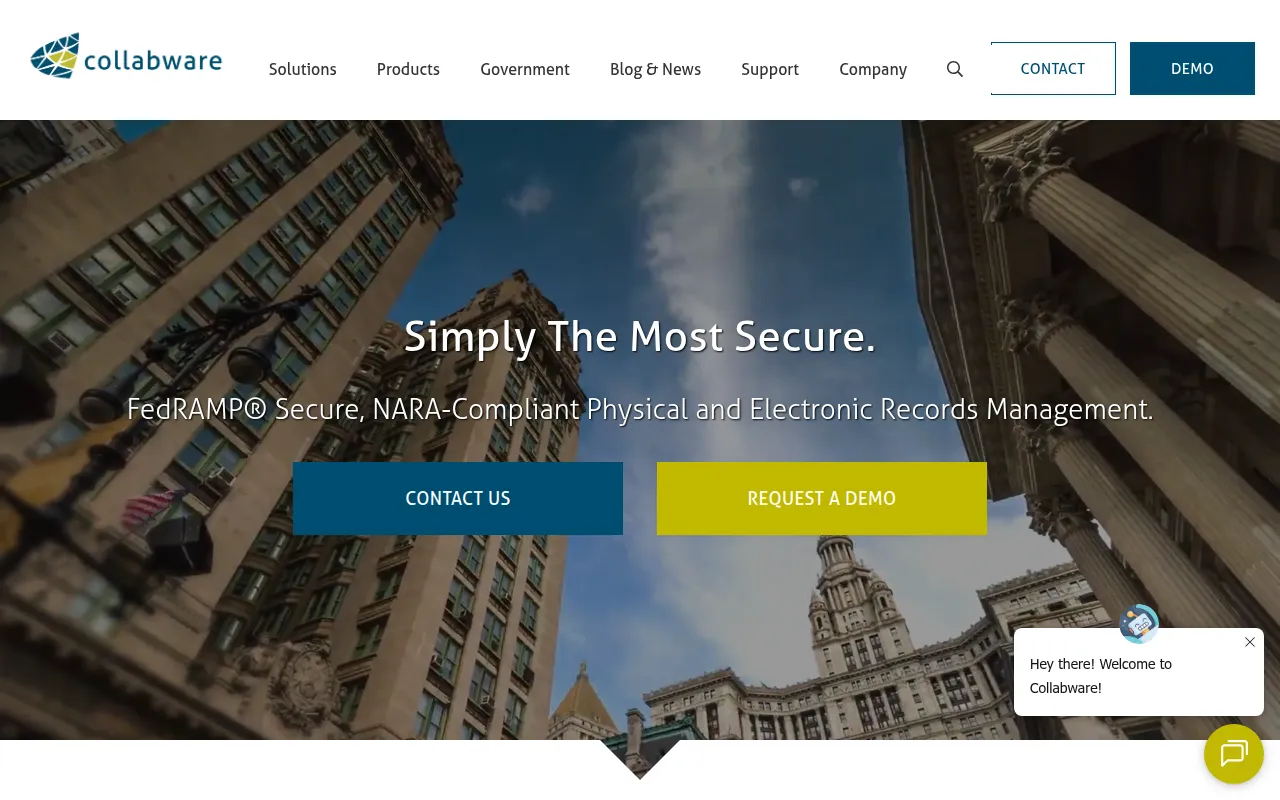
Collabware is a records management suite designed to handle the content lifecycle. It offers different deployment options, including Collabspace for cloud-based access and Collabware CLM for organizations looking to enhance their existing SharePoint environment.
The software is designed for organizations with strict compliance requirements, such as government agencies and highly regulated industries like Oil & Gas. It supports the transition from paper-based systems to the cloud while following security standards.
Key capabilities include automated content categorization using machine learning, the application of legal holds to preserve information, and tools for cross-platform discovery. It also supports the management of physical record inventories alongside electronic ones.
Buyers should confirm the minimum user requirements for the CLM and Collabmail plans and verify if their specific regulatory mandates, such as NARA or FedRAMP, are a primary requirement.
Key Features
Automated Content Categorization
Uses machine learning to categorize content based on rules and records control schedules.
Physical Records Management
Supports a digital representation of physical inventory, including tracking for facilities, rooms, shelves, and boxes.
Retention and Disposition Workflows
Provides a visual design surface to help automate the document lifecycle from retention to disposition.
Legal Holds
Allows users to apply holds to content individually or in bulk to prevent modification or deletion.
OCR and Entity Extraction
Supports the enrichment of digitized paper records with optical character recognition and keyword extraction.
Cross-Platform Search
Supports discovery across multiple repositories, including SharePoint, Teams, and file shares, in a single view.
Use Cases
Regulatory Compliance Management
Supporting the need to meet NARA, FedRAMP, and GDPR standards through automated retention and secure storage.
Digital Transformation of Paper Records
Converting physical archives to digital formats with OCR enrichment and automatic categorization.
eDiscovery and FOI Requests
Using search and export tools to respond to Freedom of Information or legal discovery requests.
SharePoint Records Enhancement
Adding lifecycle management and compliance features to a Microsoft SharePoint infrastructure.
Integrations
- Microsoft SharePoint
- Microsoft Outlook
- Microsoft Teams
- OneDrive for Business
- SAP
FAQ
Who is Collabware designed for?
- It is designed for mid-market and enterprise companies, as well as government agencies (federal, state, local, and tribal) and records officers.
What is the minimum purchase requirement for Collabware CLM?
- Collabware CLM and Collabmail both require a minimum purchase of 100 users.
Does Collabware support physical records?
- Yes, it supports managing a digital representation of physical inventory, including storage facilities, rooms, and boxes, alongside electronic records.
Source category: Operations
Source subcategory: Document Management
More tools in Operations
Other published listings in the Operations category.


More tools in the Document Management software type
Related listings that share the same software type for comparison and shortlisting.