AI TOOL PROFILE
Docsvault Document Management Software
- Legal
- Document Management
- Law firms
- Legal departments
- Small and medium-sized businesses
- Regulated industries requiring on-premise storage
Pricing
The Small Business Edition starts at $15.55 monthly for 5 users. Pricing varies by edition and license type. A free trial is available.
At a glance
- Best for
- Law firms, Legal departments, Small and medium-sized businesses, Regulated industries requiring on-premise storage
- Key use cases
- Legal Matter Management, Regulatory Compliance, Digital Archive Migration, AP Invoice Processing, HR Document Digitization
- Integrations
- Microsoft Outlook, Microsoft Word, Microsoft Excel, Active Directory
- Official website
- Visit docsvault official website
How AI is used
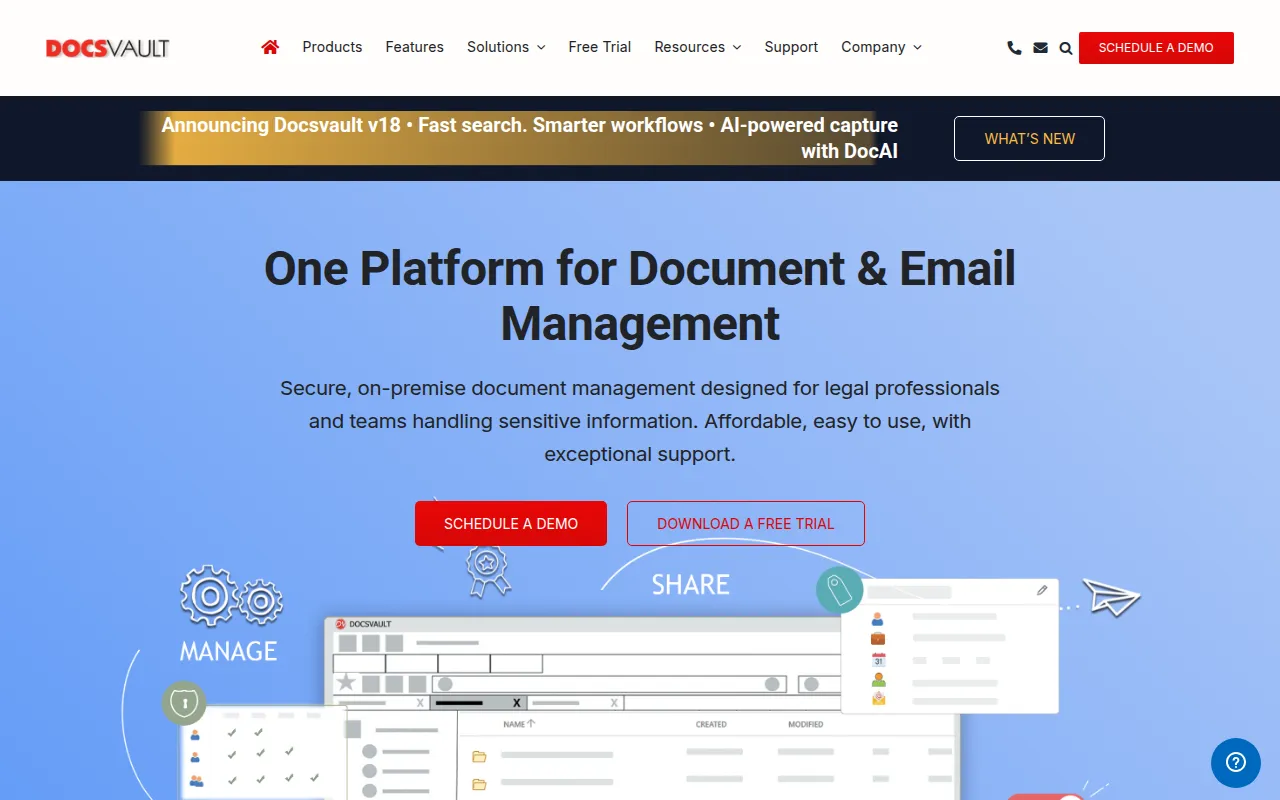
Docsvault is an on-premise document management system designed to centralize business-critical information. It allows users to store digital files and emails in a single repository, using metadata and folder structures to keep records organized.
The software is tailored for legal professionals, law firms, and legal departments, providing a matter-centric approach to managing cases, contracts, and pleadings. It also supports other regulated sectors, such as healthcare and manufacturing, that require audit trails.
Key capabilities include integration with Microsoft Office and Outlook, as well as built-in PDF tools for editing and redaction. Because it is deployed on-premise, it is designed for organizations that prefer local ownership of their data.
Buyers should confirm their internal hardware capabilities for on-premise deployment and verify which edition—Small Business, Enterprise, or Ultimate—aligns with their specific automation and AI requirements.
Key Features
Email Management for Outlook
Integrates with Microsoft Outlook to save incoming and outgoing emails and attachments directly to matters or projects.
Microsoft Office Integration
Supports editing and version management within Word and Excel, including automated footer stamping.
Built-in PDF Tools
Includes tools to merge, split, redact, and apply Bates numbering to PDFs within the system.
AI-Assisted Processing and OCR
Uses OCR and indexing to make scanned documents searchable and help users locate information.
Version Control
Tracks document history, supports version comparison, and allows users to restore previous versions.
Access Controls and Auditing
Provides granular user permissions and audit trails to monitor actions within the repository.
Workflow Automation
Supports predefined routing and approval workflows for documents.
Use Cases
Legal Matter Management
Organizing legal documents, pleadings, and correspondence by client and matter for case access.
Regulatory Compliance
Supporting compliance with HIPAA, GDPR, and ISO 9001 through secure storage, retention policies, and audit reports.
Digital Archive Migration
Moving from discontinued legacy systems to an on-premise repository while preserving folder structures.
AP Invoice Processing
Using document capture to route invoices and maintain financial records.
HR Document Digitization
Managing employee records and onboarding workflows while securing personnel files.
Integrations
- Microsoft Outlook
- Microsoft Word
- Microsoft Excel
- Active Directory
FAQ
What is Docsvault?
- Docsvault is an on-premise document management system that helps businesses centralize, search, and secure digital documents and emails.
Is Docsvault suitable for law firms?
- Yes, it is designed for legal professionals and includes matter-centric organization and tools for managing discovery, contracts, and pleadings.
How much does Docsvault cost?
- The Small Business Edition starts at $15.55 monthly for 5 users. Pricing varies based on the chosen edition and number of user licenses.
Does Docsvault support regulatory compliance?
- Docsvault includes features designed to help organizations meet regulations such as HIPAA, GDPR, ISO 9001, SEC, and SOX.
Source category: Legal
Source subcategory: Document Management
More tools in Legal
Other published listings in the Legal category.



More tools in the Document Management software type
Related listings that share the same software type for comparison and shortlisting.