AI TOOL PROFILE
AutoEntry: Automated Data Entry for Accounting Software

- Finance and Accounting
- Document Automation
- Small business owners
- Accountants in practice
- Bookkeepers
- Mid-market accounting departments
Pricing
AutoEntry uses credit-based tiered monthly plans (Bronze, Silver, Gold, Platinum, Diamond, and Sapphire). A free trial with 25 credits is available.
At a glance
- Best for
- Small business owners, Accountants in practice, Bookkeepers, Mid-market accounting departments
- Key use cases
- Digitizing Receipts and Invoices, VAT Reporting Preparation, Supplier Statement Matching, MTD Compliance
- Integrations
- Xero, Sage, QuickBooks, FreeAgent, KashFlow
- Official website
- Visit autoentry official website
How AI is used
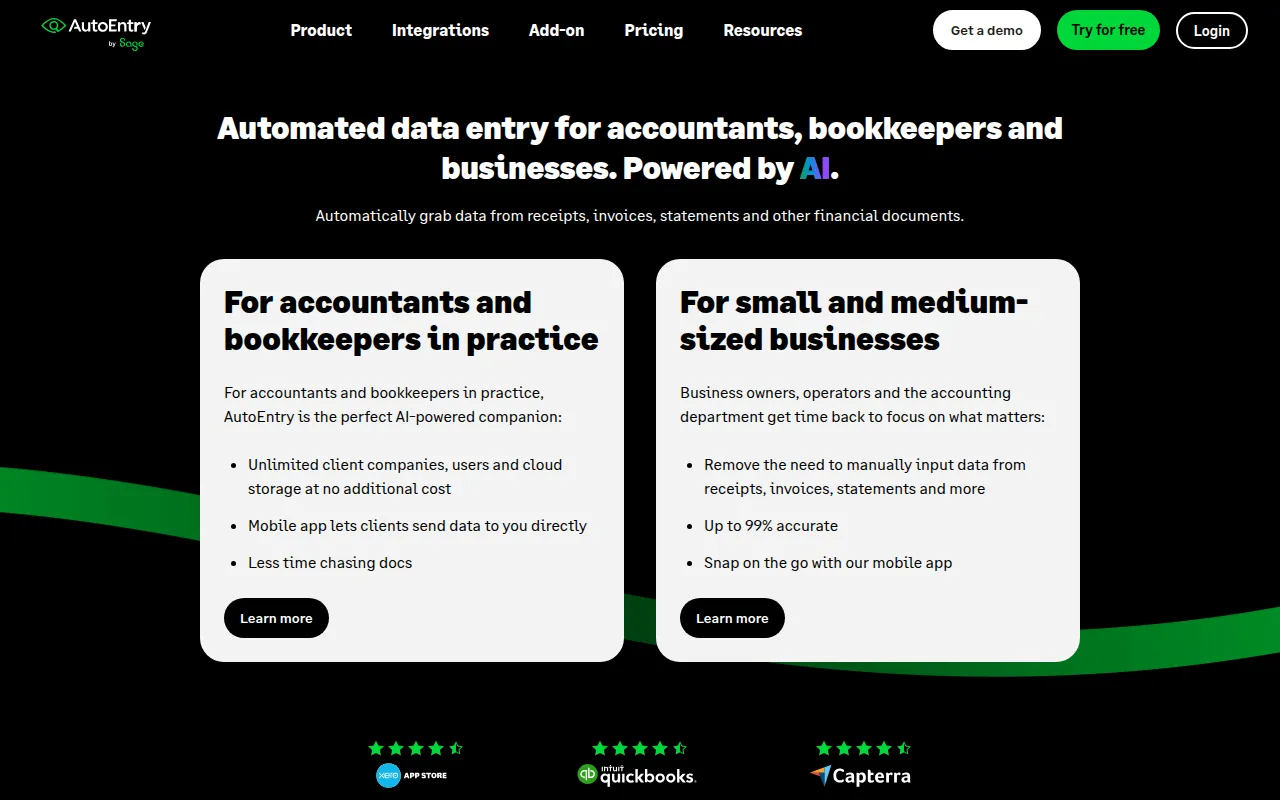
AutoEntry is an automated data entry tool designed to capture financial information from receipts, invoices, and bank statements using OCR and machine learning. It is built for small to medium-sized businesses, as well as accounting and bookkeeping practices that manage multiple client companies.
The software supports a workflow of capturing documents via a mobile app, email, or desktop upload, categorizing the data with VAT codes, and publishing records to a connected ledger. This process is designed to help teams move away from manual input and paper-based record keeping.
Buyers should consider their monthly document volume, as the software uses a credit-based pricing system where different document types (such as bank statements versus simple receipts) consume different amounts of credits.
It is also designed to support digital tax requirements, specifically the UK's Making Tax Digital (MTD) program, by integrating with HMRC-recognised platforms.
Key Features
OCR Data Extraction
Uses optical character recognition and machine learning to extract data from financial documents.
Multi-Channel Capture
Supports document submission via a mobile app, desktop upload, or a dedicated email address.
VAT Code Categorization
Supports the assignment of VAT codes and categories that align with the user's accounting software.
Statement Reconciliation
Includes tools to match invoices against monthly supplier statements.
Expense and Mileage Management
Supports uploading and managing expenses and mileage, including assigning them to specific users.
Accounting Software Integration
Publishes extracted data into compatible ledgers such as Xero, Sage, and QuickBooks.
Use Cases
Digitizing Receipts and Invoices
Capturing physical paperwork via mobile app or email to create digital records for accounting.
VAT Reporting Preparation
Grouping invoices by VAT periods to help generate reports.
Supplier Statement Matching
Using the reconciliation feature to match invoices to supplier statements.
MTD Compliance
Maintaining digital records that are compatible with the UK's Making Tax Digital requirements.
Integrations
- Xero
- Sage
- QuickBooks
- FreeAgent
- KashFlow
- SortMyBooks
- ClearBooks
FAQ
What is a credit in AutoEntry?
- Credits are used for uploading documents. Different documents use different amounts: 1 credit for simple invoices/receipts, 2 for invoices with line items, 2 for supplier statements, and 3 per page for bank statements.
Which accounting software does AutoEntry work with?
- It integrates with platforms including Xero, Sage, QuickBooks, FreeAgent, KashFlow, SortMyBooks, and ClearBooks.
Is there a free trial for AutoEntry?
- Yes, AutoEntry offers a free trial that includes 25 credits.
Are there any long-term contracts?
- No, it uses a rolling monthly subscription that can be cancelled up to 24 hours before the renewal date.
Source category: Finance & Accounting
Source subcategory: Document Automation
More tools in Finance & Accounting
Other published listings in the Finance & Accounting category.


More tools in the Document Automation software type
Related listings that share the same software type for comparison and shortlisting.





