AI TOOL PROFILE
TrackingTime: Time Tracking and Timesheet Software

- Productivity
- Project Management
- Freelancers
- Small Businesses
- Mid-Market Companies
- Enterprise Companies
- Remote Teams
Pricing
TrackingTime offers a free plan for unlimited users. Paid plans start at $3.75 per user and go up to $10 per user.
At a glance
- Best for
- Freelancers, Small Businesses, Mid-Market Companies, Enterprise Companies, Remote Teams
- Key use cases
- Client Billing and Invoicing, Remote Team Management, Payroll Compliance, Resource Allocation
- Integrations
- Asana, Slack, Microsoft Teams, ClickUp, Notion
- Official website
- Visit TrackingTime official website
How AI is used
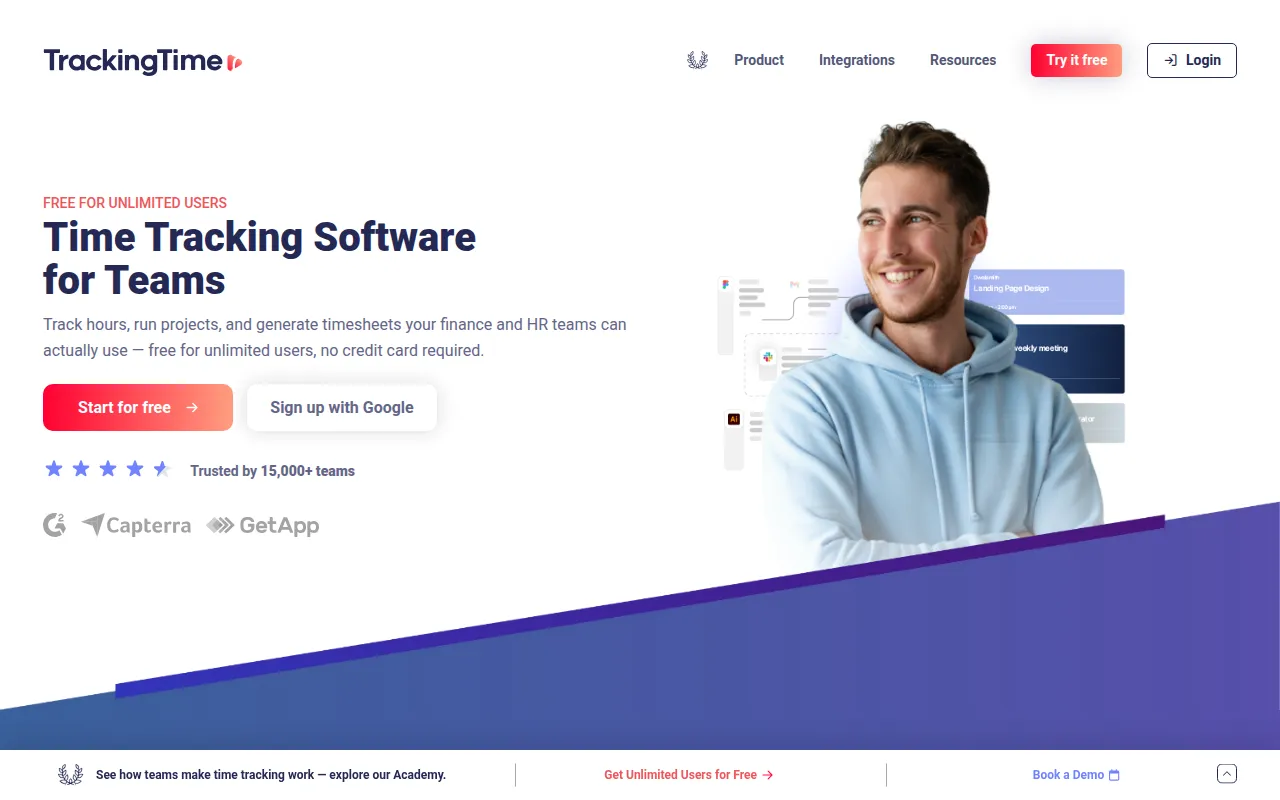
TrackingTime is a time tracking and project management tool that supports recording work hours through manual entry and automatic tracking. It provides features for creating timesheets, monitoring attendance, and managing employee leave.
The software is designed for a range of users, including freelancers, remote workers, and companies. It supports roles such as HR managers, finance leads, and team leads who need to monitor labor distribution and project progress.
The tool includes reporting capabilities that allow users to filter billable hours by project, task, or client. These reports can be shared via links or scheduled for delivery to assist with month-end closing and client billing.
Buyers should confirm if the available integrations align with their current project management stack to ensure the tool fits their existing workflow.
Key Features
AutoTrack
Uses AI suggestions to record work hours based on activity to help reduce manual time entry.
Digital Timesheets
Supports the creation and management of online timesheets.
Leave Management
Designed to track employee presence and absences.
Time and Attendance
Provides tools for gathering and storing employee clock-in and clock-out data.
Scheduled Reporting
Allows users to create and schedule time reports to be sent to clients or colleagues.
Multi-Platform Access
Available via desktop apps for Mac and Windows, mobile apps for iOS and Android, and browser extensions.
Use Cases
Client Billing and Invoicing
Filtering billable hours by project, task, or client to generate reports for billing purposes.
Remote Team Management
Allowing remote employees to log hours from any location to provide visibility into project progress.
Payroll Compliance
Using time cards and digital timesheets to maintain records of employee work hours.
Resource Allocation
Analyzing time reports to gain insights into how resources are assigned across projects.
Integrations
- Asana
- Slack
- Microsoft Teams
- ClickUp
- Notion
- Trello
- Google Workspace
- Jira
- Monday.com
- Figma
- Basecamp
- Bitbucket
- Evernote
- Factorial
- Google Sheets
FAQ
How does automatic time tracking work in TrackingTime?
- TrackingTime uses a feature called AutoTrack that records work hours based on your activities to help reduce the need for manual data entry.
Does TrackingTime have a free version?
- Yes, TrackingTime offers a free plan that supports unlimited users without seat limits.
Can TrackingTime be used on mobile devices?
- Yes, it provides dedicated mobile apps for both iOS and Android users to track time and manage tasks.
Source category: Productivity
Source subcategory: Project Management
More tools in Productivity
Other published listings in the Productivity category.


More tools in the Project Management software type
Related listings that share the same software type for comparison and shortlisting.


