AI TOOL PROFILE
SpeechPulse: Voice Recognition and Dictation Software

- Productivity
- Speech-to-Text
- Users seeking a one-time purchase license
- Privacy-conscious business owners
- People with typing disabilities
- Content creators needing subtitles
- Multilingual professionals
Pricing
SpeechPulse is a one-time purchase for $99 per platform or $159 for both Windows and macOS. A 30-day free trial is available.
At a glance
- Best for
- Users seeking a one-time purchase license, Privacy-conscious business owners, People with typing disabilities, Content creators needing subtitles, Multilingual professionals
- Key use cases
- Hands-free Dictation, Meeting and Interview Transcription, Video Content Captioning, Privacy-focused Documentation
- Official website
- Visit speechpulse official website
How AI is used
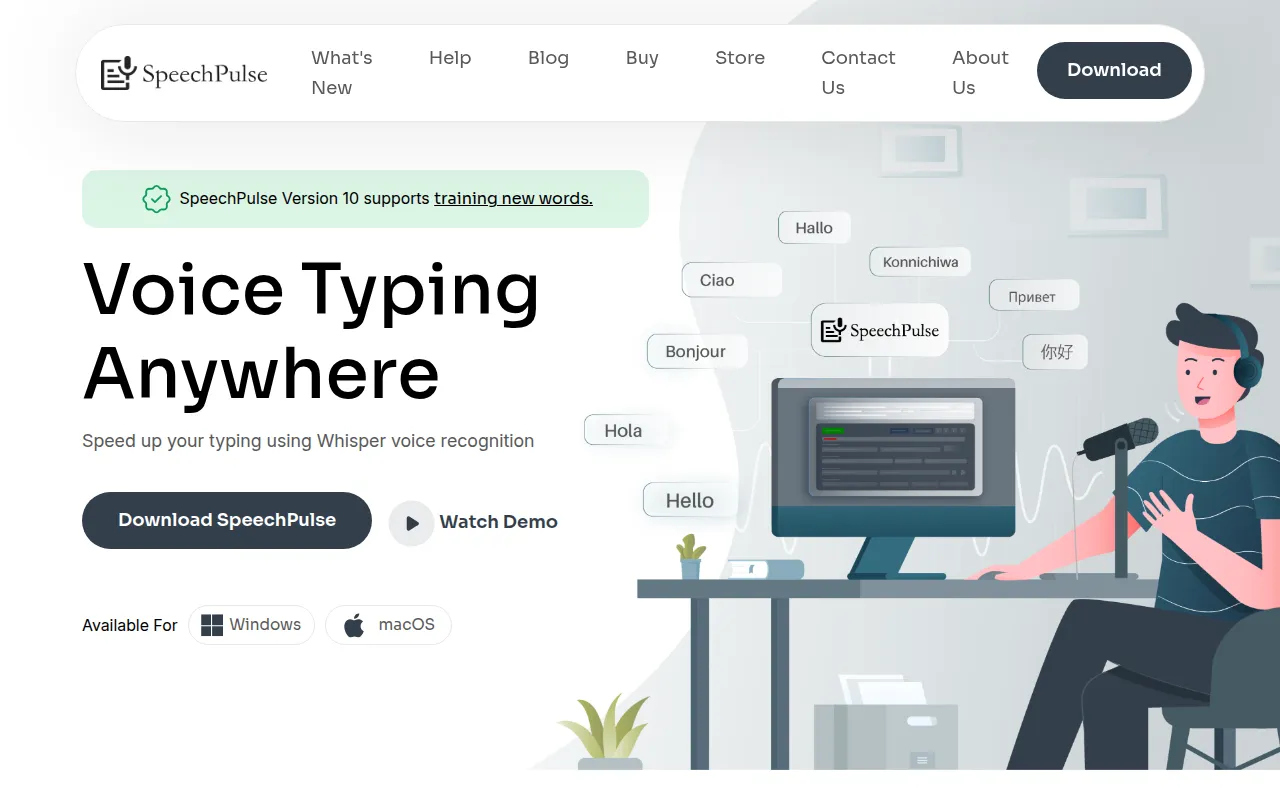
SpeechPulse is a dictation and transcription tool that uses Whisper AI models to convert speech into text. It is designed to work as a system-wide tool, allowing users to type into text editors, web browsers, and office applications by speaking.
The software is available as a one-time purchase. It supports real-time dictation as well as the ability to upload audio and video files for transcription, including speaker diarization to help identify different voices.
Buyers should confirm that manual punctuation is currently available for a specific subset of supported languages. For Windows users, an NVIDIA GPU is recommended to maintain performance when using larger speech models.
The tool also supports AI-driven formatting, allowing users to connect LLM APIs to help summarize text or correct grammar and spelling at the cursor location.
Key Features
Real-time Transcription
Converts spoken words to text in real time across different applications where the cursor is located.
Offline Speech Recognition
Processes voice data locally on the machine to support privacy-sensitive dictation without an internet connection.
Speaker Diarization
Helps identify and segment different speakers within audio and video file transcriptions.
AI Templates
Supports grammar correction, text summarization, and email formatting via LLM APIs.
Multi-language Support
Supports transcription in 99 languages and English translation.
Push-to-Talk Mode
Allows users to control when the microphone is active using customizable hotkeys.
Subtitle Generation
Generates .srt and .vtt subtitle files for audio and video content with timestamps.
Word Training
Supports training the software on new words to help recognize specific vocabulary.
Use Cases
Hands-free Dictation
Entering text into emails, documents, or web browsers using voice.
Meeting and Interview Transcription
Converting audio recordings into text transcripts with speaker identification.
Video Content Captioning
Generating subtitle files in .srt and .vtt formats for video content.
Privacy-focused Documentation
Using offline mode to keep voice and text data on the local device.
FAQ
Does SpeechPulse require a subscription?
- No, SpeechPulse is a one-time purchase for $99 per platform or $159 for a bundle of both Windows and macOS.
Can I use SpeechPulse without an internet connection?
- Yes, the software supports offline speech recognition, meaning voice and text data are processed locally.
What hardware is recommended for Windows users?
- For live dictation using medium and large models, an NVIDIA GPU is recommended to support transcription speed.
Does it support languages other than English?
- Yes, SpeechPulse supports transcription in 99 languages, though manual punctuation commands are limited to a specific subset.
Source category: Productivity
Source subcategory: Speech-to-Text
More tools in Productivity
Other published listings in the Productivity category.


More tools in the Speech-to-Text software type
Related listings that share the same software type for comparison and shortlisting.


