AI TOOL PROFILE
SpeechLive: Dictation and Transcription Software

- Healthcare
- Voice AI
- Medical practices
- Law firms
- Healthcare professionals
- Legal professionals
- Journalists
- Law enforcement agencies
Pricing
Pricing was not clearly available from the provided evidence. A free 14-day trial is available. Buyers should confirm current pricing on the vendor website.
At a glance
- Best for
- Medical practices, Law firms, Healthcare professionals, Legal professionals, Journalists
- Key use cases
- Medical record documentation, Legal document preparation, Remote dictation workflows, Automated transcription
- Official website
- Visit speechlive official website
How AI is used
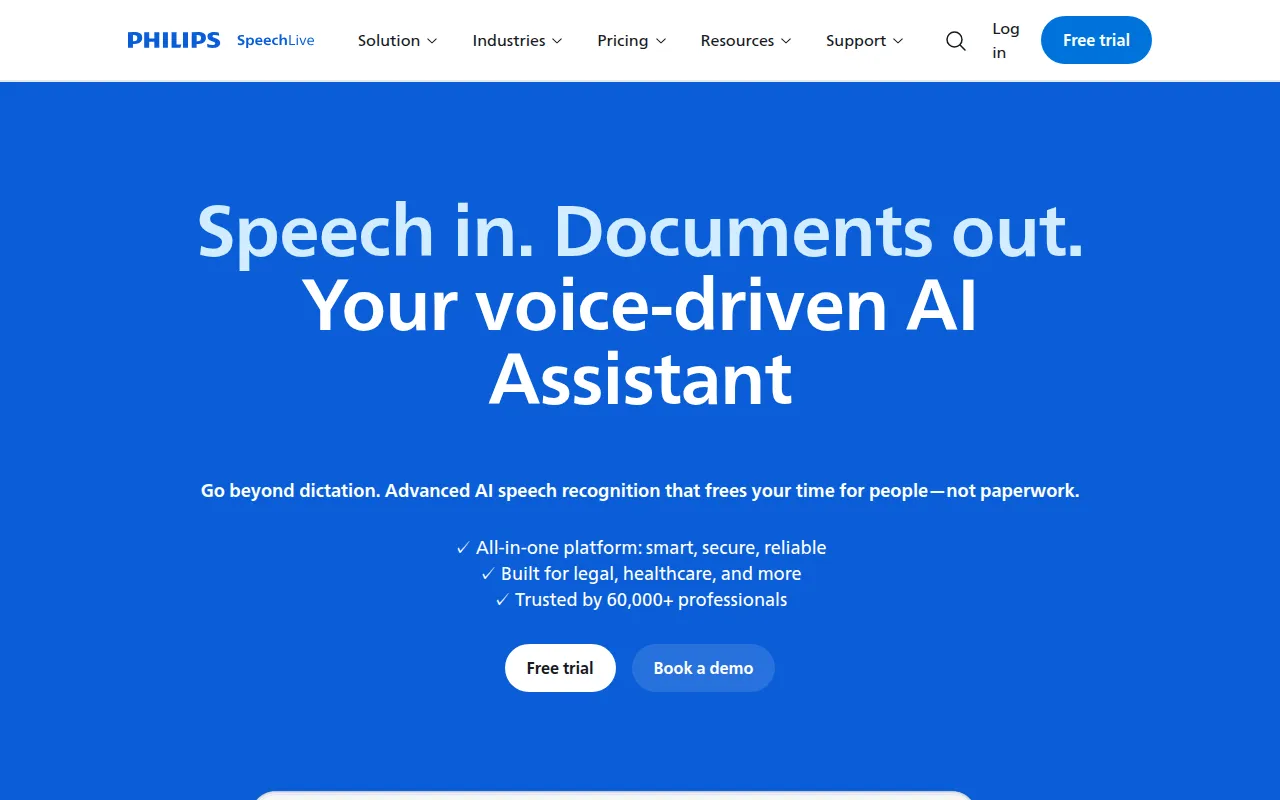
SpeechLive is a professional dictation and transcription platform designed to move voice recordings from capture to final document. It supports recording through web browsers such as Chrome and Edge, a dedicated smartphone app, or Philips SpeechMike hardware.
The tool is primarily built for healthcare and legal practices, though it is also used in finance, journalism, and law enforcement. It supports the creation of medical records and legal documents by allowing users to dictate notes and then route those recordings to a team or an AI service for transcription.
Security is handled via Microsoft Azure hosting with encryption and role-based access controls. This may help businesses maintain compliance with local regulations through regional data storage.
Buyers should confirm if their current hardware is compatible or if they need to invest in SpeechMike devices to achieve the level of precision they require for their specific industry.
Key Features
AI-powered speech recognition
Converts voice recordings into text to support the creation of documents.
Multi-channel recording
Supports audio capture via Chrome, Edge, a smartphone app, or Philips SpeechMike hardware.
Automatic routing
Supports sending recordings to assistants, internal teams, or external transcription services.
AI Assistant
A tool designed to help users refine and finalize transcribed text.
Secure Azure hosting
Stores data on Microsoft Azure servers within the user's geographic area using encryption.
Role-based access controls
Manages who can access specific recordings and documents within the platform.
Use Cases
Medical record documentation
Healthcare providers can dictate clinical notes to support the creation of medical records.
Legal document preparation
Legal professionals can use voice recording to manage volumes of documentation and case notes.
Remote dictation workflows
Staff working remotely can record audio via a mobile app and route it to an administrative team.
Automated transcription
Using AI speech-to-text to generate drafts of documents from audio files.
FAQ
Who is SpeechLive designed for?
- It is primarily designed for healthcare and legal professionals, but it also supports users in finance, journalism, and law enforcement.
How is data secured in SpeechLive?
- Data is hosted on Microsoft Azure servers within the user's geographic area and is protected by encryption and role-based access controls.
Can I use SpeechLive without a professional microphone?
- Yes, you can record directly through Chrome, Edge, or a smartphone app, though Philips SpeechMike hardware is supported.
Is there a free trial available?
- Yes, SpeechLive offers a free 14-day trial for new users.
Source category: Healthcare
Source subcategory: Voice AI
More tools in Healthcare
Other published listings in the Healthcare category.


More tools in the Voice AI software type
Related listings that share the same software type for comparison and shortlisting.





