AI TOOL PROFILE
RecCloud Review: AI Video and Audio Processing Tool

- Data and Analytics
- Voice AI
- Content creators
- Online educators
- Digital marketers
- Small to mid-sized business owners
Pricing
RecCloud uses a freemium model with a free tier and Basic, Pro, and Business memberships. AI features are powered by a credit-based system, with costs ranging from 1 credit per minute for basic transcription to 10 credits per minute for multi-voice dubbing.
At a glance
- Best for
- Content creators, Online educators, Digital marketers, Small to mid-sized business owners
- Key use cases
- Meeting and Lecture Transcription, Multilingual Content Creation, Content Repurposing, Academic Research
- Official website
- Visit RecCloud official website
How AI is used
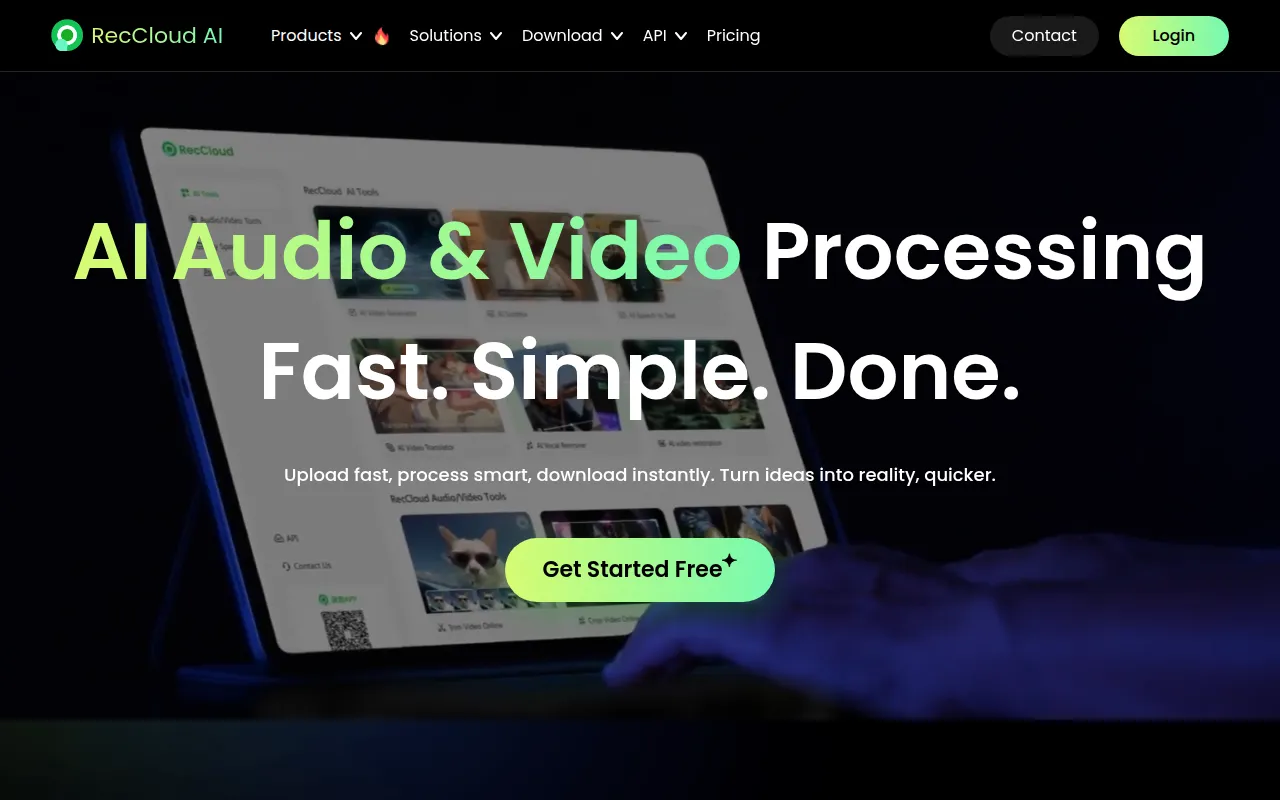
RecCloud is a media processing suite that uses AI for transcription, translation, and basic video editing. It provides tools for converting spoken words into text, generating subtitles, and translating video content across different languages.
The platform is designed for marketers, educators, and business owners who need to repurpose video and audio files. Beyond AI features, it includes utilities for screen recording, trimming, and merging files, with cloud storage for team collaboration.
Buyers should confirm that the platform uses a credit-based system for AI tasks, meaning different features have varying costs per minute or character. Commercial use of generated files is available with a Business membership.
Regarding security, the tool maintains ISO/IEC 27001, ISO/IEC 27701, and GDPR compliance.
Key Features
Speech-to-Text Transcription
Converts spoken words from audio or video files into editable text with speaker detection.
AI Video Translation
Translates video content into multiple languages with options for dubbing and subtitles.
Subtitle Generation
Creates subtitles in the original language or translates them for other languages.
Text-to-Speech Conversion
Transforms written text into speech using various voice types.
Video and Audio Summarization
Creates highlights and structured notes from long videos, including YouTube links.
Media Editing Tools
Includes functions for screen recording, trimming, cropping, merging, and removing watermarks or vocals.
API Access
Provides interfaces for developers to integrate transcription and translation into other applications.
Use Cases
Meeting and Lecture Transcription
Converting Zoom, Microsoft Teams, or Google Meet recordings into searchable text and meeting minutes.
Multilingual Content Creation
Translating marketing videos or educational courses into different languages via AI dubbing and subtitles.
Content Repurposing
Using the video clip maker to turn long-form videos into shorter highlights for social media.
Academic Research
Transcribing interviews and lectures into editable text for study and analysis.
FAQ
What are RecCloud credits?
- Credits are consumption units used to pay for AI features. They are deducted based on the tool used, such as 1 credit per minute for basic speech-to-text.
Can I use RecCloud for commercial business purposes?
- Commercial use of generated audio and video files is permitted under the Business membership plan.
How does RecCloud handle data security?
- RecCloud is ISO/IEC 27001 and ISO/IEC 27701 certified and is compliant with GDPR, using encryption to protect user data.
Does RecCloud work on mobile devices?
- Yes, the platform supports Windows, Mac, iOS, and Android.
Source category: Data & Analytics
Source subcategory: Voice AI
More tools in Data & Analytics
Other published listings in the Data & Analytics category.


More tools in the Voice AI software type
Related listings that share the same software type for comparison and shortlisting.





