AI TOOL PROFILE
Superscribe: Voice-to-Text Dictation and Time Tracking

- Productivity
- Voice AI
- Lawyers
- Consultants
- Developers
- Creators
Pricing
Paid plans start at $9 per month for the Pro tier, and a lifetime access plan is available for $249. A 30-minute trial is available with no credit card required.
At a glance
- Best for
- Lawyers, Consultants, Developers, Creators
- Key use cases
- Billable hour logging, Professional dictation, Billing preparation
- Official website
- Visit superscribe official website
How AI is used
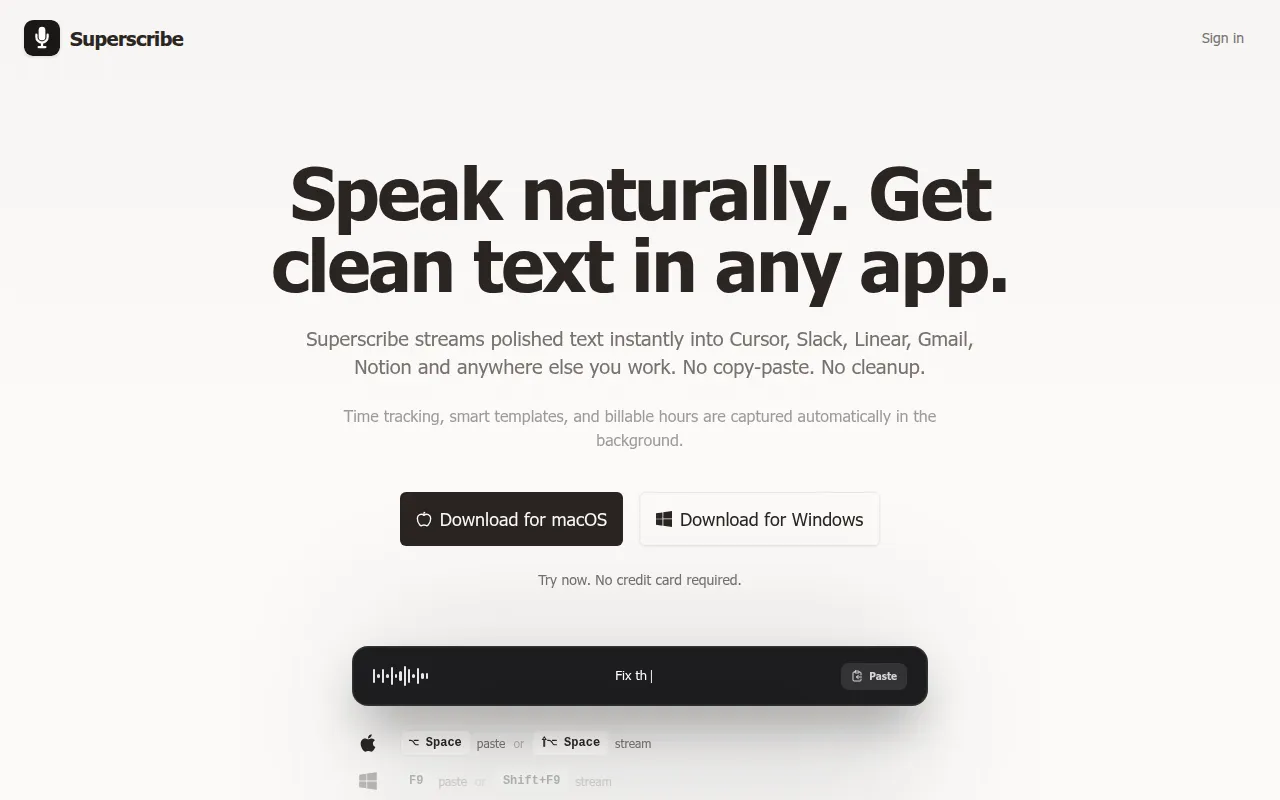
Superscribe is a dictation tool for macOS and Windows that converts spoken words into text across applications. It is designed for professionals who need to track billable hours without using a manual timer, as it logs time sessions during transcription.
The tool is intended for developers, lawyers, consultants, and creators. It helps these users capture thoughts and work entries, which can then be organized into projects or used for invoicing.
Buyers should note that the software focuses on the intersection of dictation and time logging. Those looking for a dedicated project management suite should confirm if the automatic categorization and one-click invoicing meet their specific billing requirements.
Key Features
Real-time transcription
Converts spoken voice to text in real time across different applications.
Automatic time tracking
Turns dictation sessions into tracked, billable time entries automatically.
Automatic filler removal
Removes filler words to help create clearer text.
Semantic search
Supports searching for content by meaning rather than just specific keywords.
One-click invoices
Supports the generation of invoices based on transcribed work content.
Multi-language support
Supports over 99 languages for transcription.
AI daily summaries
Provides automated summaries of daily activities.
Use Cases
Billable hour logging
Speaking work details aloud to automatically generate time entries and timesheets.
Professional dictation
Capturing notes or transcribing speakerphone calls.
Billing preparation
Using transcribed work entries to support the creation of invoices.
FAQ
What is Superscribe used for?
- Superscribe is used to convert voice to text in real time while automatically tracking the time spent as billable hours.
Who is the target audience for Superscribe?
- It is designed for professionals such as lawyers, consultants, developers, and creators who need to capture work without interrupting their flow.
How does the pricing work?
- Superscribe offers a Pro plan starting at $9 per month and a lifetime plan for $249, along with a 30-minute trial.
Source category: Productivity
Source subcategory: Voice AI
More tools in Productivity
Other published listings in the Productivity category.


More tools in the Voice AI software type
Related listings that share the same software type for comparison and shortlisting.





