AI TOOL PROFILE
SlideHub: Presentation Management Software

- Productivity
- Document Management
- Consulting firms
- B2B sales teams
- Bid and proposal managers
- Marketing departments
- Corporate design teams
Pricing
Pricing starts with an Asset Platform tier from USD 200/month. Annual plans include a Growth & SMB tier at $4,800/year (up to 20 seats) and an Enterprise tier at $16,800/year (up to 100 seats).
At a glance
- Best for
- Consulting firms, B2B sales teams, Bid and proposal managers, Marketing departments, Corporate design teams
- Key use cases
- Bid and Proposal Preparation, Maintaining Brand Compliance, Scaling Content Updates, Knowledge Base Centralization
- Integrations
- Microsoft PowerPoint, Microsoft Word, Microsoft Excel, Microsoft Outlook, Microsoft Teams
- Official website
- Visit slidehub official website
How AI is used
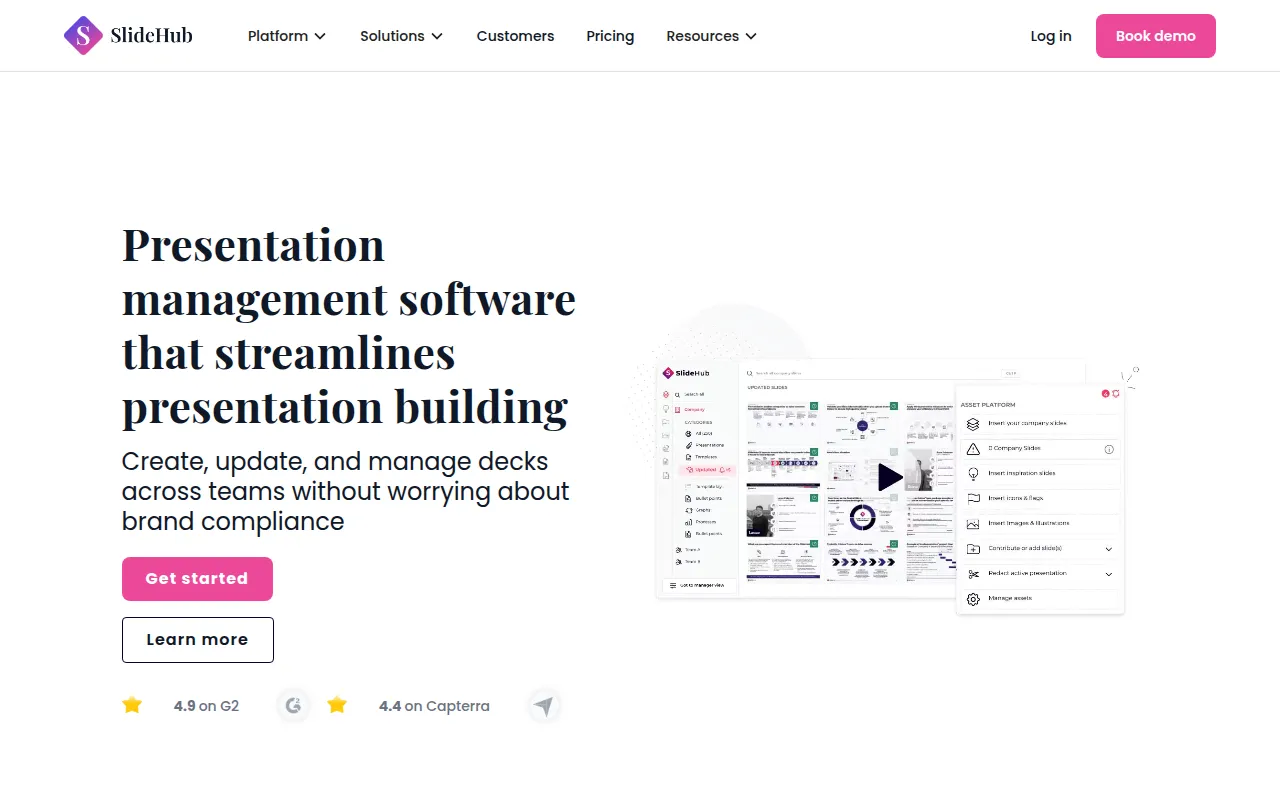
SlideHub is a presentation management platform designed to help teams reduce manual slide searching and copy-pasting. It works as an add-in for Microsoft 365, providing access to a centralized library of approved company assets directly within PowerPoint, Word, Excel, and Outlook.
The tool is designed for teams such as consultants, bid managers, and marketing professionals who handle a high volume of decks. It focuses on keeping content on-brand and up-to-date through a centralized system where updates can be synced across multiple files.
Buyers should note that the platform includes AI capabilities for searching and creating slides based on a firm's own knowledge base. Security is a core focus, with SOC 2 Type II certification and data hosted on EU-based AWS servers.
Before choosing this tool, businesses should confirm whether their current volume of presentation creation justifies the annual platform fee and whether their IT requirements align with the provided security certifications.
Key Features
AI-Powered Search and Creation
Supports finding specific content via AI search and creating new slides based on company layouts and knowledge.
Single-Click Slide Updates
Allows users to update a slide in one place and sync that change across multiple presentations.
Microsoft 365 Integration
Works within PowerPoint, Word, Excel, and Outlook for direct asset insertion.
Version Control and Permissions
Supports locking sensitive slides, managing role-based permissions, and tracking version history.
Usage Analytics
Tracks which slides are being used by the team and identifies content gaps in the library.
Dynamic Placeholders
Supports automating the update of specific client or company details across slides.
Use Cases
Bid and Proposal Preparation
Helping bid managers find slides, case studies, and team CVs for RFP responses.
Maintaining Brand Compliance
Helping marketing and design teams ensure staff use approved, on-brand templates.
Scaling Content Updates
Updating company data or contact information across multiple presentations.
Knowledge Base Centralization
Organizing slide decks into a searchable company knowledge base.
Integrations
- Microsoft PowerPoint
- Microsoft Word
- Microsoft Excel
- Microsoft Outlook
- Microsoft Teams
- SharePoint
- Unsplash
- Brandfetch
- Icons8
- Skyfish
- Imageshop
FAQ
How does SlideHub integrate with Microsoft Office?
- SlideHub works as a native add-in within PowerPoint, Word, Excel, and Outlook, allowing users to search and insert approved assets without leaving the application.
What are the pricing options for SlideHub?
- Pricing includes a monthly Asset Platform option from USD 200/month and annual plans such as the Growth & SMB tier ($4,800/year for 20 seats) and the Enterprise tier ($16,800/year for 100 seats).
Is SlideHub secure for corporate data?
- It is SOC 2 Type II certified, validated by Microsoft for the Office Store, and stores customer data on EU-based AWS servers in Ireland.
Can you update multiple presentations at once?
- The platform is designed to allow users to update a slide in one location and sync those changes across all presentations where that slide is used.
Source category: Productivity
Source subcategory: Document Management
More tools in Productivity
Other published listings in the Productivity category.


More tools in the Document Management software type
Related listings that share the same software type for comparison and shortlisting.