AI TOOL PROFILE
RoadEng: Civil Engineering Design Software

- Construction
- Design and Prototyping
- County engineering departments
- Transportation engineering firms
- Forestry and mining designers
- Civil engineering technicians
Pricing
Pricing was not clearly available from the provided evidence. Buyers should confirm current pricing on the vendor website.
At a glance
- Best for
- County engineering departments, Transportation engineering firms, Forestry and mining designers, Civil engineering technicians
- Key use cases
- Linear Infrastructure Design, Preliminary Route Planning, Drainage and Culvert Planning, Site Grading and Modeling
- Integrations
- LandXML export, Avenza Maps (via georeferenced PDFs)
- Official website
- Visit roadeng civil engineer official website
How AI is used
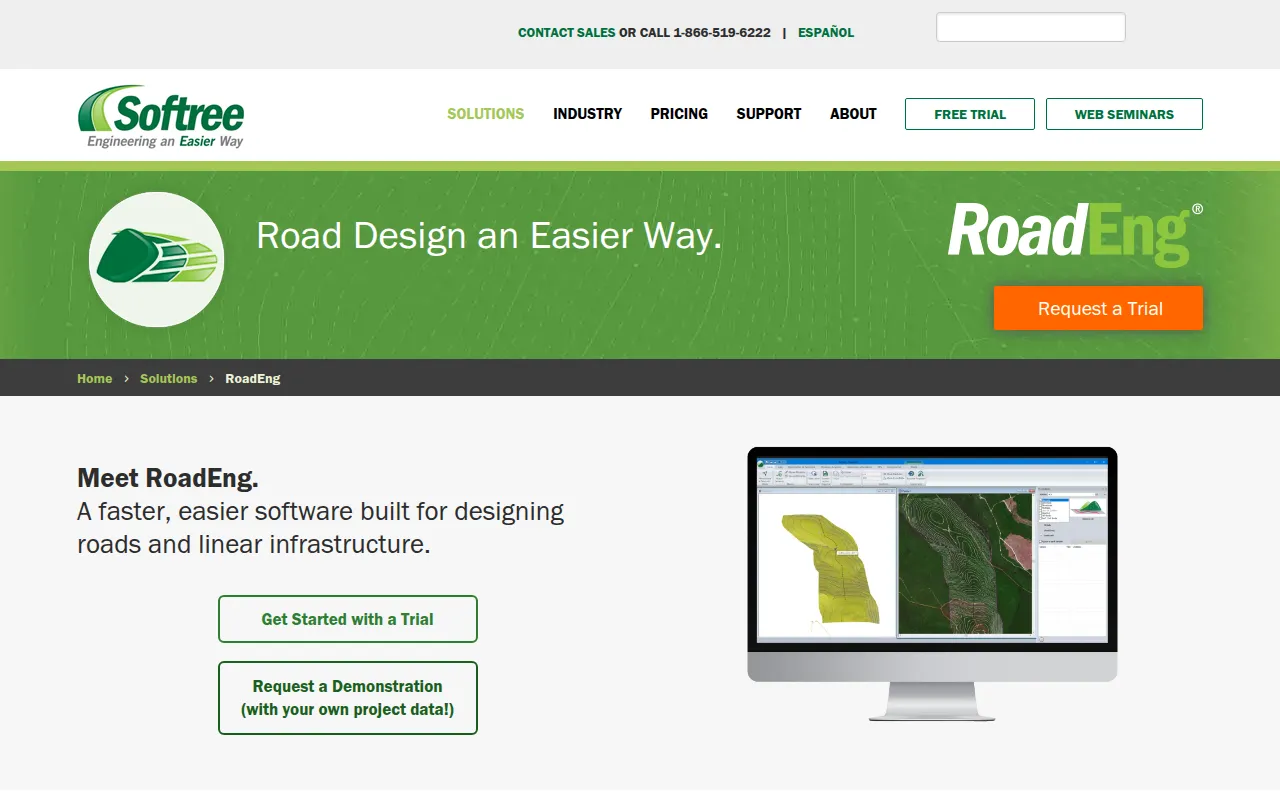
RoadEng is a specialized design tool for civil engineering projects, focusing on the creation of roads, rail, and pipeline corridors. It does not require a CAD platform to operate, which may simplify the workflow for technicians and engineers.
The software is designed for professionals in county engineering, transportation, mining, and forestry. It supports the creation of digital terrain models from large point sets, such as LiDAR or UAV data, and includes tools for hydrology and earthwork calculations.
Buyers should confirm their hardware meets the recommended 16 GB of RAM for performance with large models. It is also important to verify which module—Civil Engineer or Forest Engineer—aligns with specific project requirements.
Key Features
Interactive Corridor Design
Supports the creation and editing of geometric corridors for roads, rail, and pipelines with updating plan, profile, and section views.
Terrain Modeling
Creates digital terrain models (TIN) from topo data, including point sets with over 10 million points.
Path Explorer AI
An AI-assisted tool designed to find optimized preliminary routes between two points based on grade, cut/fill limits, and no-go zones.
Earthwork Volume Calculation
Calculates material volumes and sub-grade construction costs during the design process.
Watershed and Hydrology Tools
Includes functions for generating watershed areas, tracing flow paths, and identifying ponded areas.
GPS-Enabled Field Solutions
Designed to work on Windows tablets and compatible with most internal/external GPS devices to view project locations in the field.
Use Cases
Linear Infrastructure Design
Designing and editing corridors for road, rail, and pipeline projects.
Preliminary Route Planning
Using Path Explorer AI to identify potential road routes while accounting for grade and cost constraints.
Drainage and Culvert Planning
Modeling surface water flow and designing culverts, cross drains, and fish passages.
Site Grading and Modeling
Creating 3D models for bridge sites, terracing, channels, and ditches.
Integrations
- LandXML export
- Avenza Maps (via georeferenced PDFs)
FAQ
Does RoadEng require a CAD platform?
- No, RoadEng is designed to operate as a standalone tool and does not require a CAD platform to function.
What is Path Explorer AI?
- It is a preliminary road locating tool that helps find optimized routes between two points based on constraints like maximum grade and no-go zones.
Which operating systems are supported?
- RoadEng is compatible with Windows 7, 8, 8.1, 10, and 11.
Can I use RoadEng in the field?
- Yes, it is designed to work on Windows 10-enabled tablets and is compatible with most internal and external GPS devices.
Source category: Construction
Source subcategory: Design & Prototyping
More tools in Construction
Other published listings in the Construction category.


More tools in the Design and Prototyping software type
Related listings that share the same software type for comparison and shortlisting.


