AI TOOL PROFILE
ResourceSpace: Open Source Digital Asset Management

- Operations
- Digital Asset Management
- Nonprofit Organizations
- Museums and Cultural Institutions
- Public Sector Organizations
- Educational Institutions
- Large Enterprises
Pricing
The software is free and open source with no license fee. Paid hosting and support packages are available in Team, Business, Enterprise, and Platinum Cloud tiers.
At a glance
- Best for
- Nonprofit Organizations, Museums and Cultural Institutions, Public Sector Organizations, Educational Institutions, Large Enterprises
- Key use cases
- Centralized Brand Library, Media Archive Management, Consent and Compliance Tracking, Collaborative Content Review
- Integrations
- Adobe Photoshop, Adobe InDesign, WordPress, Google Cloud Vision API, TMS
- Official website
- Visit resourcespace official website
How AI is used
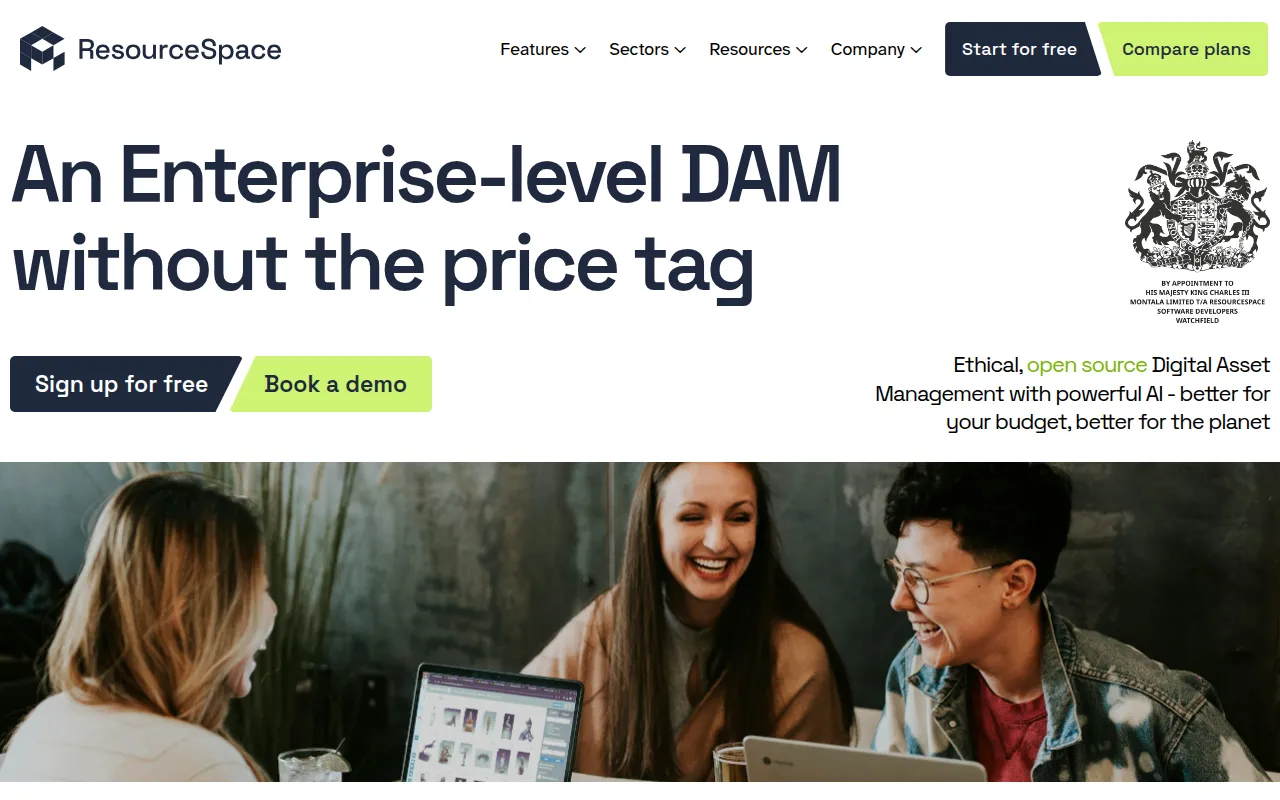
ResourceSpace is an open source digital asset management (DAM) system designed to help organizations store, organize, and share media files. It provides a centralized location for photos, videos, and documents, utilizing AI to help with tagging and searchability.
The tool is intended for various users, including nonprofits, museums, and public sector organizations. It focuses on asset control through granular permissions and metadata management.
Beyond storage, it supports workflows for reviewing and approving uploads, version control, and tracking asset usage via analytics. This may help teams maintain brand consistency and manage approved content.
Buyers should confirm whether they have the technical capacity to self-host the free version or if they prefer a paid hosting and support package for technical maintenance and onboarding.
Key Features
AI Metadata Tools
Supports automated tagging, facial recognition, and natural language search to help locate assets.
Granular Permissions
Provides control over who can upload, download, or view specific assets through user groups.
Consent Management
Supports tracking usage rights and consent records, with notifications for expiring permissions.
Workflow Management
Supports the review and approval of assets through defined workflow states.
Version Control
Tracks different versions of files to help teams identify the current assets.
Usage Analytics
Provides reports on user downloads, search terms, and asset views.
Use Cases
Centralized Brand Library
Storing and distributing approved brand assets and guidelines across an organization.
Media Archive Management
Organizing volumes of photos and videos with AI-assisted tagging for retrieval.
Consent and Compliance Tracking
Linking consent records to media files and blocking expired assets to support GDPR compliance.
Collaborative Content Review
Using workflow states to review and approve digital assets before they are available to the team.
Integrations
- Adobe Photoshop
- Adobe InDesign
- WordPress
- Google Cloud Vision API
- TMS
- EMu
- MuseumPlus
- IIIF API
FAQ
Is ResourceSpace actually free?
- Yes, the software is open source and free to download and implement locally. The company charges for hosting and professional technical support packages.
Does ResourceSpace support AI features?
- Yes, it includes AI-powered tools for automated tagging, facial recognition, natural language search, and speech-to-text.
How are users handled in ResourceSpace?
- Because it is open source, there is no per-user license fee. The number of users available may depend on the chosen hosting plan.
Can ResourceSpace help with GDPR and privacy?
- Yes, it supports GDPR requirements through granular permissions, audit trails, and a consent management system to track and block assets with expired permissions.
Source category: Operations
Source subcategory: Digital Asset Management
More tools in Operations
Other published listings in the Operations category.


More tools in the Digital Asset Management software type
Related listings that share the same software type for comparison and shortlisting.