AI TOOL PROFILE
ProjectManager: Project and Portfolio Management Software

- Productivity
- Project Management
- Small-to-medium project teams
- Portfolio managers
- Operations managers
- Field-based teams
Pricing
ProjectManager offers a 30-day free trial. Paid tiers include Team, Business, and Enterprise, with monthly and yearly billing options available.
At a glance
- Best for
- Small-to-medium project teams, Portfolio managers, Operations managers, Field-based teams
- Key use cases
- Construction Project Coordination, Professional Services Client Tracking, IT and Dev Project Planning, Manufacturing Process Management
- Integrations
- Microsoft Teams, Slack, Jira, Microsoft Project import, Microsoft Power BI
- Official website
- Visit projectmanager com official website
How AI is used
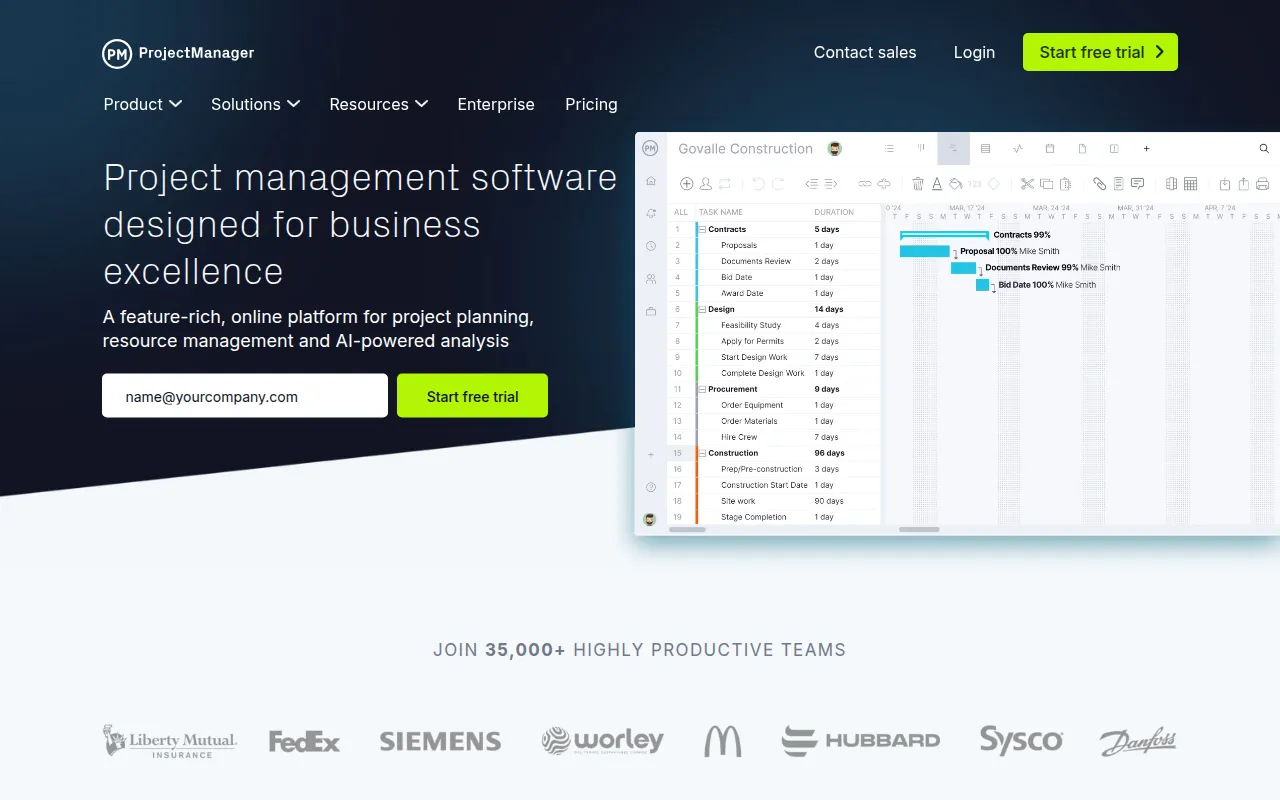
ProjectManager is an online project and portfolio management tool designed to help teams plan and track their work in a centralized location. It provides a variety of views, including Gantt charts and Kanban boards, to support different management styles.
The platform is designed for teams in industries such as construction, manufacturing, IT, and professional services. It helps managers handle resource scheduling, time tracking, and budgeting, while providing field teams with mobile apps for iOS and Android to update tasks on-site.
Beyond individual projects, the software includes portfolio management tools that allow leaders to view rollup data across multiple projects on a single dashboard. This may help organizations align objectives and monitor project health.
Buyers should confirm that certain features, such as portfolio dashboards and resource management, are tiered and require Business or Enterprise plans.
Key Features
Gantt Charts
Allows teams to set milestones, connect dependencies, and track project progress visually.
AI Project Insights
Generates project summaries and provides recommendations for risk analysis and task execution.
Resource Management
Supports workload planning, labor rate setting, and tracking resource availability to balance team assignments.
Portfolio Dashboards
Provides high-level overviews of multiple projects, including rollup data on costs and workload.
Time Tracking & Timesheets
Allows team members to log hours on tasks which may automatically populate weekly timesheets.
Critical Path Management
Helps identify and track the critical path of a project to support on-time delivery.
Workflow Automation
Supports the creation of automated rules to execute repetitive processes without coding.
Use Cases
Construction Project Coordination
Creating schedules and managing crews with updates coming from the field via mobile apps.
Professional Services Client Tracking
Managing portfolios for different clients and providing visibility through guest licenses.
IT and Dev Project Planning
Combining Gantt charts for waterfall planning and Kanban boards for agile sprint execution.
Manufacturing Process Management
Planning production schedules and tracking task progress to monitor quality and lead times.
Integrations
- Microsoft Teams
- Slack
- Jira
- Microsoft Project import
- Microsoft Power BI
- Microsoft Excel import and export
- Zapier
- Google Drive
- Google Calendar
- Azure DevOps
- Acumatica
FAQ
Does ProjectManager offer a free trial?
- Yes, ProjectManager provides a 30-day free trial.
Which plan includes portfolio management features?
- Portfolio management and resource planning features are available on the Business edition and higher.
Can external stakeholders view my projects?
- Yes, the software provides free guest licenses that allow stakeholders to have read-only access to project plans and dashboards.
Source category: Productivity
Source subcategory: Project Management
More tools in Productivity
Other published listings in the Productivity category.


More tools in the Project Management software type
Related listings that share the same software type for comparison and shortlisting.


