AI TOOL PROFILE
Project Insight | Strategic Project & Program Management Platform

- Productivity
- Project Management
- Small businesses
- Mid-market companies
- Enterprise companies
- Project Management Offices (PMO)
Pricing
Pricing starts at $9 per user per month for the Pro plan, with a Business plan at $19 per user per month and custom pricing for Enterprise. A free tier is available for individuals and small teams. Free trials are available.
At a glance
- Best for
- Small businesses, Mid-market companies, Enterprise companies, Project Management Offices (PMO)
- Key use cases
- Centralizing Multi-Tool Workflows, Resource Load Balancing, Project Financial Tracking, Automating Task Creation
- Integrations
- Azure DevOps, Jira, Microsoft Project, Salesforce, ServiceNow
- Official website
- Visit project insight official website
How AI is used
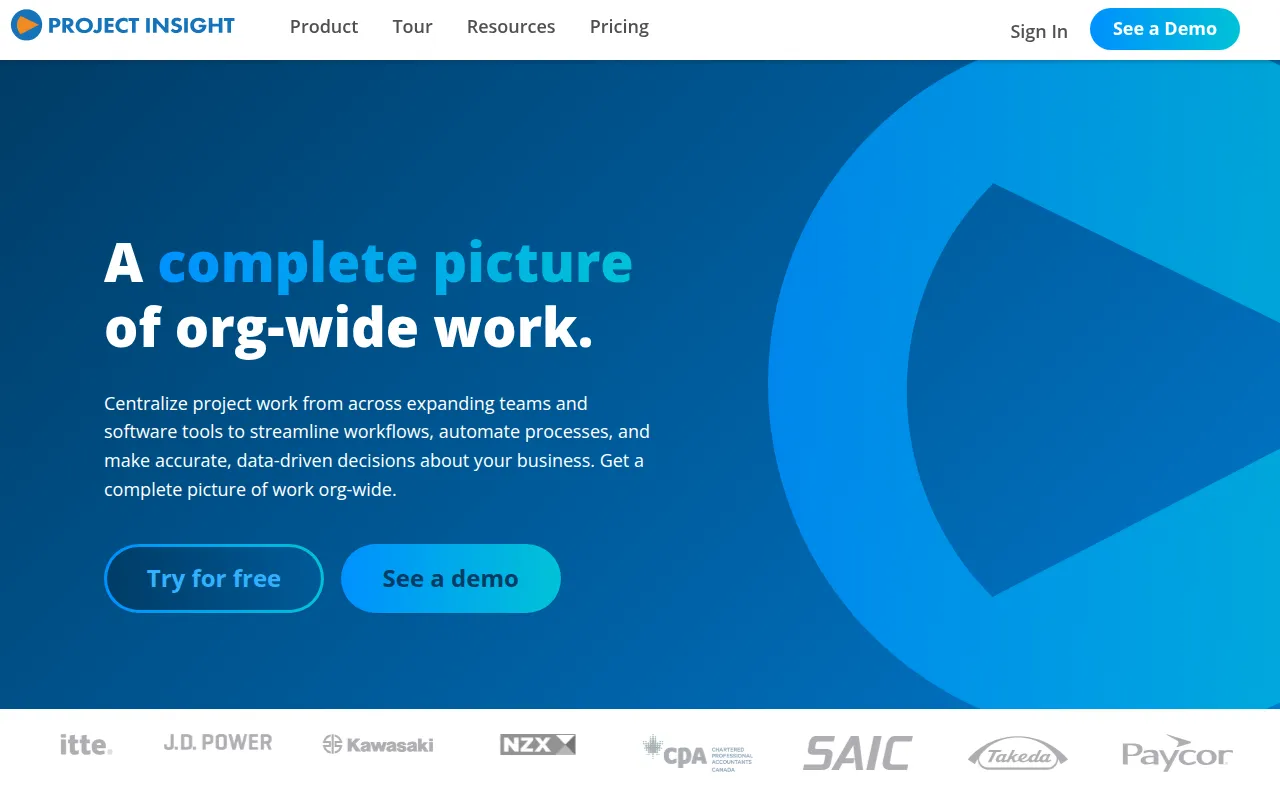
Project Insight is a strategic project and program management (PPM) platform designed to centralize work across an organization. It allows users to manage tasks and timelines at the project, program, and portfolio levels, helping teams align their daily work with business objectives.
The tool is designed for small businesses, mid-market companies, and enterprises that handle workloads across multiple teams. It includes features for resource capacity planning, budgeting, and time tracking to help managers identify resource conflicts and track financial performance.
A primary focus of the platform is data aggregation. It is designed to sync with tools like Jira and Azure DevOps, which may reduce manual data entry across different systems. The platform also incorporates AI to assist with rescheduling timelines and predicting workload balance.
Buyers should confirm whether the AI automation and integration depth match their internal workflows and evaluate which pricing tier provides the necessary support for their team size.
Key Features
AI-Powered Scheduling and Capacity Planning
Uses AI to suggest available resources, predict workloads, and automate the rescheduling of timelines when changes occur.
Portfolio Reporting
Provides over 20 data visualizations, including Gantt charts and Kanban boards, to track progress across multiple projects.
Cross-Software Time Tracking
Supports tracking time across various projects and external systems.
Budgeting and Invoicing
Tracks costs, expenses, and revenue with the ability to automate invoicing into QuickBooks.
AI Meeting Minutes
Designed to automatically convert meeting notes into tasks and issues.
What-If Simulations
Allows users to model changes in scope or staffing to see the potential impact on budgets and timelines before committing.
Use Cases
Centralizing Multi-Tool Workflows
Aggregating data from tools like Jira and Azure DevOps to get a high-level view of progress.
Resource Load Balancing
Using capacity planning tools to identify over-allocated team members and redistribute work across the portfolio.
Project Financial Tracking
Monitoring project budgets and expenses in real time to help work stay within financial targets.
Automating Task Creation
Converting meeting notes or emails from Outlook and Gmail into project tasks to support follow-up.
Integrations
- Azure DevOps
- Jira
- Microsoft Project
- Salesforce
- ServiceNow
- QuickBooks
- Microsoft Teams
- Microsoft SharePoint
- Outlook
- Gmail
- Power BI
- Slack
- Microsoft Excel
- NetSuite
- HubSpot
- Microsoft Word
- Microsoft OneDrive
- Replicon
- Freshdesk
- Box
- Google Drive
- Sage
- SAP
- Zendesk
- Microsoft Dynamics 365
- Microsoft PowerPoint
- Trello
- Basecamp
- Docusign
- Dropbox
- Microsoft OneNote
FAQ
What are the different pricing plans for Project Insight?
- Project Insight offers a free tier for individuals and small teams, a Pro plan at $9 per user/month, a Business plan at $19 per user/month, and custom pricing for Enterprise customers.
Does Project Insight support on-premise installation?
- Yes, an on-premise version of Project Insight is available through the Enterprise plan.
What security certifications does Project Insight have?
- Project Insight is SOC 2 certified and is hosted on Microsoft Azure.
How does the AI functionality help project managers?
- The platform uses AI for rescheduling timelines, predicting and balancing workloads, suggesting qualified resources, and converting meeting notes into tasks.
Source category: Productivity
Source subcategory: Project Management
More tools in Productivity
Other published listings in the Productivity category.


More tools in the Project Management software type
Related listings that share the same software type for comparison and shortlisting.


