AI TOOL PROFILE
PeachPay for WooCommerce | Payment and Checkout Solutions

- Ecommerce
- Payment Processing
- WooCommerce store owners
- WooCommerce agencies
Pricing
Pricing was not clearly available from the provided evidence. Buyers should confirm current pricing on the vendor website.
At a glance
- Best for
- WooCommerce store owners, WooCommerce agencies
- Key use cases
- Consolidating Payment Plugins, International Sales, Checkout Optimization, Fraud Mitigation, Checkout Field Customization
- Integrations
- Elementor, Google Maps, CSV export
- Official website
- Visit peachpay official website
How AI is used
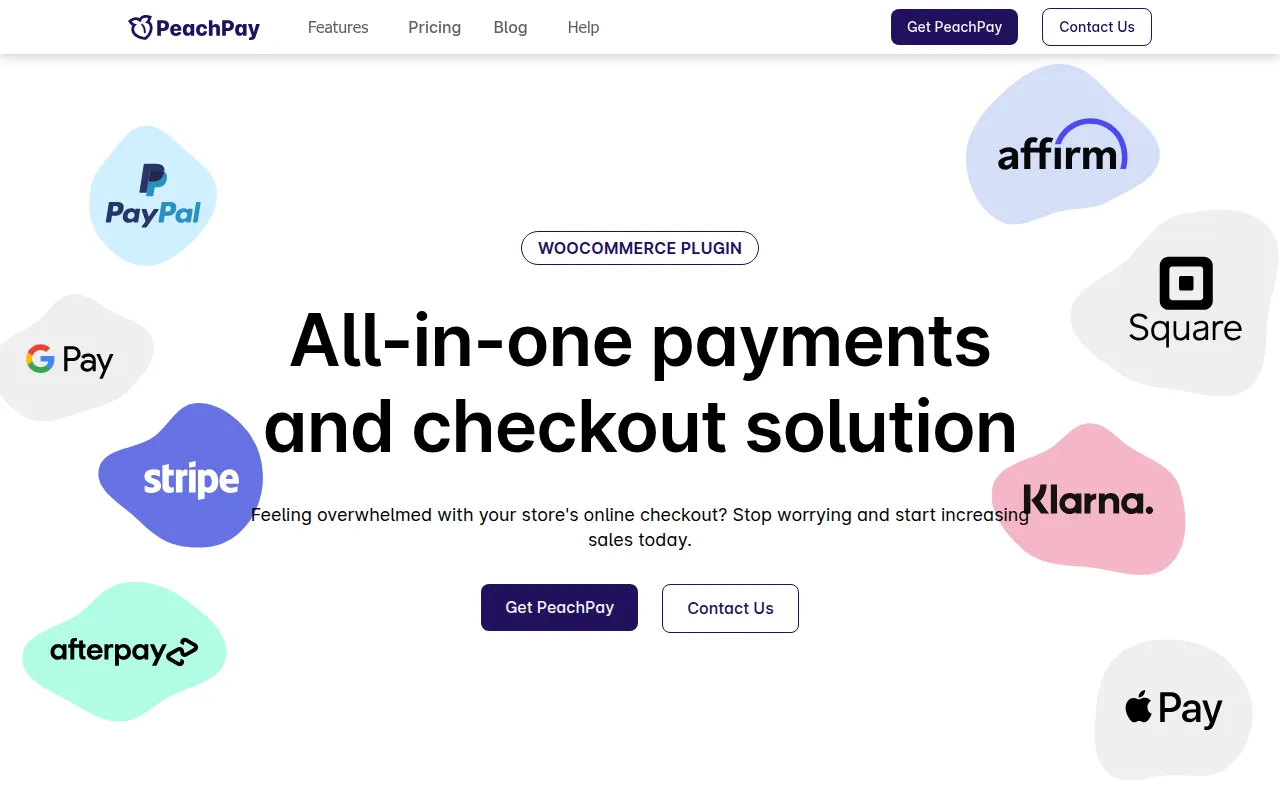
PeachPay is a payment and checkout solution designed for WooCommerce stores. It supports a range of payment methods, including Stripe, PayPal, Square, Apple Pay, Google Pay, Klarna, Afterpay/Clearpay, Affirm, GoDaddy Poynt, Authorize.net, purchase orders, cash on delivery, checks, bank transfers, and ACH.
The plugin is built for store owners and agencies to manage the checkout experience, offering tools to customize checkout fields, provide express checkout options, and handle over 135 currencies for international sales.
Additional features include bot protection using Google reCAPTCHA v3 to block automated fraudulent orders and address autocomplete powered by Google Maps. The plugin also provides analytics to help store owners track preferred payment methods and cart abandonment trends.
Buyers should confirm they can obtain their own free Google API keys for bot protection and verify if the CSV order export meets their specific order management needs.
Key Features
Multi-Payment Gateway Support
Supports over 20 payment methods, including Stripe, PayPal, Square, Apple Pay, Google Pay, and ACH.
Currency Switcher
Supports over 135 currencies with options for automatic exchange rates based on geolocation or billing country.
Express Checkout
Allows shoppers to make purchases from various locations on the store.
Field Editor
Supports adding, editing, or removing billing, shipping, and custom checkout fields.
Bot Protection
Uses Google reCAPTCHA v3 with ML and AI detection to block automated spam and fraudulent credit card attempts.
Address Autocomplete
Uses Google Maps to suggest and autofill shopper addresses as they type.
Actionable Analytics
Helps store owners identify preferred payment methods and cart abandonment trends.
Product Recommendations
Supports displaying targeted upsells to shoppers.
Use Cases
Consolidating Payment Plugins
Managing multiple payment gateways through a single plugin to reduce compatibility issues.
International Sales
Using the currency switcher and global payment methods to support shoppers in different countries.
Checkout Optimization
Using address autocomplete and express checkout to support a faster checkout process.
Fraud Mitigation
Applying bot detection to block automated fake order attempts.
Checkout Field Customization
Using the Field Editor to adjust the billing or shipping information collected from customers.
Integrations
- Elementor
- Google Maps
- CSV export
FAQ
Does PeachPay charge additional fees for using payment gateways?
- The vendor states there are no additional charges for using payment gateways through PeachPay.
Can PeachPay be used with other payment plugins?
- Yes, it is designed to work alongside other payment gateway plugins.
How does the bot protection work for shoppers?
- It uses Google reCAPTCHA v3 to detect bots based on browser behavior, so shoppers typically do not have to solve puzzles.
Is PeachPay compatible with Elementor?
- Yes, PeachPay provides an Express Checkout widget for Elementor.
Source category: Ecommerce
Source subcategory: Payment Processing
More tools in Ecommerce
Other published listings in the Ecommerce category.


More tools in the Payment Processing software type
Related listings that share the same software type for comparison and shortlisting.


