AI TOOL PROFILE
MP3 to SRT (Subtitle Generator) - AI Audio Transcription

- Productivity
- Media Processing
- Podcasters
- YouTubers
- Journalists
- Researchers
- Students
- Small Business Teams
Pricing
Pricing is credit-based with no subscriptions. Guests can access up to 5 minutes free, and a 'Study Pack' provides 5 hours of transcription (300 credits) for $9.9.
At a glance
- Best for
- Podcasters, YouTubers, Journalists, Researchers, Students
- Key use cases
- Podcast and Video Captioning, Meeting and Lecture Documentation, Interview Transcription, Accessibility Support
- Official website
- Visit MP3 to SRT (Subtitle Generator) official website
How AI is used
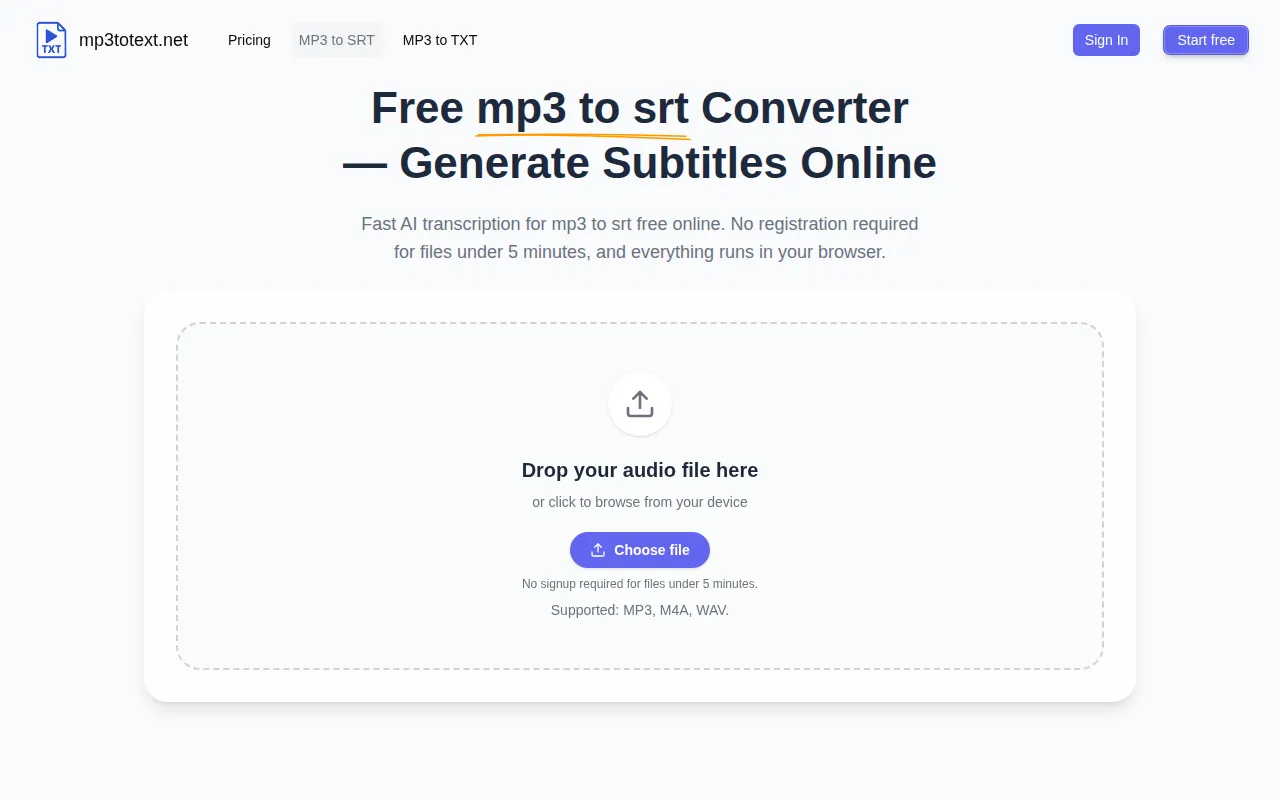
MP3 to SRT is an AI transcription tool that operates within a web browser. It is designed for users who need to convert audio files into a readable format or a timed subtitle file without installing software. The tool supports common audio formats including MP3, M4A, and WAV.
The service is intended for users such as podcasters, YouTubers, journalists, and business teams. It allows users to upload audio, review the generated transcription on-screen, and then export the final result as a TXT file or an SRT file with timestamps for captions.
Buyers should note that the service uses a credit-based system where credits correspond to minutes of audio. While it offers a free option for short clips, longer projects require the purchase of credits. Because it is browser-based, users should keep their tab open during the transcription process to ensure the job completes.
Key Features
AI Transcription
Converts spoken audio from MP3, M4A, and WAV files into text.
SRT Subtitle Export
Generates timed caption files in SRT format.
TXT Transcript Download
Supports exporting the transcription as a plain text file.
Browser-Based Access
Processes audio files online without the need for local software installation.
On-Screen Review
Allows users to read and edit the transcript wording in the browser before exporting.
Credit-Based Pricing
Costs are based on audio duration, with 1 credit equaling 1 minute of audio.
Use Cases
Podcast and Video Captioning
Converting episode audio into SRT files to provide subtitles for video platforms.
Meeting and Lecture Documentation
Turning recorded business meetings or academic lectures into TXT notes for reference.
Interview Transcription
Helping journalists and researchers pull quotes from audio interviews via text transcripts.
Accessibility Support
Generating text versions of audio content for users who prefer reading or require captions.
FAQ
How does the pricing work for MP3 to SRT?
- It uses a credit-based system where 1 credit equals 1 minute of audio. There are no subscriptions; guests can start with up to 5 minutes free, or purchase credit packs such as the 5-hour Study Pack for $9.9.
What file formats are supported for transcription?
- The tool supports MP3, M4A, and WAV audio files.
Do I need to install any software to use this tool?
- No, the service is browser-based and runs online.
Can I export the transcription in formats other than SRT?
- Yes, you can download the transcription as a TXT file or copy the text directly from the page.
Source category: Productivity
Source subcategory: Media Processing
More tools in Productivity
Other published listings in the Productivity category.


More tools in the Media Processing software type
Related listings that share the same software type for comparison and shortlisting.


