AI TOOL PROFILE
User Testing Tools & Surveys | Lightster

- Productivity
- Usability Testing
- Startup founders
- Product managers
- UX designers
- User researchers
- Small product teams
Pricing
Offers a freemium model. The Starter Free plan is pay-as-you-go with sessions starting at $50. The Premium plan costs $50/month and includes AI transcription and expanded targeting criteria. Professional plans have customized pricing.
At a glance
- Best for
- Startup founders, Product managers, UX designers, User researchers, Small product teams
- Key use cases
- Customer Discovery, Feature Validation, User Research, Beta Testing
- Official website
- Visit lightster official website
How AI is used
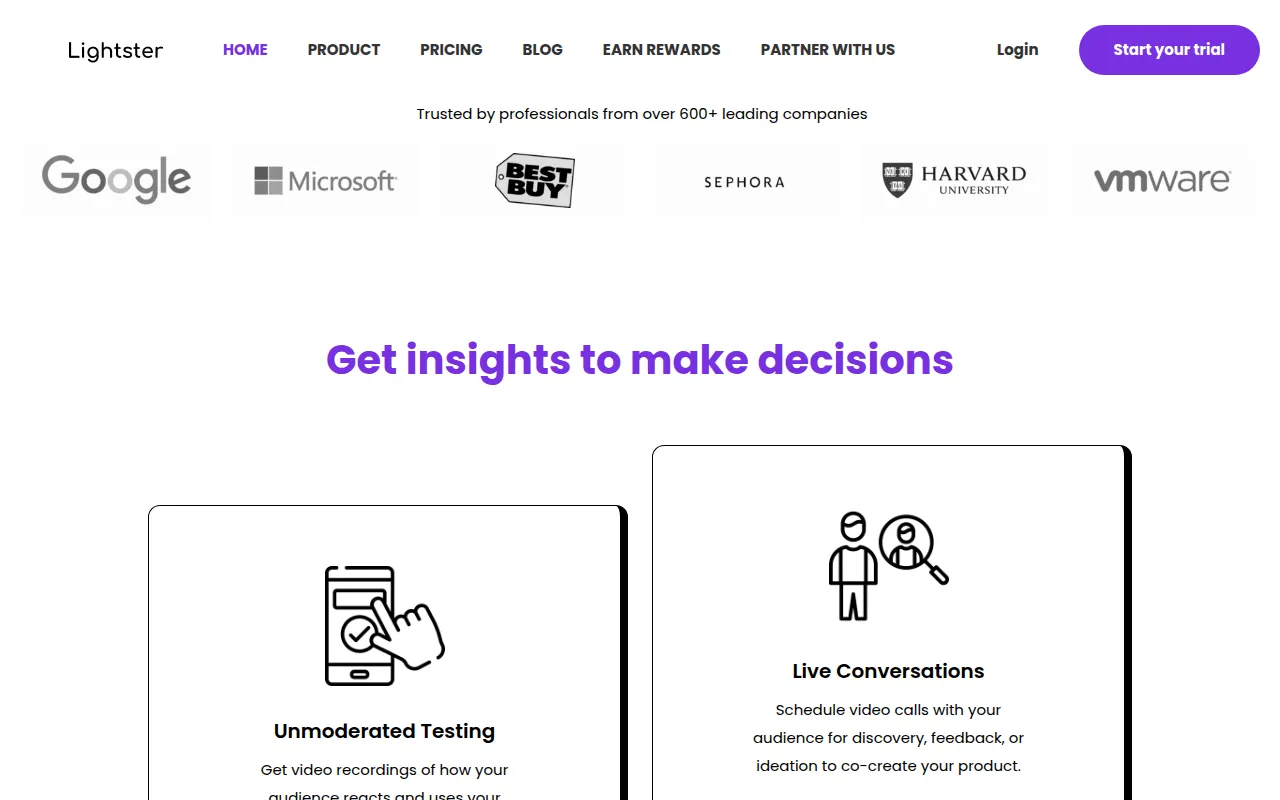
Lightster is a user testing platform that connects product creators with a community of over 10,000 users for live feedback, unmoderated testing, and surveys. The platform supports the discovery phase of product development by matching businesses with users based on criteria such as job title, industry, and location.
It is designed for product teams, startup founders, and researchers who need to validate prototypes or new features. The platform supports scheduling 30-minute live conversations, sending surveys, and recording sessions with AI-generated transcriptions.
Buyers should note that while sessions can be conducted via web or mobile app, screen sharing is only supported on the web version. Targeting options vary by pricing tier.
Key Features
Live Testing Sessions
Supports 30-minute live video conversations with matched users for feedback and ideation.
AI Transcription
Provides automatic voice transcriptions for recorded sessions to help extract key actions.
Audience Targeting
Allows creators to set criteria including age, location, industry, and job title to find specific user matches.
Unmoderated Testing
Provides video recordings of how users react to and interact with a product or prototype.
Surveys
Supports sending surveys to a target audience to validate hypotheses.
Screen Sharing
Supports participants sharing their screens during web-based sessions.
Use Cases
Customer Discovery
Helps startups find early adopters and understand user pain points to support product-market fit.
Feature Validation
Helps product managers test new designs and prototypes with real users before development.
User Research
Supports consultants and researchers in gathering data for business recommendations.
Beta Testing
Connects product creators with real users to identify usability issues before a wider launch.
FAQ
What is a session on Lightster?
- A session is a live conversation between a product creator and a matched user, typically lasting 30 minutes.
Can I use Lightster on a mobile device?
- Yes, sessions can be conducted on both the web and mobile app, though screen sharing is only supported on the web application.
How does the pricing work for sessions?
- Pricing is based on user rewards. For example, a 30-minute session may start at $50 on the free plan or $10 on the Premium plan, including incentives.
Can my team join the user testing sessions?
- Yes, creators can invite an unlimited number of team members or guests to join each session via a join link.
Source category: Productivity
Source subcategory: Usability Testing
More tools in Productivity
Other published listings in the Productivity category.


More tools in the Usability Testing software type
Related listings that share the same software type for comparison and shortlisting.


