AI TOOL PROFILE
LightSpeed VT Review: Learning Management System

- Education and Training
- Learning Management System
- Small Businesses
- Mid-Market Companies
- Training Departments
- Course Creators
Pricing
Pricing was not clearly available from the provided evidence. A 14-day free trial is mentioned; buyers should confirm current pricing on the vendor website.
At a glance
- Best for
- Small Businesses, Mid-Market Companies, Training Departments, Course Creators
- Key use cases
- Professional Course Monetization, Internal Employee Training, B2B Training Solutions, Interactive Lead Generation
- Integrations
- Stripe, Maxio, Zapier, YouTube, Zoom
- Official website
- Visit LightSpeed VT official website
How AI is used
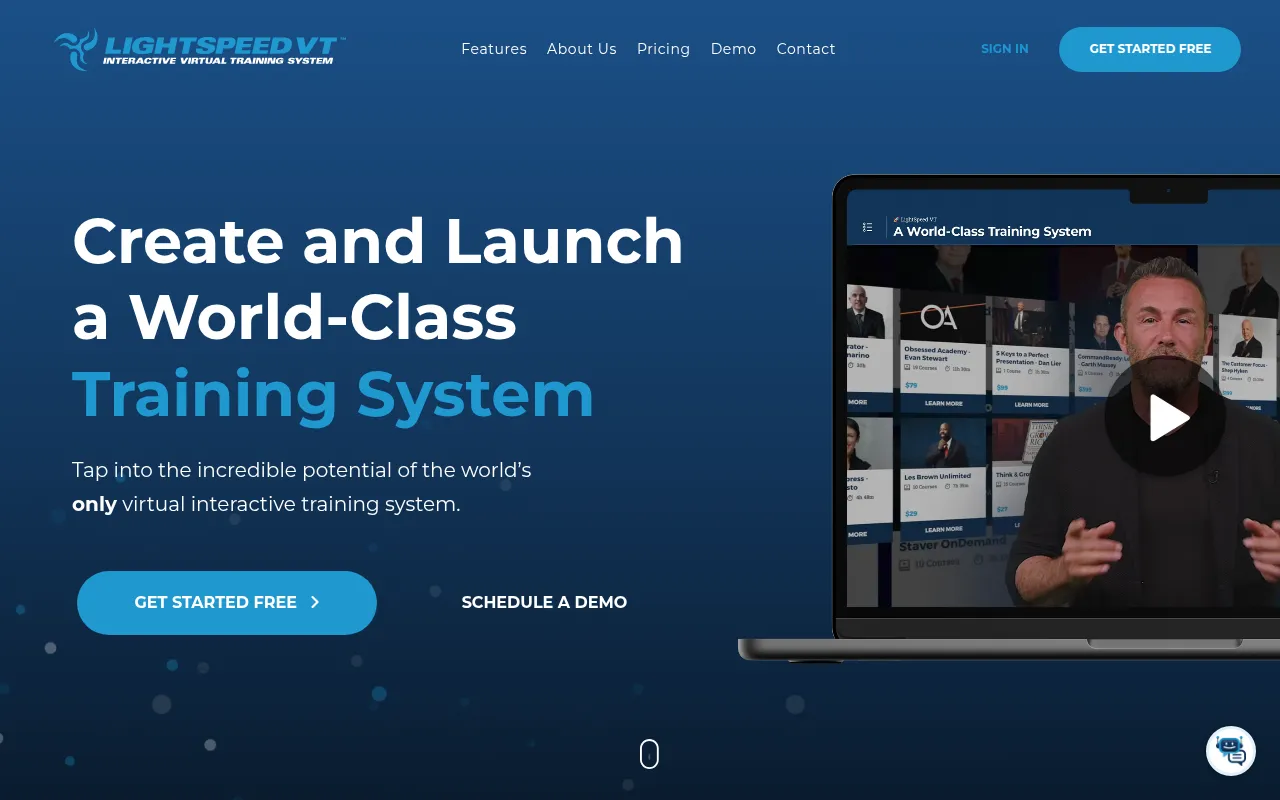
LightSpeed VT is a virtual training system designed for creating and managing interactive e-learning experiences. Rather than serving as a simple video host, it allows users to add interactive elements and questions directly into videos to support learner engagement.
The platform is designed for a range of buyers, from individual subject matter experts looking to sell their knowledge to companies needing to onboard and develop internal teams. It includes tools for course management, community interaction, and payment processing.
Key capabilities include private-label customization, which allows businesses to adjust the system branding, and AI-powered tools for generating captions and test questions. The system also supports a mobile companion app for learners to access content via mobile devices.
Buyers should consider whether they need the specific interactive video features offered here or a simpler static course player, and should confirm how the private-label options fit their brand requirements.
Key Features
Interactive Studio
Allows users to turn regular videos into interactive experiences with embedded questions and tracking.
AI SnapScribe
Supports auto-generating video captions, summarizing course content, and creating test questions.
Private Label Theming
A customization engine to adjust branding, logos, menus, and outgoing emails.
Courseware Management
Supports the creation of video courses with multiple chapters and imports for SCORM 1.2, 2004, AICC, and xAPI.
Monetization Tools
Integrates with Stripe and Maxio for subscription management and direct payments.
Reporting and Dashboards
Provides reports to monitor user progress, certifications, and usage statistics in real time.
VT2GO Mobile App
A companion app that allows learners to browse the training system and download content for offline use.
Use Cases
Professional Course Monetization
Subject matter experts can create, market, and sell interactive training courses using integrated payment tools.
Internal Employee Training
Companies can use the system to onboard new hires and develop existing staff with tracked certifications.
B2B Training Solutions
Using the multi-private label environment to provide tailored training systems for different business clients.
Interactive Lead Generation
Creating interactive landing pages with videos and surveys to gauge audience interest and generate leads.
Integrations
- Stripe
- Maxio
- Zapier
- YouTube
- Zoom
FAQ
What makes LightSpeed VT different from a standard video host?
- LightSpeed VT allows you to add interactive questions and triggers directly into the video and track how users interact with that content in real time.
Can I use my own branding on the platform?
- Yes, the system includes a private-label theming engine that allows you to customize logos, colors, menus, and outgoing emails.
Does LightSpeed VT support mobile learning?
- Yes, it offers a companion app called VT2GO, available on iOS and Android, which supports progress tracking and offline content downloads.
How does the AI functionality work in this tool?
- The AI SnapScribe feature is designed to auto-generate video captions, summarize course content, and craft test questions for learners.
Source category: Education & Training
Source subcategory: Learning Management System
More tools in Education & Training
Other published listings in the Education & Training category.


More tools in the Learning Management System software type
Related listings that share the same software type for comparison and shortlisting.

