AI TOOL PROFILE
Free Subtitles AI: Audio and Video Transcription Tool

- Productivity
- Media Processing
- Content creators
- Journalists
- Small business owners
- Students
Pricing
The tool offers a free tier for files up to 1 hour. Paid credits are available at $0.99 per hour of media processed.
At a glance
- Best for
- Content creators, Journalists, Small business owners, Students
- Key use cases
- Video Subtitling, Interview Transcription, Content Translation, Meeting Documentation
- Official website
- Visit Free Subtitles AI official website
How AI is used
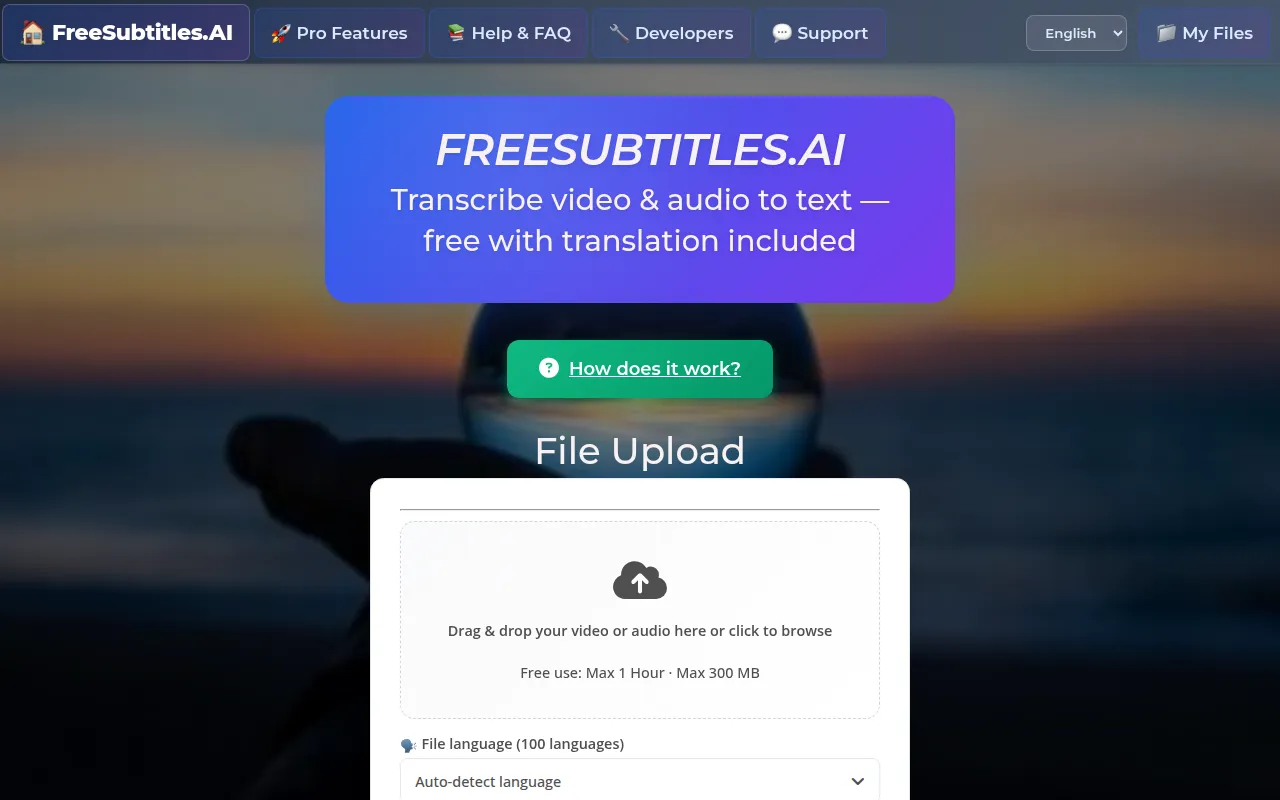
Free Subtitles AI is a media processing tool that converts audio and video files into text. It uses the Whisper Large-V2 open-source model to handle speech recognition and supports file formats including MP4, MKV, MOV, MP3, WAV, and FLAC.
The tool is designed for creators, journalists, and business users who need to generate subtitles or written records of audio. It supports over 100 source languages and can translate content into 91 different languages.
Buyers should note that the free tier has specific file size and length limits. For those requiring larger files or priority processing, a paid credit system is available. Users should also be aware of the automatic data deletion schedules for free accounts.
Key Features
AI Speech Recognition
Uses the Whisper Large-V2 model to convert speech from audio and video files into text.
Multilingual Support
Supports over 100 source languages and provides translation into 91 languages.
Multiple Export Formats
Supports downloading transcriptions in .srt, .vtt, or .txt formats.
Broad File Compatibility
Accepts media formats including MP4, MKV, MOV, MP3, WAV, and FLAC.
No-Account Access
Supports file uploads and transcriptions without requiring a login or account creation.
Use Cases
Video Subtitling
Generating .srt or .vtt files to add captions to video content.
Interview Transcription
Converting recorded journalist or business interviews into written text.
Content Translation
Translating foreign language audio or video files into a different language.
Meeting Documentation
Converting recorded business calls or meetings into text files for record-keeping.
FAQ
How much does Free Subtitles AI cost?
- It is free for files up to 1 hour. For files exceeding those limits or for priority access, paid credits are available at $0.99 per hour.
Do I need to create an account to use the service?
- No, the tool allows users to upload files and get results without needing to create an account or log in.
What happens to my files after transcription?
- Free uploads are automatically deleted after 30 minutes and transcripts after 24 hours. Paid users have media retained for up to one month.
Source category: Productivity
Source subcategory: Media Processing
More tools in Productivity
Other published listings in the Productivity category.


More tools in the Media Processing software type
Related listings that share the same software type for comparison and shortlisting.


