AI TOOL PROFILE
Free AI Voice Cleaner Online

- Productivity
- Media Processing
- Podcasters
- Video Creators
- Business Professionals
- Educators
- Streamers
Pricing
The tool is provided as a free browser-based service.
At a glance
- Best for
- Podcasters, Video Creators, Business Professionals, Educators, Streamers
- Key use cases
- Cleaning Business Meetings, Podcast Post-Production, Video Content Audio Fixes, Field Recording Restoration
- Official website
- Visit Free AI Voice Cleaner Online official website
How AI is used
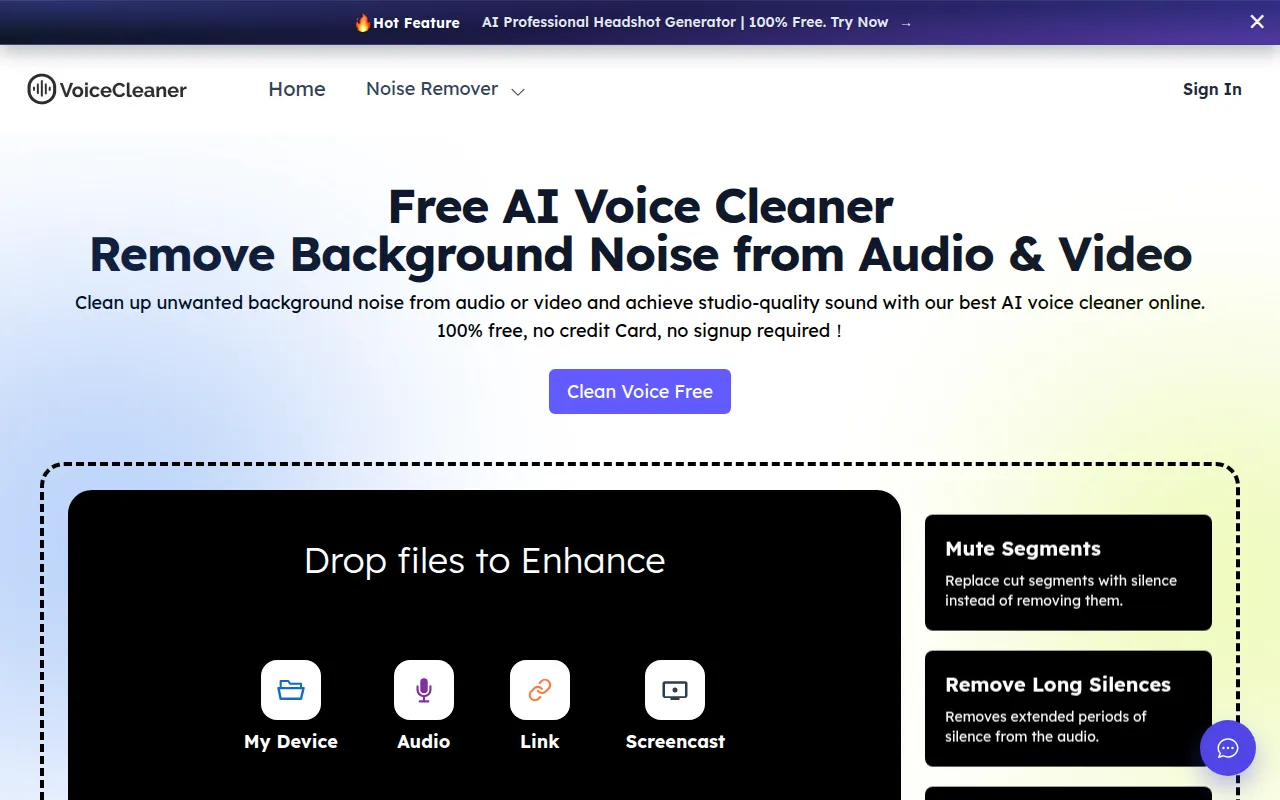
Free AI Voice Cleaner Online is a browser-based tool designed to detect and remove background noise, such as hums, echoes, and static, from audio and video files. It utilizes AI to isolate speech and improve vocal clarity.
The tool is designed for various users, including business professionals, podcasters, educators, and social media creators. It supports common file formats like MP3, WAV, MP4, and MOV, and allows users to record audio in real time directly through the browser.
Users can select specific noise types to remove and choose content categories, such as meetings or voiceovers, to help the AI apply settings. The platform does not require an account or credit card to use.
Buyers should consider that the tool is a web-based utility and should verify if the browser-based upload and download workflow fits their specific production pipeline.
Key Features
Background Noise Removal
Detects and removes hums, echoes, and static from recordings.
Audio and Video Support
Supports multiple formats including MP3, WAV, OGG, MP4, and MOV.
Real Time Recording
Allows users to capture audio directly within the browser for cleaning.
Vocal Enhancements
Includes tools to reduce mouth sounds, filler words, and speech hesitations.
AutoEQ and Normalization
Adjusts equalization and volume levels for consistent audio.
Privacy Controls
Uses SSL encryption and automatically deletes uploaded files within 24 hours.
Use Cases
Cleaning Business Meetings
Removing ambient noise from client calls or team meeting recordings.
Podcast Post-Production
Reducing background hiss and mouth sounds in raw podcast recordings.
Video Content Audio Fixes
Removing wind noise or environmental clutter from video files.
Field Recording Restoration
Cleaning up outdoor interviews or archive recordings containing static.
FAQ
Is Free AI Voice Cleaner Online free?
- Yes, it is a free browser-based tool that does not require a credit card or signup to use.
What files can I upload to the voice cleaner?
- The tool supports various audio and video formats, including MP3, WAV, OGG, MP4, and MOV.
How does the tool handle privacy and security?
- The platform uses SSL encryption and automatically deletes all uploaded files within 24 hours.
Can this tool remove things other than background noise?
- Yes, it includes features to remove mouth sounds, filler words, stuttering, and long silences.
Source category: Productivity
Source subcategory: Media Processing
More tools in Productivity
Other published listings in the Productivity category.


More tools in the Media Processing software type
Related listings that share the same software type for comparison and shortlisting.


