AI TOOL PROFILE
AudioCleaner AI: AI Audio Cleaning Tool

- Productivity
- Media Processing
- Podcasters
- YouTubers
- Online Course Creators
- Sales Representatives
- Vloggers
Pricing
New users receive 35 credits upon registration and can claim 10 additional credits every 24 hours (up to 3 times). Paid subscriptions are available for higher limits.
At a glance
- Best for
- Podcasters, YouTubers, Online Course Creators, Sales Representatives, Vloggers
- Key use cases
- Podcast Audio Cleanup, Video Content Enhancement, Sales Pitch Polishing, Educational Video Production
- Official website
- Visit Free AI Audio Cleaner Online official website
How AI is used
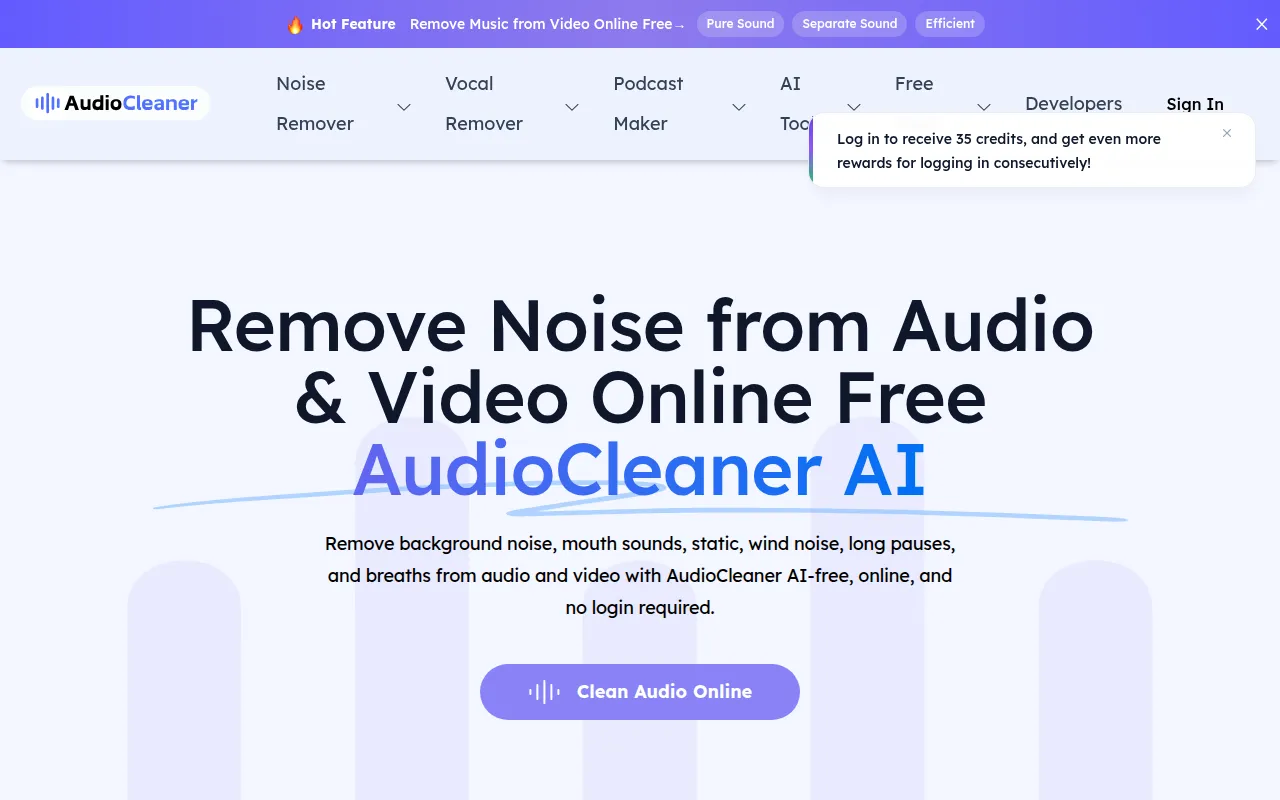
AudioCleaner AI is a browser-based media processing tool that uses AI to remove background noise, mouth sounds, static, and wind noise from audio and video files. It also includes tools for echo and reverb removal, as well as transcription and voice modification features.
The tool is designed for content creators, such as podcasters, YouTubers, and online educators, as well as sales representatives who need to clean up client testimonials or video pitches. It supports common formats including MP3, MP4, WAV, and MOV.
Buyers should note that the tool uses a credit system for new users and deletes files one day after processing. It is an option for users who do not have professional soundproofing or editing skills.
Key Features
Background Noise Removal
Helps remove static, wind noise, and environmental sounds like restaurant chatter or dog barking from files.
Echo and Reverb Removal
Designed to reduce room echo and reverb for voice recordings.
Vocal Cleaning
Supports the removal of mouth sounds, breaths, and long pauses from vocal tracks.
Speech to Text
Transcribes spoken language from audio files into written text.
AI Voice Changer and Cloning
Allows users to modify voice tones or create digital replicas of a voice.
Volume Adjustment
Includes a volume changer to increase or decrease audio levels.
Use Cases
Podcast Audio Cleanup
Reducing remote interview echo and background hiss for a cleaner listening experience.
Video Content Enhancement
Cleaning up audio from vlogs or tutorials recorded in rooms with background noise.
Sales Pitch Polishing
Removing silences and background noise from client testimonials or video pitches.
Educational Video Production
Cleaning up audio for online courses and lessons to help students stay focused.
FAQ
Is AudioCleaner AI free to use?
- New users receive 35 free credits upon registration, with the option to claim additional credits daily. Subscriptions are available for those needing higher limits.
How long are my files stored on the platform?
- Both original and edited files are stored for one day before being permanently deleted.
Does AudioCleaner AI support video files?
- Yes, it can remove noise from video files and supports common formats such as MP4 and MOV.
Source category: Productivity
Source subcategory: Media Processing
More tools in Productivity
Other published listings in the Productivity category.


More tools in the Media Processing software type
Related listings that share the same software type for comparison and shortlisting.


