AI TOOL PROFILE
FotoJet Designer: Online Graphic Design and Collage Software

- Marketing
- Design and Prototyping
- Small Business Owners
- Marketing Agencies
- Non-technical users
- Social media managers
Pricing
FotoJet uses a freemium model. FotoJet Plus is available for $6.99 USD per month or $39.99 USD per year (billed annually), with a 7-day free trial available.
At a glance
- Best for
- Small Business Owners, Marketing Agencies, Non-technical users, Social media managers
- Key use cases
- Social Media Content Creation, Marketing Material Production, Photo Collages, Image Touch-ups
- Official website
- Visit fotojet designer official website
How AI is used
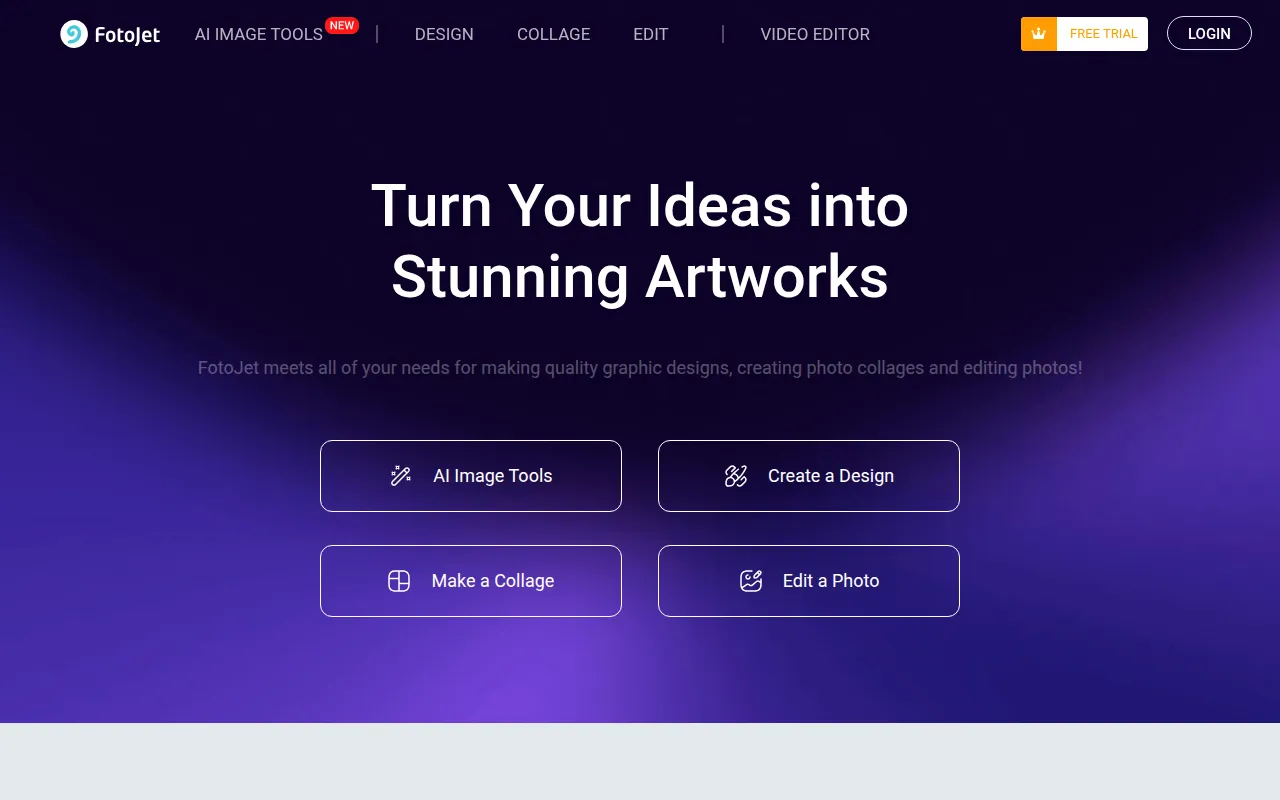
FotoJet is a browser-based design tool used for creating photo collages and graphic assets. It provides a library of over 700 templates and 800 collage layouts, which supports the creation of posters, flyers, and banners by customizing pre-set designs.
The platform is designed for business owners and marketing teams who need to generate visual content for social media or print. It includes basic photo editing functions and a set of AI image tools to handle common editing tasks.
Buyers should confirm that while basic functions are available for free, features such as custom canvas sizes, project storage, and premium templates require a paid subscription. The evidence indicates a mobile version is coming soon, so it is primarily accessed via a computer browser.
Key Features
Template Library
Provides over 700 templates for social media graphics, posters, cards, and banners.
Collage Maker
Offers 800+ collage layouts and templates for creating themed photo montages.
AI Image Tools
Includes features such as an AI object remover, AI text-to-image generator, and AI background remover.
Basic Photo Editing
Supports standard editing tasks including cropping, resizing, rotating, and adding filters.
Design Resources
Provides a collection of clip art, fonts, shapes, and overlays to customize designs.
Use Cases
Social Media Content Creation
Designing Facebook covers, Instagram posts, and YouTube channel art using preset templates.
Marketing Material Production
Creating business flyers, event posters, and promotional brochures.
Photo Collages
Arranging multiple photos into layouts for themed collections or presentations.
Image Touch-ups
Using AI tools to remove objects or upscale image quality for digital use.
FAQ
Do I need to create an account to use FotoJet?
- No, basic use of the tool does not require registration or a download.
What is included in the FotoJet Plus subscription?
- The premium plan provides advanced editing tools, custom canvas sizes, online project and photo storage, and access to premium templates and resources.
Does FotoJet have AI capabilities?
- Yes, it includes AI Image Tools such as an AI Object Remover, AI Text to Image, and AI Background Remover.
Is there a free trial available?
- Yes, FotoJet offers a 7-day free trial of the Plus features, which requires billing information to activate.
Source category: Marketing
Source subcategory: Design & Prototyping
More tools in Marketing
Other published listings in the Marketing category.


More tools in the Design and Prototyping software type
Related listings that share the same software type for comparison and shortlisting.


