AI TOOL PROFILE
Flux: AI-Assisted PCB Design Software

- Software Development
- Design and Prototyping
- Hardware startups
- Electronics engineering firms
- IoT device developers
- Collaborative hardware teams
Pricing
A 14-day free trial is available. Paid plans start at $20/month for Starter, $142/month per editor for Pro, and $158/month per editor for Teams. Enterprise pricing is custom. Additional AI usage (ACUs) costs $2 to $2.50 per unit depending on the plan.
At a glance
- Best for
- Hardware startups, Electronics engineering firms, IoT device developers, Collaborative hardware teams
- Key use cases
- IoT and Smart Home Devices, Wearables and Consumer Electronics, Robotics and Drones, Industrial Control Boards, High-Performance Computing
- Integrations
- Altium ASCII import, Cadence EDIF import, KiCad part library import, Gerber export, Drill file export
- Official website
- Visit Flux official website
How AI is used
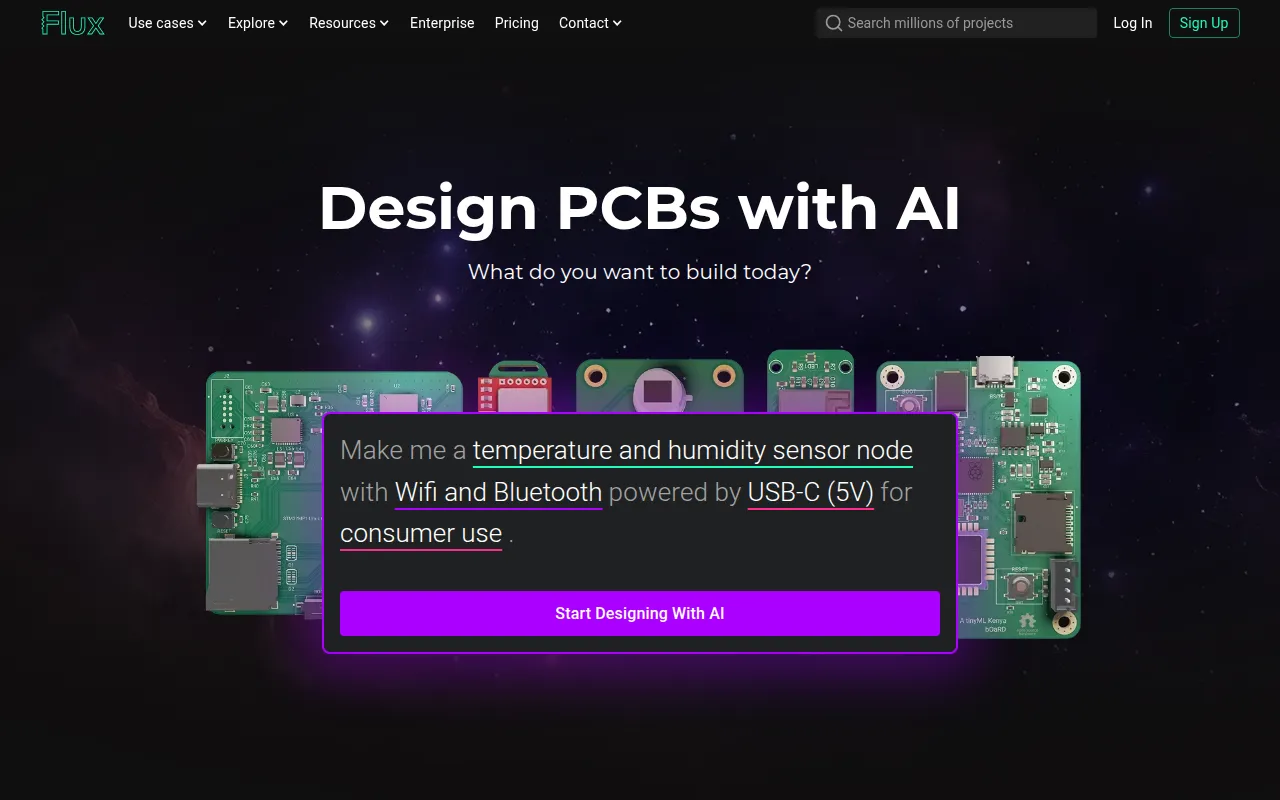
Flux is a cloud-native electronic computer-aided design (ECAD) platform that integrates AI to assist with the printed circuit board (PCB) design process. It operates entirely in the browser, which supports sharing and real-time collaboration between team members.
The tool is designed for hardware engineers and electronics companies building a variety of projects, including IoT sensors and multi-layer boards up to eight layers. It uses an AI copilot to assist with tasks such as researching parts, parsing datasheets, and generating initial layouts.
Buyers should note that while the AI may automate repetitive tasks, the vendor recommends treating the AI like a junior engineer whose work requires review by a professional. Intermediate PCB experience is suggested to validate AI-generated suggestions.
For teams migrating from other tools, Flux supports specific imports for schematics and part libraries; however, buyers should confirm their specific layout needs as layout import is not currently supported.
Key Features
AI Auto-Layout
Supports placing parts and routing designs based on specified constraints.
Real-Time Collaboration
Allows multiple editors to work on a project simultaneously with version control and permissions.
Live Component Data
Connects designs to inventory and pricing data to help keep Bills of Materials (BoM) ready for sourcing.
AI Research & Planning
Helps research parts, parse technical datasheets, and generate netlists using natural language.
Automated Design Rule Checks
Includes validation to check for errors such as unconnected pins or inappropriate tolerances.
Browser-Based Editor
Full ECAD functionality accessible via web browser without requiring software installation.
Use Cases
IoT and Smart Home Devices
Designing connected sensors, gateways, and wireless hubs.
Wearables and Consumer Electronics
Creating compact, multi-layer PCBs for wearable technology.
Robotics and Drones
Developing flight controllers, motion control systems, and power distribution boards.
Industrial Control Boards
Designing motor controllers and custom power converter boards.
High-Performance Computing
Building reconfigurable boards using FPGAs.
Integrations
- Altium ASCII import
- Cadence EDIF import
- KiCad part library import
- Gerber export
- Drill file export
- BoM export
- Pick-and-place export
FAQ
Can I use Flux for free?
- Flux offers a 14-day free trial of premium features. Afterward, you can access public projects and the community for free, but a paid plan is required to edit private projects, use AI, and export files.
What are ACUs in Flux?
- ACUs (AI Consumption Units) are used to meter AI usage, including chat and workflows. Each plan includes a monthly allotment, and additional units can be purchased if the limit is exceeded.
Can I import existing designs from other tools?
- Flux supports schematic imports from Altium (ASCII) and Cadence (EDIF), and part library imports from KiCad. Layout import is not currently supported.
How accurate is the AI design assistant?
- The vendor recommends treating the AI as a junior engineer and suggests that users with intermediate PCB experience review all AI suggestions to ensure accuracy.
Source category: Software Development
Source subcategory: Design & Prototyping
More tools in Software Development
Other published listings in the Software Development category.


More tools in the Design and Prototyping software type
Related listings that share the same software type for comparison and shortlisting.


