AI TOOL PROFILE
Flex Pro - Expense Management Software

- Finance and Accounting
- Expense Management
- Freelancers
- Consultants
- Small agencies
- Contractors
- Professional service providers
Pricing
Flex Pro costs $19 per seat per month. A 14-day free trial is available with no credit card required.
At a glance
- Best for
- Freelancers, Consultants, Small agencies, Contractors, Professional service providers
- Key use cases
- Digital Receipt Archiving, Project-Based Expense Tracking, International Travel Expenses, Accounting Report Preparation
- Integrations
- PDF export, CSV export, JSON export
- Official website
- Visit flexpro official website
How AI is used
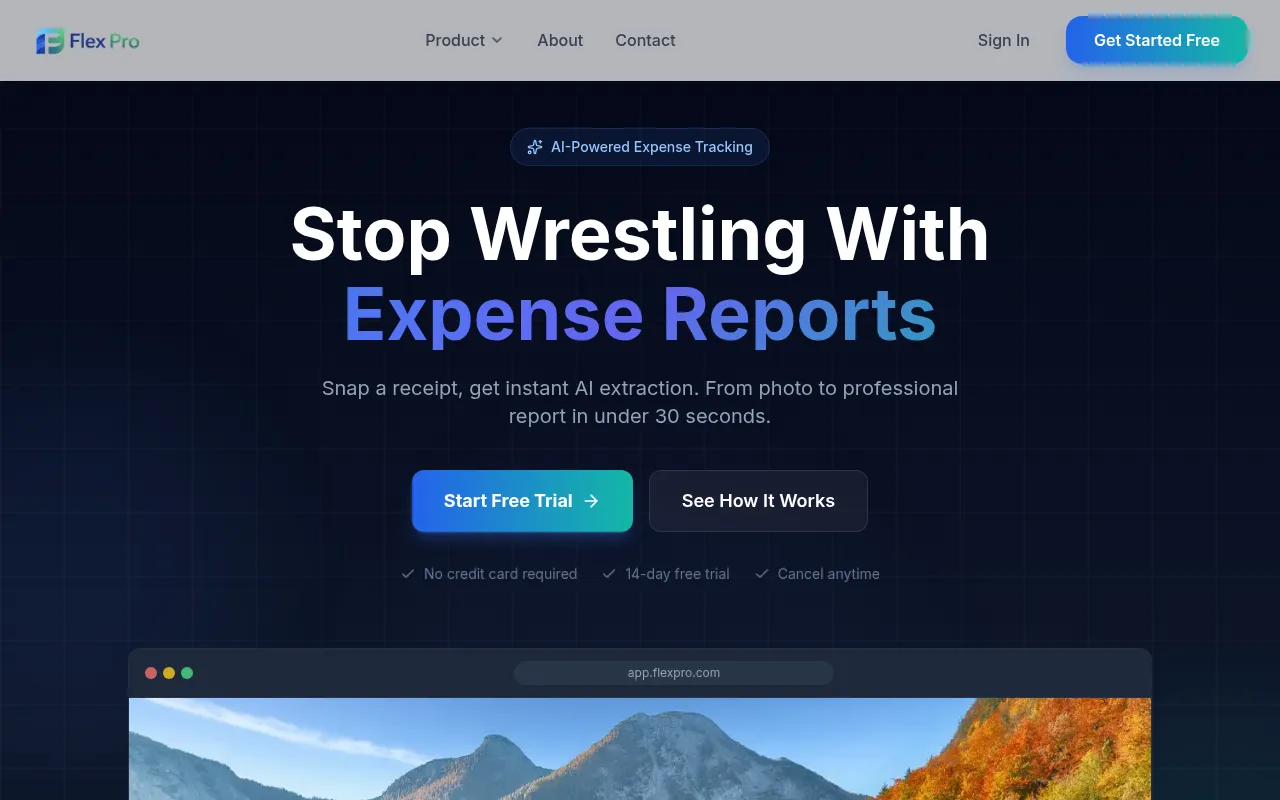
Flex Pro is a digital tool designed to handle the capture and organization of business expenses. It uses OCR technology to read data from receipts—including those that are handwritten or faded—and stores them in a cloud archive.
The software is built for professionals such as consultants, freelancers, and small agency owners. It supports various image formats and provides tools for grouping expenses by project or trip.
Users can generate summary reports for accounting purposes and view spending trends through a visual dashboard. The system includes AES-256 encryption to protect financial data.
Buyers should confirm if the PDF and CSV export formats align with their existing accounting software requirements and if the per-seat pricing fits their team size.
Key Features
AI-Powered OCR Scanning
Extracts merchant, amount, date, and category from JPEG, PNG, HEIC, and PDF receipts.
Automated Reporting
Generates expense reports in PDF or CSV formats.
Multi-Currency Support
Tracks expenses in over 150 currencies with automatic conversion rates.
Trip and Project Tracking
Supports grouping expenses by specific trips, projects, or clients.
Auto-Categorization
Uses AI to sort expenses into categories, which may be customized by the user.
Cloud Sync and Security
Supports synchronization across devices with AES-256 encryption.
Use Cases
Digital Receipt Archiving
Capturing photos of paper receipts via a mobile app to maintain a digital record.
Project-Based Expense Tracking
Associating costs with different clients or projects to support billing.
International Travel Expenses
Managing receipts in multiple foreign currencies and converting them for reporting.
Accounting Report Preparation
Exporting categorized expense data to CSV or PDF for tax filing or reimbursement.
Integrations
- PDF export
- CSV export
- JSON export
FAQ
How does Flex Pro handle different types of receipts?
- It uses AI-powered OCR to extract data from JPEG, PNG, HEIC, and PDF files, and is designed to work with crumpled or handwritten receipts.
Can I try Flex Pro before paying?
- Yes, there is a 14-day free trial that provides access to features without requiring a credit card.
How is the pricing structured?
- Flex Pro uses a pricing model of $19 per seat per month.
Source category: Finance & Accounting
Source subcategory: Expense Management
More tools in Finance & Accounting
Other published listings in the Finance & Accounting category.


