AI TOOL PROFILE
MoneyBook: Financial Management and Book Reconciliation

- Finance and Accounting
- Expense Management
- Small Businesses
- Mid-Market Companies
- Business owners managing their own books
- Operations managers overseeing expense tracking
Pricing
Pricing was not clearly available from the provided evidence. Buyers should confirm current pricing on the vendor website.
At a glance
- Best for
- Small Businesses, Mid-Market Companies, Business owners managing their own books, Operations managers overseeing expense tracking
- Key use cases
- Centralizing Bank Feeds, Digital Statement Processing, Transaction Deduplication, Book Reconciliation
- Integrations
- Plaid
- Official website
- Visit moneybook official website
How AI is used
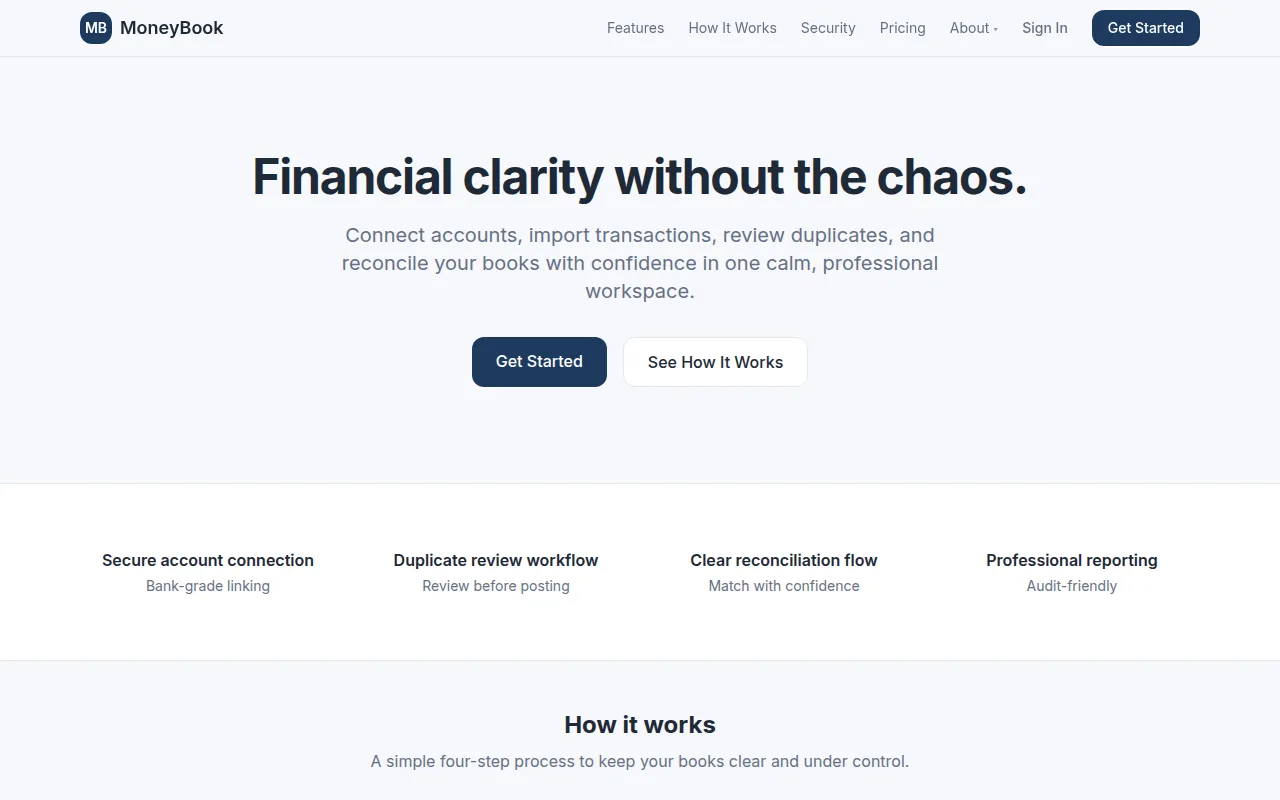
MoneyBook is a financial management platform designed to centralize transaction data from various sources. It supports connecting bank accounts via Plaid or uploading files in CSV, Excel, and PDF formats, which the system then normalizes and maps to a chart of accounts.
The tool is designed for business owners and managers who need a controlled process for financial data entry. It uses a four-step workflow—connecting, reviewing for duplicates, categorizing, and closing—to help maintain an audit trail.
Security features include TLS encryption for data in transit and Google sign-in with optional multi-factor authentication. Because it uses a review queue, transactions do not post to the books until they are verified by the user.
Buyers should confirm if the available reporting and export options meet their specific accounting needs, as the platform focuses on data ingestion and reconciliation.
Key Features
Bank Account Linking
Connects to financial institutions using Plaid to import transaction data.
Multi-Format Data Import
Supports uploading and normalizing data from CSV, Excel, and PDF files.
Duplicate Review Workflow
Includes a review queue to identify and resolve duplicate entries before they are posted.
Chart of Accounts Mapping
Supports mapping imported transaction data to a specific chart of accounts.
Reconciliation Workspace
A dedicated area to match transactions and clear exceptions during the reconciliation process.
Audit-Friendly History
Tracks the source, timestamps, and changes made to financial records.
Executive Reporting
Generates financial summaries and exports for review.
Use Cases
Centralizing Bank Feeds
Linking multiple bank accounts via Plaid to view financial activity in one workspace.
Digital Statement Processing
Importing PDF, CSV, or Excel statements and mapping them to a business chart of accounts.
Transaction Deduplication
Using a review queue to flag and remove duplicate transactions before closing the books.
Book Reconciliation
Using a four-step workflow to categorize transactions and reconcile accounts.
Integrations
- Plaid
FAQ
What does MoneyBook do?
- MoneyBook is a financial management platform that helps users connect bank accounts, import transaction data from files, and reconcile their books through a structured review and categorization process.
How does MoneyBook handle bank security?
- It uses Plaid for bank linking, meaning MoneyBook does not see or store bank passwords. It also uses TLS encryption for data in transit.
Can I import data from files other than bank feeds?
- Yes, MoneyBook supports importing and normalizing data from CSV, Excel, and PDF files.
Source category: Finance & Accounting
Source subcategory: Expense Management
More tools in Finance & Accounting
Other published listings in the Finance & Accounting category.


