AI TOOL PROFILE
BannerBoo Review: HTML5 Banner Maker Software
- Marketing
- Design and Prototyping
- Marketing agencies
- Small business owners
- Freelance designers
- E-commerce stores
- Creative teams
Pricing
Plans start at $15/month for the Start tier, with Pro at $29/month and Plus at $49/month. A free version is available with a 4-banner limit and watermarks.
At a glance
- Best for
- Marketing agencies, Small business owners, Freelance designers, E-commerce stores, Creative teams
- Key use cases
- Creating Animated Display Ads, Social Media Ad Production, E-commerce Product Promotions, Team Creative Management
- Integrations
- Google Ads export, Facebook export, Instagram export, LinkedIn export, Twitter export
- Official website
- Visit bannerboo official website
How AI is used
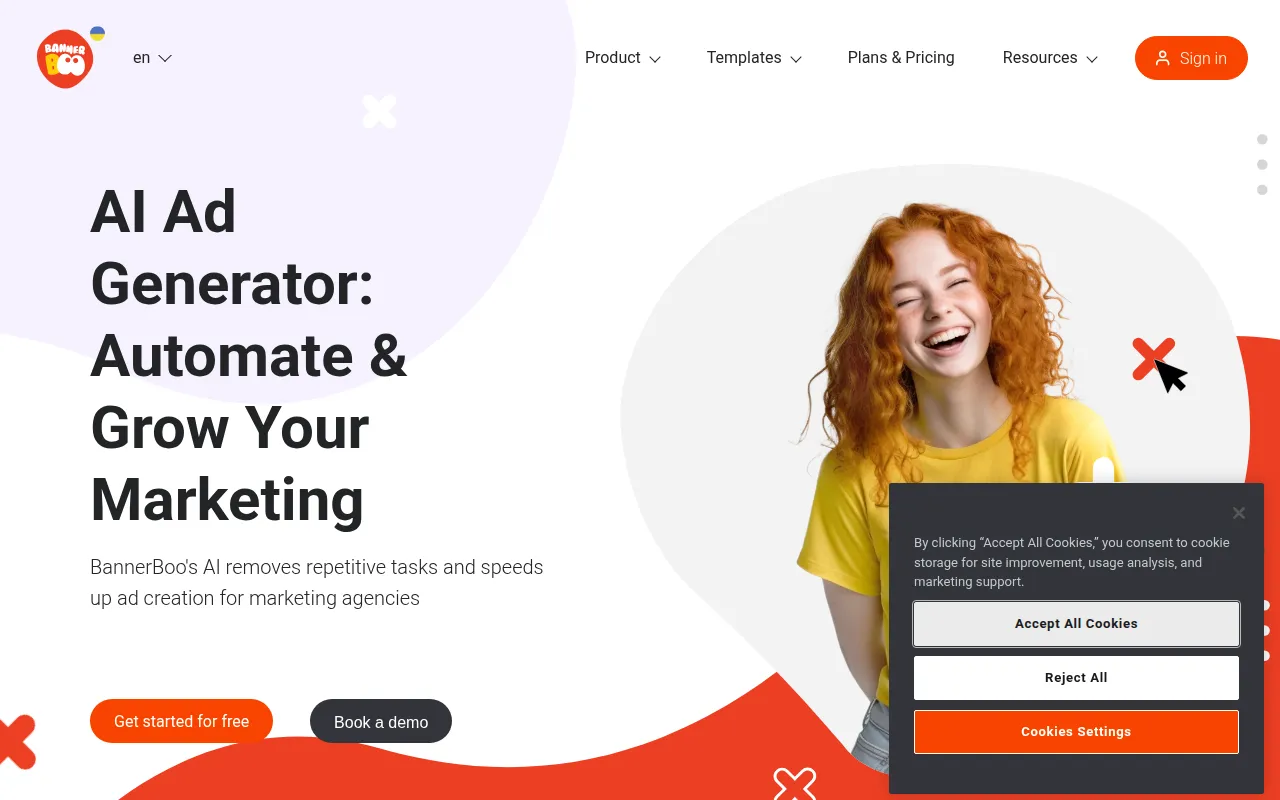
BannerBoo is a cloud-based design tool used to create animated and static banner ads in formats including HTML5, AMPHTML, GIF, MP4, JPEG, and PNG. It is designed for users who need to produce ads without coding or advanced design skills.
The tool is intended for marketing professionals, freelancers, and e-commerce store owners who manage their own ad creative. It provides a library of over 12,000 templates across 30 categories and an AI generator to help start the design process.
For teams, the platform includes a shared workspace for real-time collaboration to coordinate edits between designers and marketers. It supports exporting files for use with major ad networks such as Google Ads, Facebook, and LinkedIn.
Buyers should confirm that certain features, such as animated exports and the removal of watermarks, are tied to paid subscription tiers. Users requiring specific export formats should verify which plan meets their needs.
Key Features
Drag-and-drop editor
A visual editor that allows users to move and adjust design blocks without writing code.
AI Banner Generator
An AI-assisted tool designed to help start the ad creation process.
Template Library
Access to over 12,000 customizable templates across various business categories.
Multi-format Export
Supports exporting creatives in HTML5, AMPHTML, GIF, MP4, JPEG, and PNG.
Real-time Collaboration
Shared workspaces where team members can provide feedback and edit designs in real time.
Banner Resizing
Tools to adapt a single design into multiple sizes and formats for different platforms.
Use Cases
Creating Animated Display Ads
Designing HTML5 or GIF banners for use on the Google Display Network and other ad exchanges.
Social Media Ad Production
Developing visual assets and video ads for Facebook, Instagram, LinkedIn, and Twitter.
E-commerce Product Promotions
Building seasonal sale banners, product catalogs, and carousel ads to highlight merchandise.
Team Creative Management
Using shared workspaces to manage the approval and editing process between marketers and designers.
Integrations
- Google Ads export
- Facebook export
- Instagram export
- LinkedIn export
- Twitter export
FAQ
Do I need design skills to use BannerBoo?
- No, the tool is designed for non-designers and uses a drag-and-drop interface and templates to help simplify the process.
Which file formats does BannerBoo support for download?
- Users can download banners as JPEG and PNG, while paid plans support GIF, HTML, AMP, and MP4.
Is there a free version of BannerBoo?
- Yes, there is a free plan that allows for the creation of up to 4 banners, though it includes watermarks and limited templates.
Source category: Marketing
Source subcategory: Design & Prototyping
More tools in Marketing
Other published listings in the Marketing category.


More tools in the Design and Prototyping software type
Related listings that share the same software type for comparison and shortlisting.


