AI TOOL PROFILE
ExpenseBadger: Invoice Data Extraction and File Renaming

- Finance and Accounting
- Expense Management
- Small business owners
- Professional accountants
- Bookkeepers
- Companies organizing expense accounts
Pricing
Processing a single file is free. A Processing Package for up to 100 files is available for $10 USD, with additional files priced at $0.10 each.
At a glance
- Best for
- Small business owners, Professional accountants, Bookkeepers, Companies organizing expense accounts
- Key use cases
- Bookkeeping Preparation, Digital Archive Organization, Expense Tracking
- Integrations
- Excel export
- Official website
- Visit ExpenseBadger official website
How AI is used
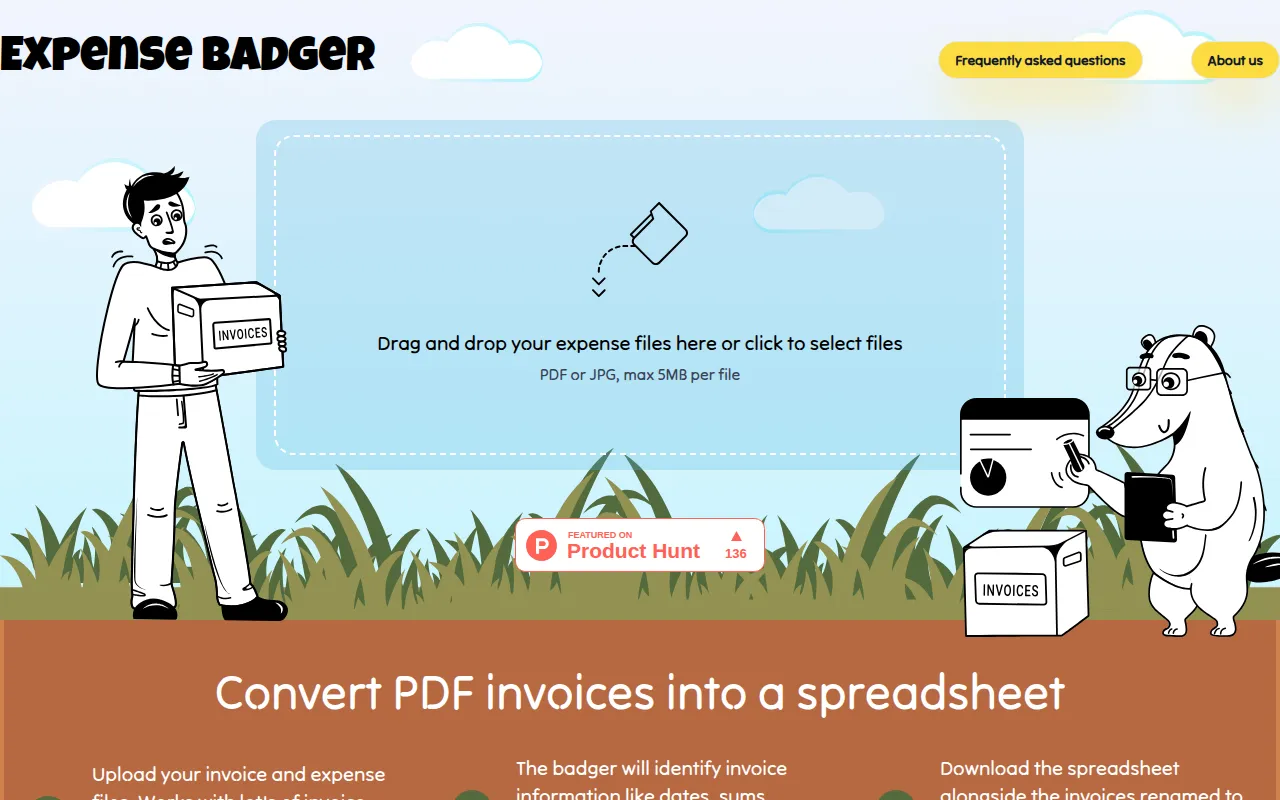
ExpenseBadger is a utility designed to extract billing information from PDF or JPG invoices and receipts. It uses Microsoft AI services to identify key data points and outputs them into a downloadable Excel spreadsheet.
The tool is intended for individuals, professional accountants, and businesses organizing expense accounts for tax season or bank statement matching. By extracting vendor names, dates, and totals, it supports the process of tallying expenses.
The service includes a file renaming feature that changes filenames to include the date, vendor, and amount, which may help users locate specific documents in a folder.
Buyers should note that the service operates on a best-effort basis and provides confidence percentages for each extracted field. Because data extraction is not guaranteed to be correct or complete, users should verify the output against original documents.
Key Features
Invoice Data Extraction
Extracts billing details such as Invoice Date, Vendor Name, Invoice Number, Currency, and Total Amount from PDF and JPG files.
Excel Spreadsheet Generation
Creates a spreadsheet containing the extracted data and includes confidence percentages for each recognized field.
Automated File Renaming
Renames original files using a format containing date, currency, amount, and vendor to help identify documents.
Custom Renaming Templates
Supports the use of Liquid strings to define how extracted data is ordered in the new filename.
Data Privacy Controls
Documents are processed in European datacenters and are deleted from servers after seven days.
Use Cases
Bookkeeping Preparation
Converting digital receipts into an Excel list to support matching with bank statements.
Digital Archive Organization
Renaming PDF invoices to include vendor and date for search and retrieval.
Expense Tracking
Generating a structured spreadsheet of totals and vendors to tally business expenses.
Integrations
- Excel export
FAQ
What data can ExpenseBadger extract from an invoice?
- It is designed to extract the Invoice Date, Vendor Name, Invoice Number, Currency, and Total Amount.
How does the pricing work for multiple files?
- A Processing Package for up to 100 files costs $10 USD, and additional files are priced at $0.10 each.
Are uploaded invoices stored permanently?
- No, documents are deleted from the servers after seven days.
Can I customize how my files are renamed?
- Yes, the tool supports Liquid strings to specify the format for renamed files.
Source category: Finance & Accounting
Source subcategory: Expense Management
More tools in Finance & Accounting
Other published listings in the Finance & Accounting category.


