AI TOOL PROFILE
Datablist Review: AI-Powered Spreadsheet and Data Management

- Data and Analytics
- Data Quality
- Small business owners
- Sales operations managers
- E-commerce operators
- Venture capital analysts
- Recruiting agencies
Pricing
Datablist offers a Free plan with 500 credits per year. Paid tiers include a Starter plan for advanced deduplication and cloud sync, and a Growth plan that adds enrichment automation and REST API access.
At a glance
- Best for
- Small business owners, Sales operations managers, E-commerce operators, Venture capital analysts, Recruiting agencies
- Key use cases
- Lead Generation and Enrichment, Dataset Cleaning, Market Research Automation, Inventory Overview
- Integrations
- Zapier, Make, n8n, CSV import, Excel import
- Official website
- Visit Datablist official website
How AI is used
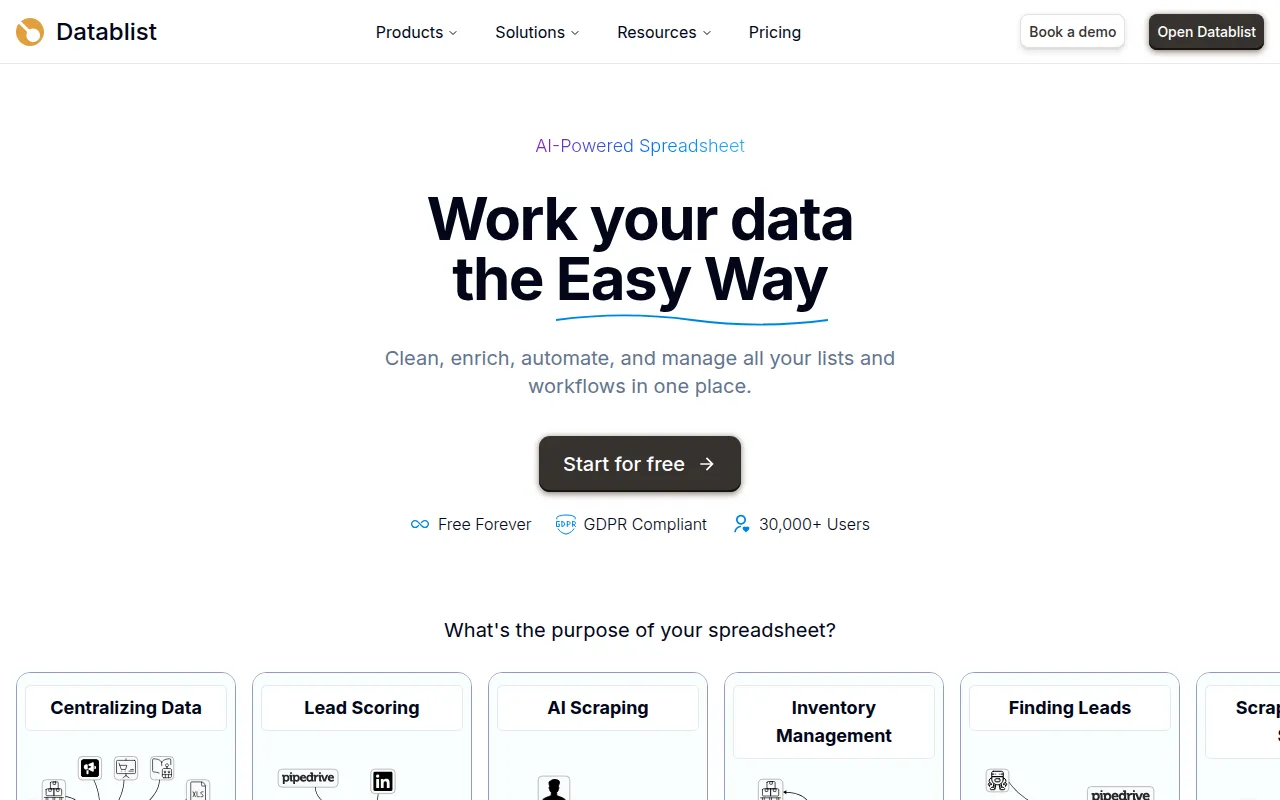
Datablist is an AI-powered spreadsheet platform that acts as a data hub for businesses. It is designed for users who need more automation than traditional spreadsheets provide but require more flexibility than a standard CRM for early-stage data research.
The tool is built for sales teams, e-commerce operations, and growth managers. It supports tasks such as removing duplicate entries across multiple files and extracting information from websites using an AI agent.
Buyers should note that the free version relies on browser storage. Those requiring cloud synchronization and team management should confirm the requirements of paid subscription tiers to prevent potential data loss if browser cache is cleared.
Key Features
AI-Powered Deduplication
Finds and merges duplicate records across one or multiple datasets using algorithms that identify slight variations.
AI Research Agent
Supports automated Google searches and extracts structured data from websites based on plain English prompts.
AI Editor
Allows users to edit, extract, and convert data using AI-driven prompts.
Waterfall Email Finder
Uses a network of over 20 email finders to locate contact information for leads.
Web Scraping Tools
Includes scrapers for job boards, LinkedIn profiles, and e-commerce stores to gather market and lead data.
Data Cleaning
Supports bulk editing, fuzzy matching, and custom AI rules to normalize data structures.
Use Cases
Lead Generation and Enrichment
Sourcing prospects from directories and enriching CRM records with emails and company data.
Dataset Cleaning
Merging multiple CSV files and removing duplicate entries to create a master list.
Market Research Automation
Using the AI agent to monitor pricing pages or extract product reviews across websites.
Inventory Overview
Centralizing supplier catalogs and managing stock levels via a spreadsheet interface.
Integrations
- Zapier
- Make
- n8n
- CSV import
- Excel import
- CSV export
- Excel export
FAQ
Is Datablist free to use?
- Yes, there is a Free plan that is free forever, offering 500 credits per year and unlimited collections stored in the browser.
How is data stored in Datablist?
- Free users store data in their web browser's local database. Paid plans allow collections with up to 100,000 items to be synced to the cloud.
Do I need coding skills to use the AI scraping features?
- No, Datablist is a no-code platform that allows users to describe what data they want to scrape using plain English prompts.
What are credits used for in Datablist?
- Credits are used for enrichments that rely on third-party APIs, such as OpenAI, Google Translate, and email finders.
Source category: Data & Analytics
Source subcategory: Data Quality
More tools in Data & Analytics
Other published listings in the Data & Analytics category.


More tools in the Data Quality software type
Related listings that share the same software type for comparison and shortlisting.