AI TOOL PROFILE
Cosmos Forms: Mobile Form Builder and Field Data Collection

- Operations
- Form Builder
- Field service businesses
- Construction and mining operations
- Manufacturing plant managers
- Property management companies
- HSE leaders
Pricing
Pricing starts at $250 per 10 users per month for Cosmos Service, with Cosmos Insights available for $125 per month. Tiers for 100, 300, and 500+ users require contacting the vendor.
At a glance
- Best for
- Field service businesses, Construction and mining operations, Manufacturing plant managers, Property management companies, HSE leaders
- Key use cases
- Field Inspections and Audits, Asset and Inventory Tracking, Worker Onboarding and Compliance, Field Work Order Management
- Official website
- Visit cosmos forms official website
How AI is used
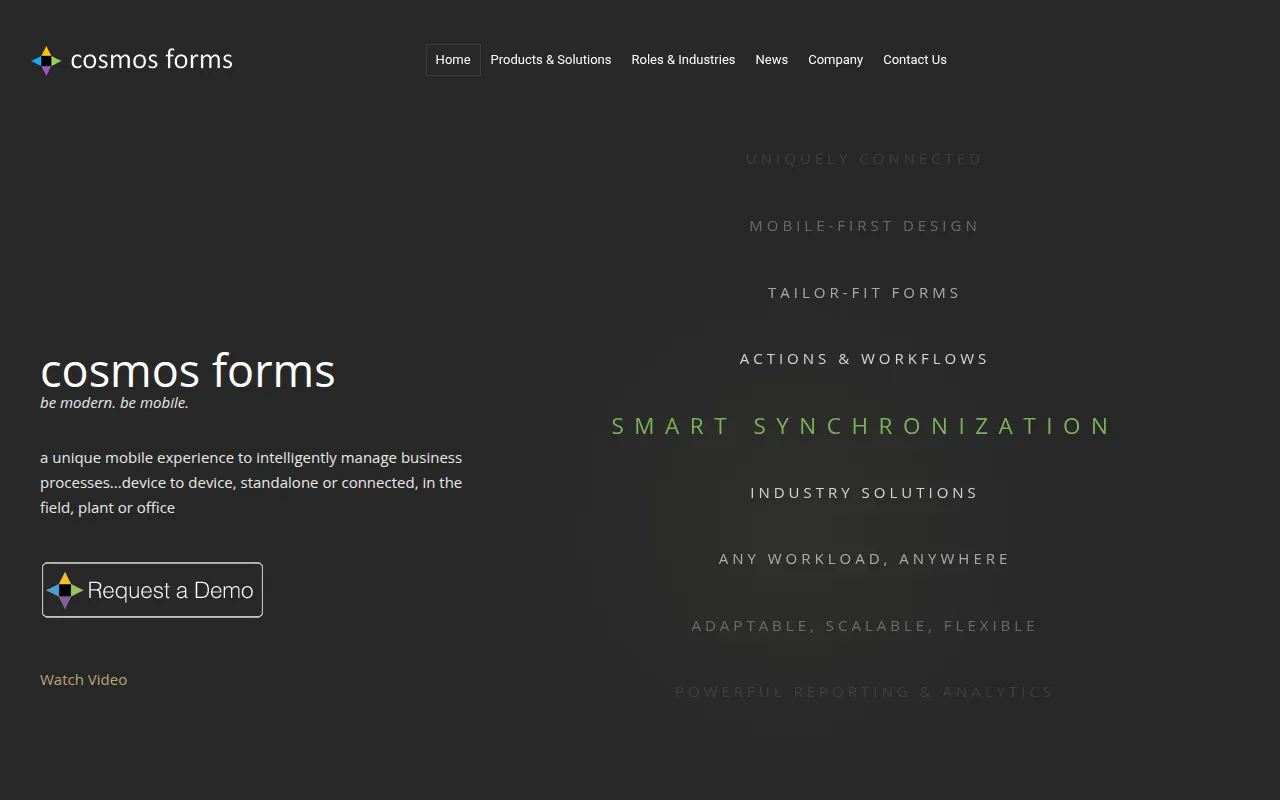
Cosmos Forms is a mobile-first platform designed to replace paper and spreadsheet-based business processes. It provides a drag-and-drop designer for creating digital forms accessible via smartphones, tablets, and laptops in the field, plant, or office.
The tool is designed for organizations with distributed workforces, such as those in construction, energy, and manufacturing. It helps teams capture data at the source, route forms for approval, and track corrective actions without requiring users to return to a central office to sync data.
Beyond data entry, the platform includes modules for operations management and business intelligence reporting, which may help managers track worker certifications, manage assets, and visualize trends from collected field data.
Buyers should confirm if their specific routing needs and user counts align with the tiered pricing model and verify that the reporting tools meet their internal analysis requirements.
Key Features
Drag-and-Drop Designer
A no-code interface for creating forms with conditional logic to hide or show fields based on previous answers.
Device-to-Device Routing
Supports sending forms and actions directly between mobile devices for approvals and reviews.
Background Synchronization
Syncs data in the background when a network is available, supporting offline data capture.
Field Data Capture Tools
Includes QR code and barcode scanning, GPS tracking, and image capture with annotation.
Form Versioning
Supports updates to forms without interrupting users currently completing an older version.
Automated Triggers
Supports pre-defined rules to trigger email or text notifications to supervisors, customers, or vendors.
Use Cases
Field Inspections and Audits
Digitizing site inspections, vehicle checks, and safety audits to replace paper checklists.
Asset and Inventory Tracking
Using QR code and barcode scanning to identify equipment and track inventory on-site.
Worker Onboarding and Compliance
Managing employee onboarding processes and tracking worker certifications and training records.
Field Work Order Management
Creating, assigning, and tracking work orders or service tickets from the office to field technicians.
FAQ
Does Cosmos Forms work offline?
- Yes, it is designed for offline use and uses background synchronization to upload data automatically once a network connection is established.
Who is Cosmos Forms designed for?
- It is designed for businesses with field, plant, or office operations, particularly in industries like construction, energy, mining, and property management.
What is the minimum pricing for Cosmos Forms?
- The starting price is $250 per 10 users per month for the Cosmos Service plan.
Do I need a developer to create forms?
- No, the platform uses a no-code drag-and-drop designer that allows business teams to create and publish their own forms.
Source category: Operations
Source subcategory: Form Builder
More tools in Operations
Other published listings in the Operations category.


More tools in the Form Builder software type
Related listings that share the same software type for comparison and shortlisting.


