AI TOOL PROFILE
dotForm Review: AI-Powered Form Builder

- Productivity
- Form Builder
- Small businesses
- Mid-market companies
- Marketing agencies
- Teams needing HIPAA-ready storage
Pricing
Paid plans start at $19/month for Pro. Higher tiers include Business ($59/month) for team management and AI generation, and Agency ($297/month) for white-labeling.
At a glance
- Best for
- Small businesses, Mid-market companies, Marketing agencies, Teams needing HIPAA-ready storage
- Key use cases
- Lead Collection, Secure Document Collection, Agency Client Management, Form Optimization
- Integrations
- Slack, Zapier, HubSpot, Salesforce, Google Sheets
- Official website
- Visit dotForm official website
How AI is used
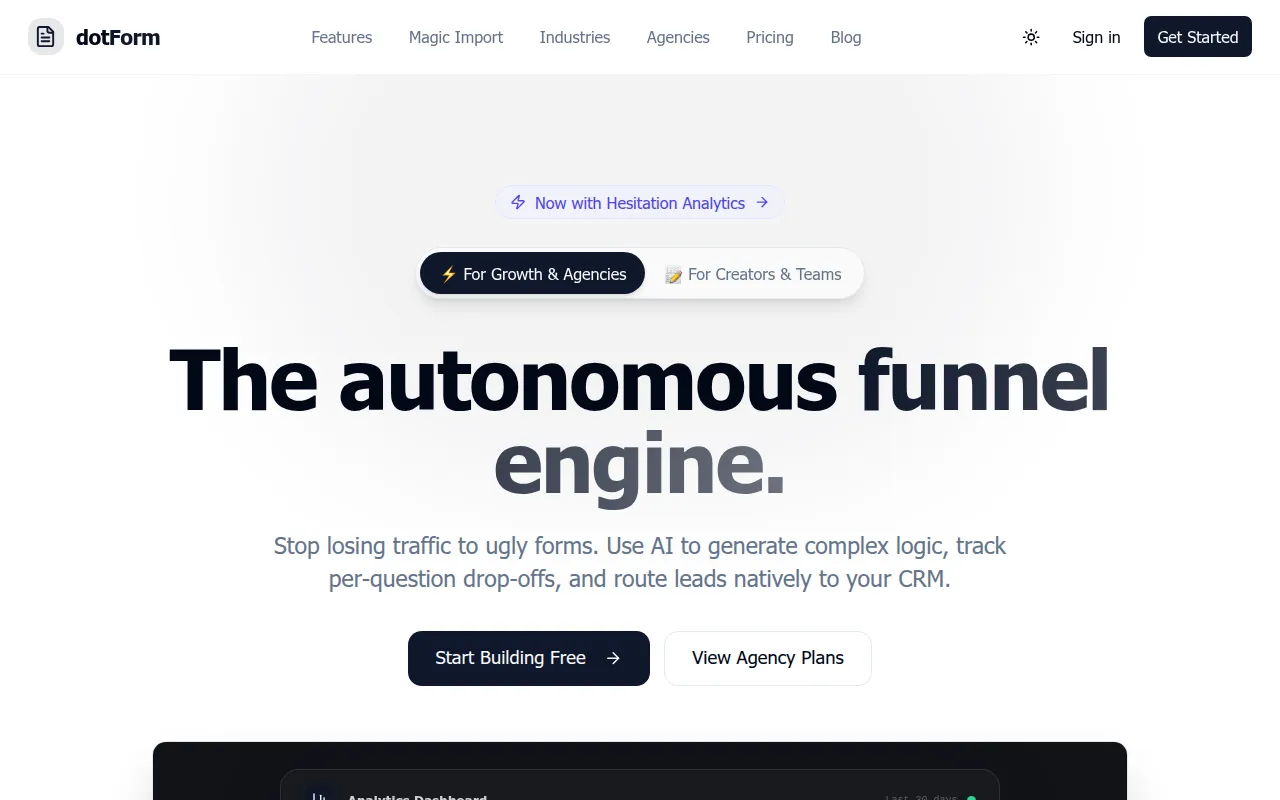
dotForm is a form creation platform for teams and agencies. It allows users to build forms using a drag-and-drop interface with over 15 field types or by using an AI generator that creates the structure based on a text description.
The tool provides features such as per-question drop-off tracking, UTM attribution, and partial submission recovery to help identify where respondents abandon a form.
For businesses with compliance needs, the platform supports E-Signatures and HIPAA-ready storage. It also includes team collaboration with roles and permissions to manage access across an organization.
Buyers should confirm which plan they need based on submission volume and whether they require AI generation or white-label capabilities, as these are available on higher-tier plans.
Key Features
AI Form Generation
Generates form structures, labels, and validation rules based on plain English descriptions.
Drag-and-Drop Builder
Visual editor featuring 15+ block types including ranking, scales, and file uploads.
Conversion Analytics
Tracks completion funnels, per-question drop-offs, and response trends in real time.
Partial Submission Recovery
Auto-saves answers on field changes and supports sending resume links to abandoned respondents.
Enterprise Security
Includes E-Signatures, password-protected forms, and HIPAA-ready storage.
UTM Attribution
Automatically captures UTM source, medium, and campaign data for each submission.
Use Cases
Lead Collection
Creating custom intake forms to capture prospect information and tracking the conversion funnel.
Secure Document Collection
Using E-Signatures and HIPAA-ready storage for sensitive data collection.
Agency Client Management
Using white-label workspaces to build and manage forms for multiple clients.
Form Optimization
Analyzing per-question drop-off rates to help identify high-friction fields.
Integrations
- Slack
- Zapier
- HubSpot
- Salesforce
- Google Sheets
- Notion
- Stripe
- Mailchimp
- Airtable
- Webhooks
FAQ
Does dotForm have a free plan?
- Yes, there is a free plan that supports up to 5 forms and 100 submissions per month.
How does the AI form generation work?
- Users describe the needed form in plain English, and the AI automatically generates the structure, block types, and validation rules.
Which plan is required for AI generation and team management?
- AI form generation and team roles/permissions are available on the Business plan and higher.
Is dotForm secure for healthcare data?
- dotForm offers HIPAA-ready storage and E-Signatures for businesses requiring security and compliance.
Source category: Productivity
Source subcategory: Form Builder
More tools in Productivity
Other published listings in the Productivity category.


More tools in the Form Builder software type
Related listings that share the same software type for comparison and shortlisting.


